
Set Link Expiration
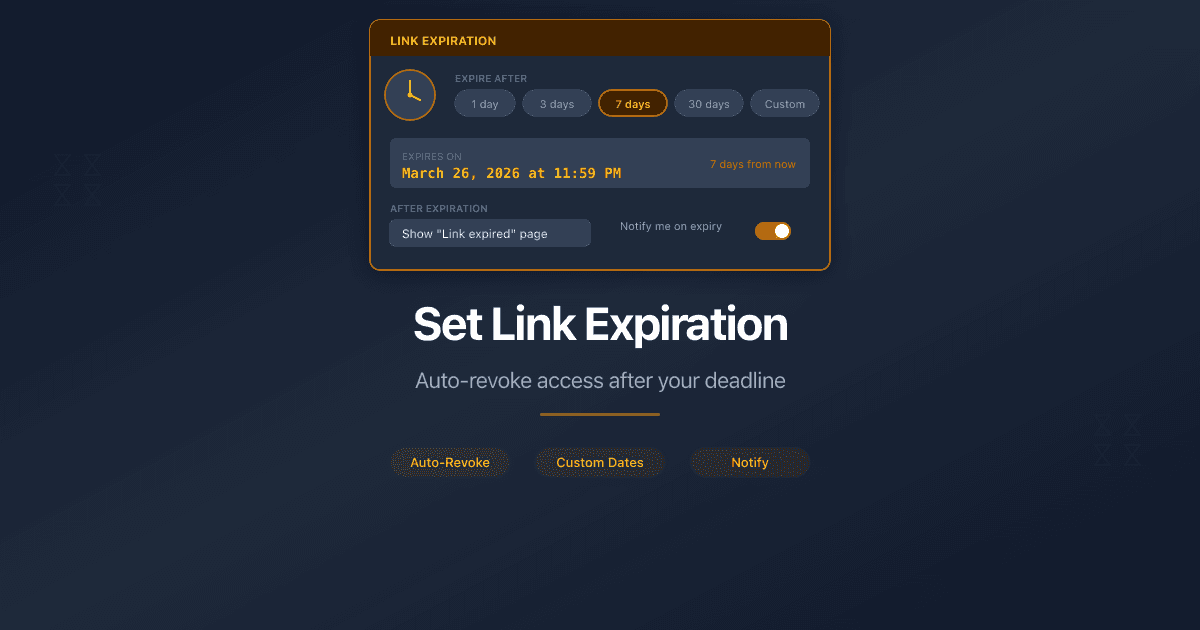
How Do I Set Link Expiration?
PaperLink lets you set an expiration date on any sharing link. After the selected date, the link stops working and viewers see a "Document Unavailable" page.
Use expiration dates for time-sensitive documents - tender responses, pitch decks, draft contracts, or any file that should not remain accessible indefinitely.
Set Expiration When Creating a Link
- Open a document from Shared Documents in the sidebar.
- Click Create Link at the bottom of the document page.
- Scroll to the Link Settings section.
- In the Expiration Date field, pick a date using the calendar selector. The earliest selectable date is today.
- Click Create Link to save.
The label below the date field reads "Link will stop working after this date." If no date is selected, it reads "No expiration - link will work forever."
Set or Change Expiration on an Existing Link
- Open the document that has the link.
- Click the link to open its settings.
- Click Edit.
- In the Expiration Date field, pick a new date or change the existing one.
- Click Save Changes.
To remove an expiration entirely, check the Remove expiration checkbox that appears below the date field. This makes the link permanent again.
Changing the expiration date does not change the link URL. Recipients keep using the same address - the new date applies immediately.
What the Viewer Sees After Expiration
When a link expires, viewers see a "Document Unavailable" page. The page does not reveal the specific reason - whether the link expired, the document was removed, or the owner deactivated the link.
PaperLink checks expiration before all other access controls. An expired link does not prompt for a password, email, or agreement signature.
All analytics data collected before expiration remains in your dashboard. Expiration does not delete view history.
Can You Reactivate an Expired Link?
Yes. Open the link settings and either pick a new future date or remove the expiration entirely. The link becomes active again immediately using the same URL.
Related
- Create a Sharing Link - full guide to link creation and all settings
- Require an Agreement Before Viewing - NDA or custom agreement gate
- Set Expiration Dates on Shared Document Links - why link expiration matters, use cases, and layered security
- Understand Viewer Analytics - what each metric means in the analytics dashboard
Σας φάνηκε χρήσιμο αυτό το άρθρο;
Χρειάζεστε περισσότερη βοήθεια;
Περιηγηθείτε στο κέντρο βοήθειας ή επικοινωνήστε με την ομάδα μας για εξατομικευμένη υποστήριξη.
Σχετικά άρθρα
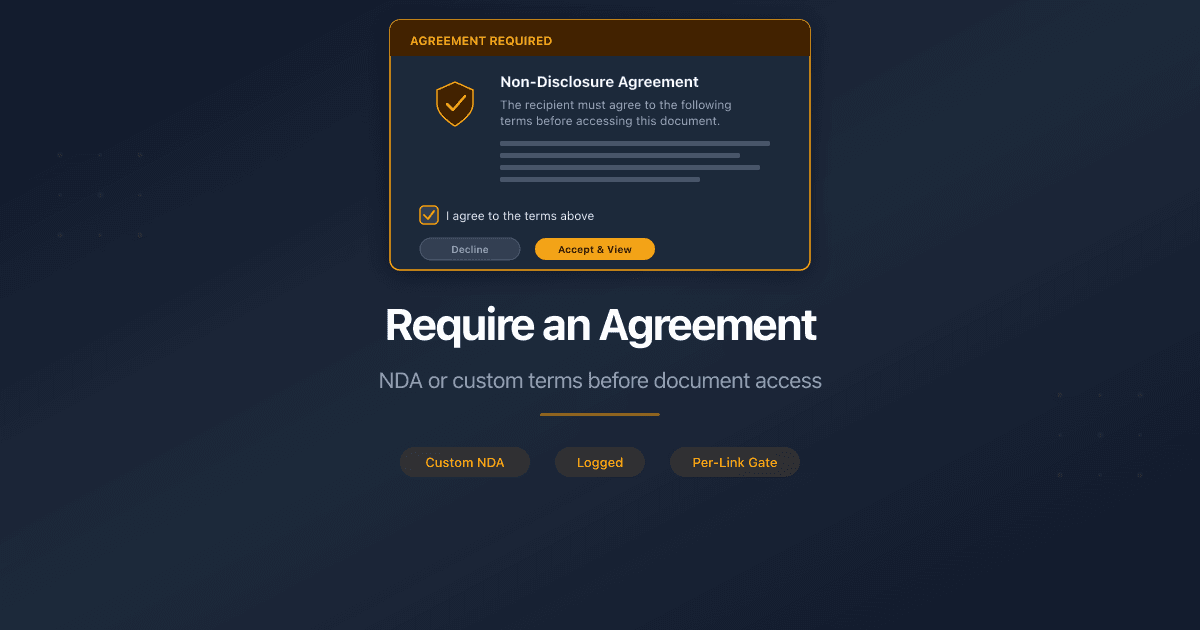
Require an Agreement Before Viewing
Require viewers to sign an NDA or custom agreement before accessing a shared document. Full audit trail with downloadable PDF proof.
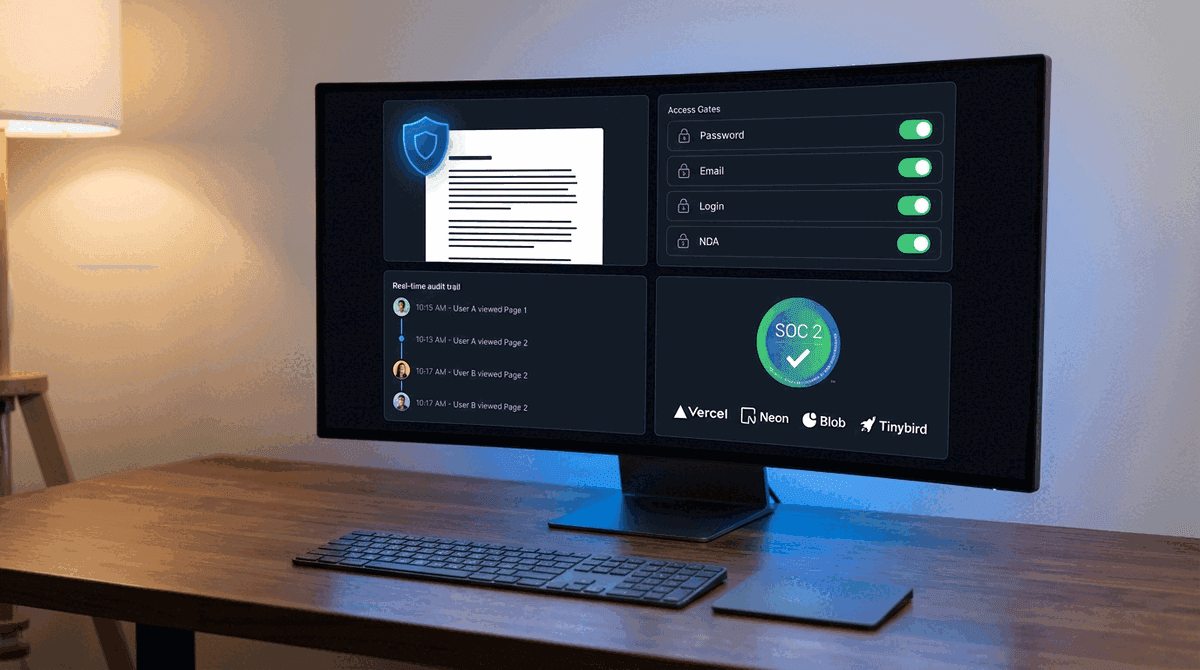
How PaperLink Protects Your Documents
A transparent look at PaperLink's security architecture - encryption, access gates, audit trails, and the infrastructure certifications that protect your shared documents.
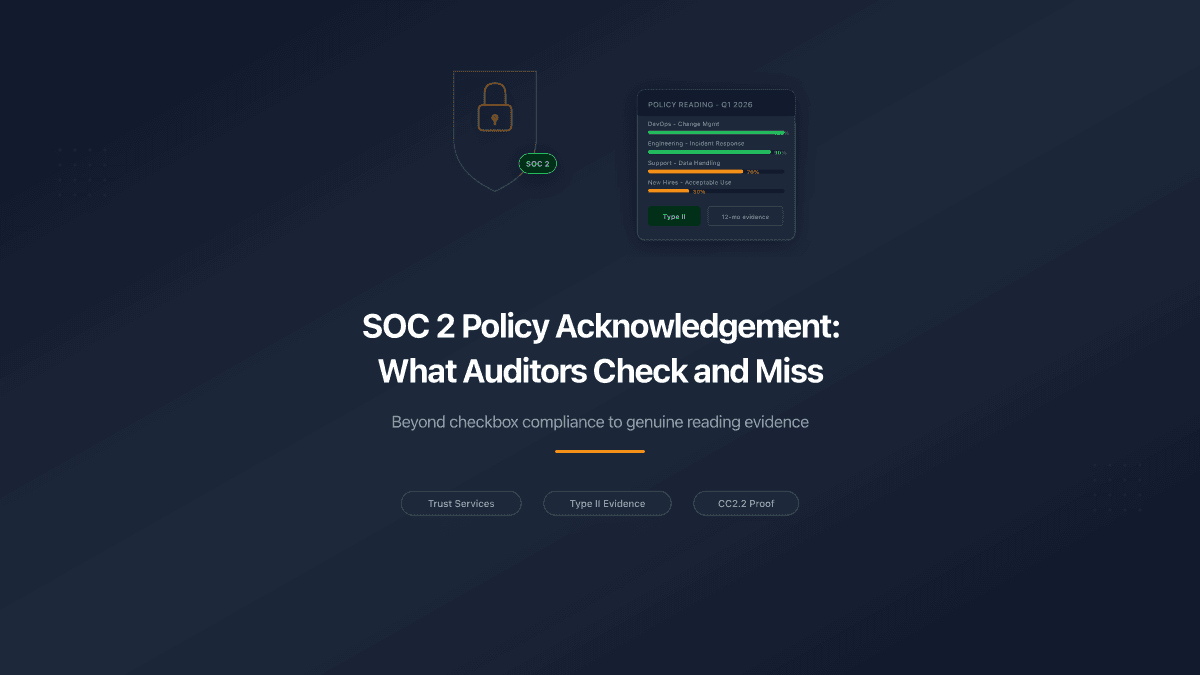
SOC 2 Policy Acknowledgement: What Auditors Check and What They Miss
SOC 2 Type II auditors want proof your team read security policies - not just that policies exist. Here's what evidence satisfies CC2.2 and what falls short.
Secure Document Sharing for Due Diligence
What secure document sharing for due diligence requires: access controls, audit trails, NDA gates, and compliance. A checklist for M&A, legal, KYC, and corporate services.