Import a File from URL or Pasted Text
How Do I Import a File from URL or Pasted Text?
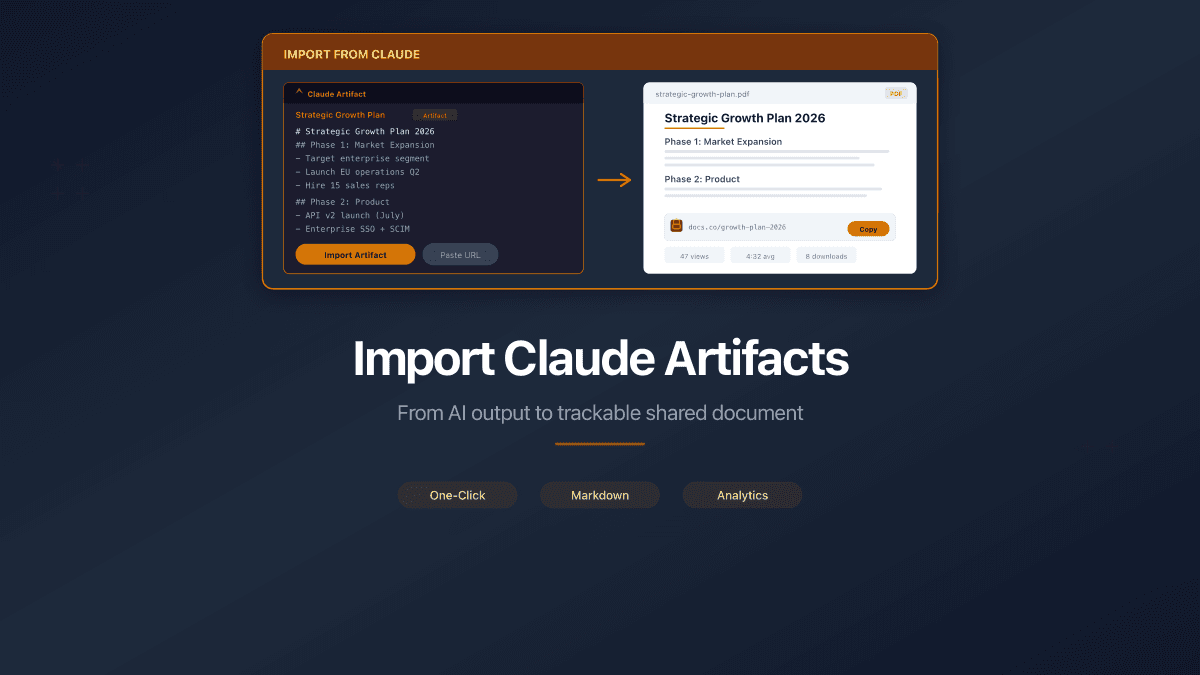
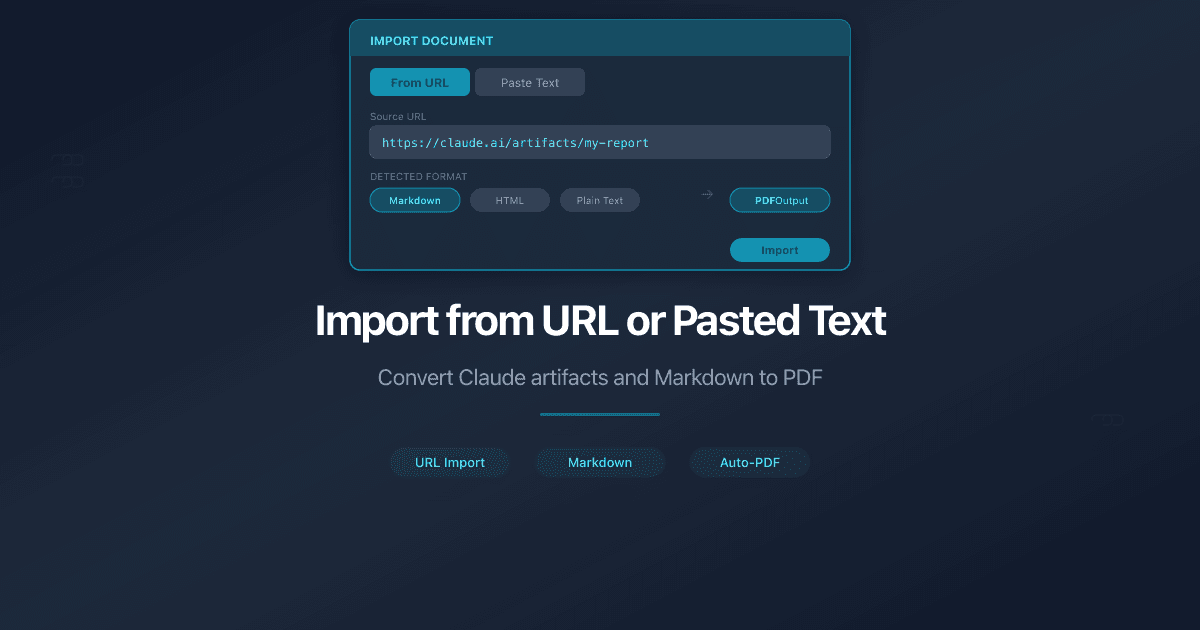
PaperLink converts a published Claude artifact URL or pasted Markdown text into a PDF file you can share with view analytics.
Use this when you create content in Claude - proposals, reports, plans, CVs - and want to share it professionally with tracking for who viewed, how long, and from where.
How Do I Import from a Claude Artifact URL?
- Go to Shared Documents from the sidebar.
- Click Add Document.
- Select From URL.
- Paste the published artifact URL into the field. The format is
https://claude.ai/public/artifacts/.... - Click Import as PDF.
- PaperLink fetches the artifact and converts it to PDF. This takes a few seconds.
The file name is extracted automatically from the first heading in the artifact. You can rename it later.
The artifact must be published before you can import it. In Claude, click Share, then Publish to make the artifact public.
After import, the original Claude artifact URL appears in the file details under Source. This link is visible only to you - visitors of your shared links do not see it.
How Do I Paste Text as PDF?
- Go to Shared Documents from the sidebar.
- Click Add Document.
- Select Paste Text.
- Enter a name in the Document name field.
- Paste your text into the text area. Markdown formatting is supported: headings, bold, italic, lists, tables, and code blocks all convert to styled PDF.
- Click Convert to PDF.
Copy text directly from a Claude conversation or any Markdown editor. PaperLink converts it to a formatted PDF with proper typography - no manual formatting needed.
What Happens Next
The new file appears in your document library as a standard PDF. From here you can:
- Create a sharing link with custom settings (password, email gate, expiration)
- Track views - see who opened the document, how long they spent, and which country they viewed from
- Rename or delete the file like any other document
Both import methods create identical PDF files. All sharing features and analytics work the same as for manually uploaded documents.
Related
- Upload Documents - drag and drop or browse to upload a PDF file directly
- Create a Sharing Link - share the imported file with a trackable link
- Import Claude Artifacts as Trackable Shared Documents - why this feature exists and what's coming next
- How to Share Markdown Documents Professionally - why converting to PDF improves your sharing workflow
- Turn AI Output into Shareable Documents - share ChatGPT, Claude, and Gemini output with analytics
¿Te resultó útil este artículo?
¿Necesitas más ayuda?
Explora nuestro centro de ayuda o contacta a nuestro equipo para asistencia personalizada.