Premiers pasSign In to PaperLinkSign in to PaperLink with Google, LinkedIn, or Telegram. No password needed - pick your provider and you're in.2 min de lecture
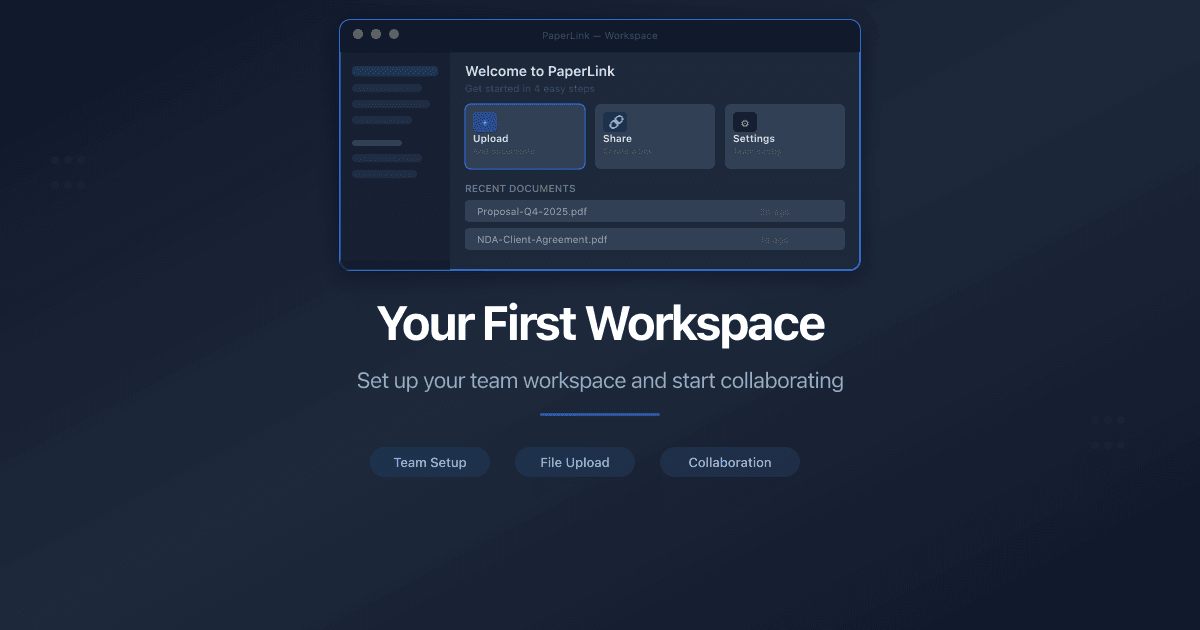
Premiers pasYour First Workspace - What PaperLink Creates for YouAfter your first sign-in, PaperLink sets up a ready-to-use workspace with a team, company, client, product, financial accounts, and expense categories.6 min de lecture
Premiers pasChange the Interface LanguageHow to change the PaperLink interface language through settings or URL. Supported languages, auto-detection, and how preferences are saved.3 min de lecture
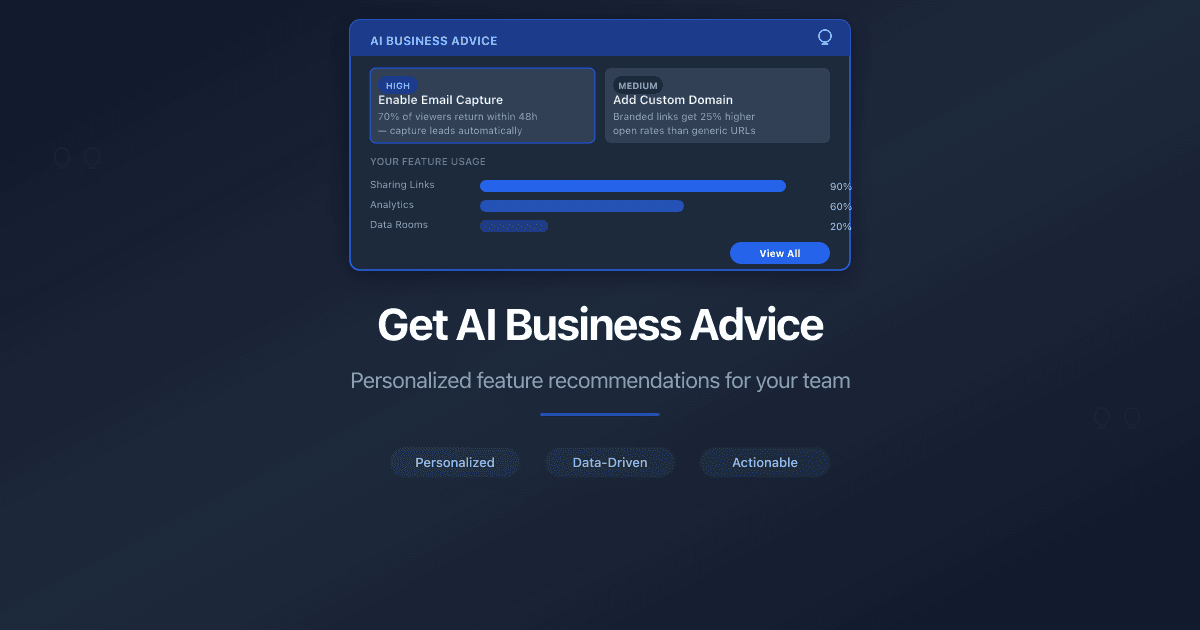
Premiers pasGet AI Business AdviceDescribe your business and get a personalized AI recommendation on where to start in PaperLink - which features to use first and how to set up your workspace.3 min de lecture
Premiers pasManage Connected AccountsHow to manage your PaperLink login methods. Connect or disconnect Google, LinkedIn, and Telegram from your profile settings.2 min de lecture
Premiers pasConnect PaperLink to Your AI AssistantConnect PaperLink to Claude or ChatGPT to manage invoices, clients, and documents through natural language.2 min de lecture
Partage et accèsCreate a Sharing LinkLearn how to create a sharing link for a document in PaperLink. Set access controls, name your link, and share it with clients.3 min de lecture
Partage et accèsManage Link SettingsAll sharing link settings in PaperLink: access control, viewer permissions, expiration, custom URLs. Edit any time after creation.5 min de lecture
Partage et accèsCollect Documents with Document RequestsAttach a document checklist to any folder sharing link. Clients upload required files directly through the link - with progress tracking and due dates.5 min de lecture
Partage et accèsSend Email Notifications When Sharing DocumentsSend document sharing notifications by email with templates, per-recipient tracking, and live preview. Requires SMTP setup.3 min de lecture
SécuritéRequire an Agreement Before ViewingRequire viewers to sign an NDA or custom agreement before accessing a shared document. Full audit trail with downloadable PDF proof.3 min de lecture
SécuritéSet Link ExpirationSet an expiration date on a sharing link so it stops working after your deadline. Available on all PaperLink plans.3 min de lecture
AnalytiqueUnderstand Viewer AnalyticsLearn what each metric means in PaperLink's viewer analytics dashboard - views, unique visitors, time spent, pages viewed, country, device, and downloads.4 min de lecture
AnalytiqueGet AI Insight for Shared DocumentsUse AI Insight to analyze your document and folder sharing data. PaperLink's AI reads viewer engagement patterns and generates actionable recommendations.3 min de lecture
Paiements et facturesManage Your SubscriptionHow to subscribe, upgrade, downgrade, or cancel your PaperLink plan. Billing cycle, free trial, and what happens when you cancel.4 min de lecture
DocumentsUpload DocumentsLearn how to upload documents to PaperLink. Drag and drop or browse to add files to your shared document library.2 min de lecture
DocumentsImport a File from URL or Pasted TextImport a published Claude artifact URL or paste Markdown text to create a shareable PDF in PaperLink with full view analytics.3 min de lecture
DocumentsOrganize Files with FoldersCreate folders to organize your shared documents in PaperLink. Move files, rename folders, share entire folders via link, and nest up to 10 levels deep.3 min de lecture
DocumentsSet Up a Data RoomCreate a virtual data room in PaperLink. Organize documents in folders, create a sharing link with password, email verification, and NDA gates.4 min de lecture
ÉquipesInvite a Team MemberHow to invite people to your PaperLink team. Assign roles, control permissions, and collaborate on invoices, documents, and client management.2 min de lecture
ÉquipesRename Your Team and Update the LogoHow to change your PaperLink team name and upload a team logo. Name rules, accepted file formats, and who can make changes.1 min de lecture
ÉquipesCreate Checklist TemplatesCreate reusable checklist templates in Team Settings for Document Requests. Define standard document sets once and apply them to any sharing link.3 min de lecture
ÉquipesSet Up Your Referral ProgramCreate referral links, track clicks and sign-ups, and earn 50% commission on every payment for 12 months. Step-by-step guide to PaperLink's referral program.4 min de lecture
ÉquipesConnect Slack for Real-Time NotificationsConnect your Slack workspace to get instant notifications when someone views, downloads, or signs your shared documents. No Zapier needed.4 min de lecture
ÉquipesSet Up Corporate Email for Document NotificationsConnect your corporate SMTP server to send document notifications from your own email address. Covers Gmail setup, email templates, and live preview.5 min de lecture
ComptabilitéAdd a Product or ServiceAdd a product or service to your PaperLink catalog. Set pricing, tax, SKU, and inventory - then reuse it on invoices and estimates.3 min de lecture
ComptabilitéSet Up Your CompanySet up your company in PaperLink - name, address, bank details, regional banking codes, and tax IDs. This info appears on your invoices.4 min de lecture
ComptabilitéAdd a Business ClientAdd a business client in PaperLink - company name, contact details, address, banking, and tax IDs. This info appears on your invoices and estimates.4 min de lecture
ComptabilitéAdd an Individual ClientAdd an individual client in PaperLink - name, email, banking, and tax IDs. Use this for freelancers, sole traders, and personal clients.3 min de lecture
ComptabilitéCreate an InvoiceCreate an invoice in PaperLink - pick a client and company, add line items from your product catalog, set dates and payment terms, and save as Draft.4 min de lecture
ComptabilitéManage Invoice and Estimate StatusesManage invoice and estimate statuses in PaperLink - system defaults, custom statuses, reordering, and colors. Admin and Owner only.3 min de lecture
ComptabilitéUse Description AutocompleteSpeed up transaction entry with autocomplete. Type 2 characters to see suggestions from past transactions, then auto-fill account, amount, and category.3 min de lecture
ComptabilitéReset Personal Accounting DataHow to delete transactions, categories, and financial accounts in PaperLink personal accounting. What each reset action does and what it removes.3 min de lecture
ComptabilitéManage Currency Exchange RatesHow to set up exchange rates in PaperLink personal accounting. Add currencies, set a base currency, use auto or manual rates.4 min de lecture
ComptabilitéManage Transaction CategoriesHow to add, edit, and delete income and expense categories in PaperLink personal accounting. Default categories, system Uncategorized, and tree structure.4 min de lecture
ComptabilitéAdd a Financial AccountHow to add a financial account in PaperLink personal accounting. Account types, currency, initial balance, and default account settings.3 min de lecture
ComptabilitéAdd a Company Financial AccountHow to add a company financial account in PaperLink. Track business income, pay taxes, and transfer funds between company and personal accounts.3 min de lecture
ComptabilitéManage Company CurrenciesHow to set up currencies for a company in PaperLink. Primary currency, add foreign currencies, auto and manual exchange rates.2 min de lecture
ComptabilitéManage Company CategoriesHow to manage income and expense categories for company accounting in PaperLink. Default categories, Uncategorized, and team-shared category trees.2 min de lecture
domainsAdd a Custom DomainConnect your own domain to PaperLink so shared documents appear under your brand - DNS setup, verification, and status meanings.3 min de lecture