Anonymous Views Tell You Nothing
You share a document. The analytics dashboard shows 14 views. Who were they? No idea. Were they the decision-makers you intended to reach, or someone who received a forwarded link three degrees removed? No way to know.
Anonymous view counts are vanity metrics. They confirm the link was clicked. They reveal nothing about who engaged with your content or how seriously they reviewed it.
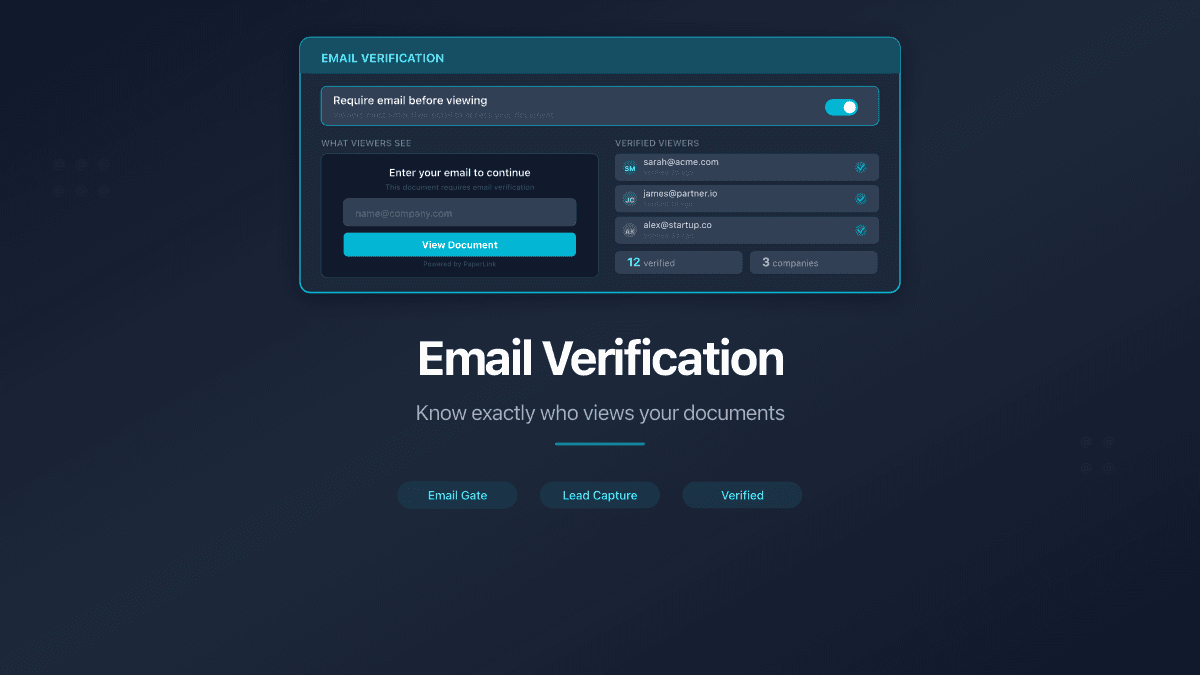
PaperLink solves this with email verification - a simple gate that asks viewers to identify themselves before they can see the document.
How Email Verification Works
When you create a sharing link, check the "Require email to view" option. Every person who opens that link sees an email prompt before the document loads. They enter their email address, submit, and gain access.
From that point, every action - pages viewed, time spent, downloads - is tied to that email address in your analytics. No more guessing who viewed what. Every session has a name attached.
PaperLink remembers the viewer's email in their browser. If they return to the same link later, they do not need to re-enter their address - they go straight to the document.
Know Exactly Who Read Your Documents
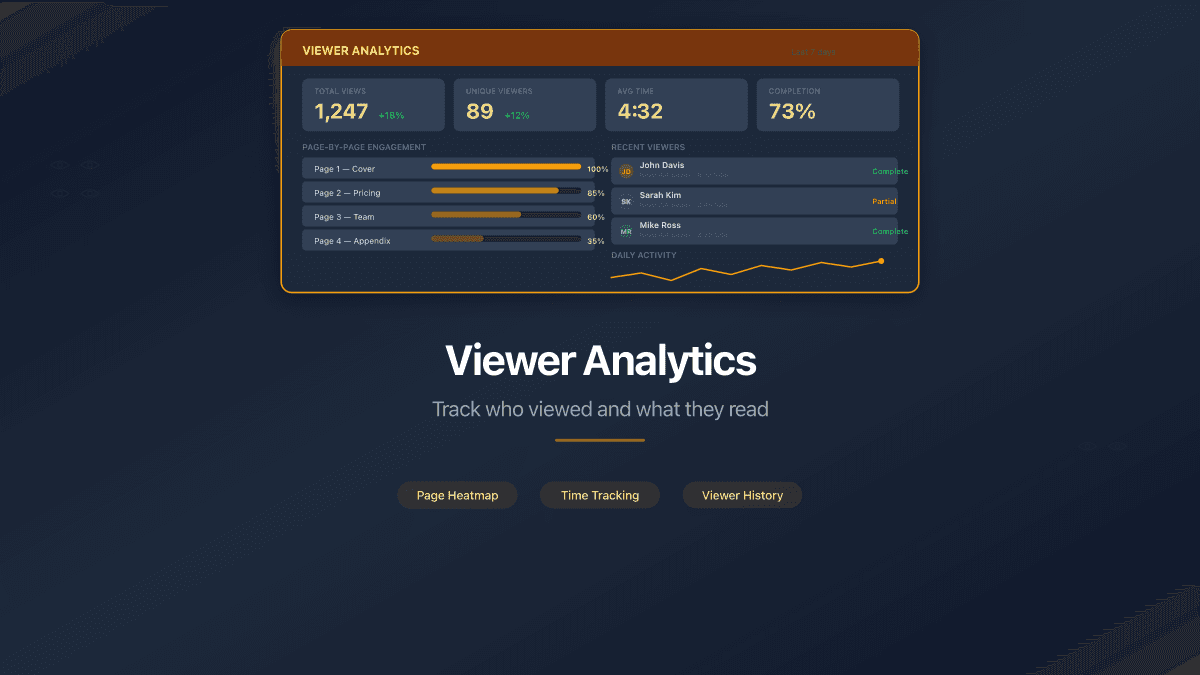
With email verification enabled, your analytics dashboard transforms from a click counter into a contact-level engagement report:
- Viewer identity - the email address of each person who accessed the document
- Pages viewed - which sections they read, which they skipped
- Time per page - how long they spent on each page
- Total sessions - how many times they returned to the document
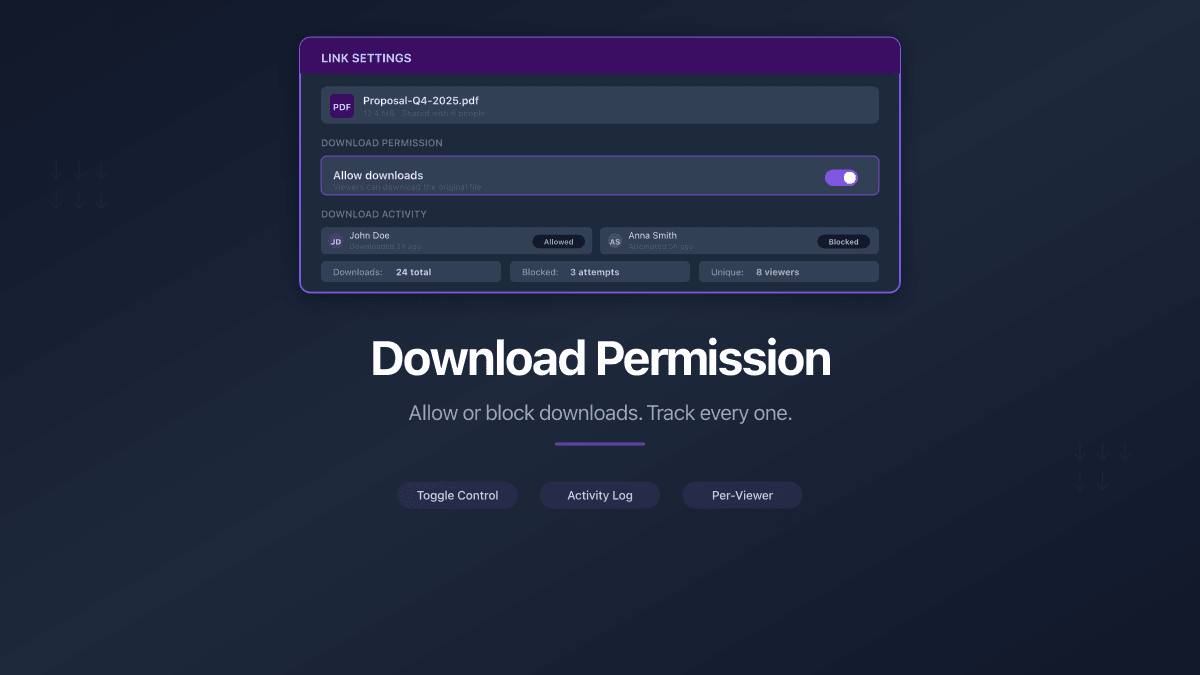
- Downloads - whether they saved the file (if downloads are enabled)
- Device and location - what they used to view it
For a sales proposal, this means knowing that your prospect spent eight minutes on the pricing page and thirty seconds on the terms. For a board deck, it means confirming that every director reviewed the financial section before the meeting.
Restrict Access to Specific Email Addresses
Email verification captures viewer identity. Email restriction controls who can view the document in the first place.
When you enable "Require email to view," an additional option appears: Restrict access by email. Enter one or more specific email addresses, and only those addresses can access the document. Anyone else who opens the link and enters a different email is denied access.
This works in two modes:
Single email restriction. Enter one email address. The link works for that person only. Share a contract with your counterparty's legal counsel - and know that no one else on their team can open it, even if the link is forwarded.
Bulk email restriction. Enter multiple email addresses (up to 100). PaperLink creates a personal link for each recipient. Each person gets their own URL, and analytics track each recipient individually.
Bulk email links are available on Pro plans and above. Each email address receives its own unique link, with separate analytics tracked per recipient.
When to Use Email Verification
Investor updates. Share a quarterly report with your investor list. Email verification identifies which investors engaged with the financials and which ignored them - useful intelligence for your next fundraising round.
Sales proposals. Send a proposal to a prospect's team. See whether the CFO reviewed the pricing section or whether only the junior analyst opened the link. This tells you where to follow up.
Legal document review. Share a draft agreement and know exactly which counterparty stakeholders reviewed it. If opposing counsel claims they never saw the document, your analytics say otherwise.
Client deliverables. Consultants and agencies can confirm that clients received and reviewed deliverables - page by page, with timestamps.
Part of a Layered Security Stack
Email verification works alongside every other sharing control in PaperLink:
| Control | Combined with email verification |
|---|---|
| Password protection | Viewer enters password first, then email - double gate |
| Agreement gate | Email captured, then agreement signed, then document access |
| Expiration date | Email verification applies until the link expires |
| Download permission | Downloads tracked and attributed to the verified email |
| Custom URL slugs | Professional link with email gate behind it |
These controls stack in any combination. A single link can require a password, capture email, enforce an NDA, and expire after a deadline.
From Anonymous Clicks to Named Engagement
Email verification turns document sharing from a broadcast into a conversation. You stop wondering who read your document and start knowing - with page-level detail attached to every viewer.
One checkbox. Complete visibility.
Share your first email-verified document. For a practical guide on using email verification for client proposals, see How to Send a Business Proposal That Gets Read.