Your Shared Links Now Look Like They Should
Every PaperLink shared link used to look like this: app.paperlink.online/en/view/cm4x7abc123. Functional, but forgettable. Paste that into an email to a client, and it looks like a system error - not a professional document.
Custom URL slugs change that. Now you choose what goes at the end of the link. A proposal becomes /my-proposal. A contract becomes /contract-2025. A data room folder becomes /due-diligence.
Short, readable, and instantly recognizable.
How It Works
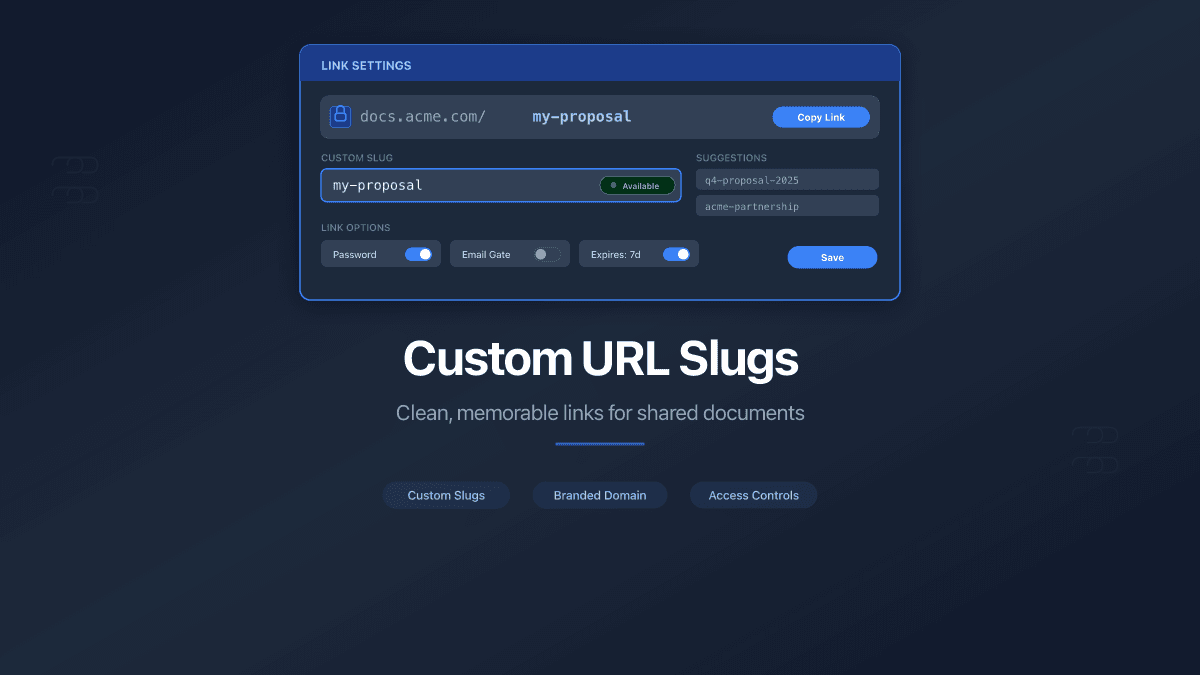
When you create or edit a shared link - for a file or a folder - you'll see a new Custom URL field in link settings. Type a slug, and PaperLink checks availability in real-time. Green checkmark means it's yours.
The slug follows simple rules: lowercase letters, numbers, and hyphens. Between 3 and 50 characters. No special characters, no spaces (they auto-convert to hyphens), no uppercase (auto-converted to lowercase).
A live URL preview updates as you type, so you see the final link before saving.
On the Default Domain
Your link gets a clean, team-scoped URL:
app.paperlink.online/s/k7x2mp3n/my-proposal
The 8-character code (k7x2mp3n) is your team's unique identifier - auto-generated, permanent, and invisible to your recipients. It keeps slugs isolated between teams. Two different teams can both use my-proposal without conflict.
On Your Custom Domain
If you've connected a custom domain, slugs sit at the root:
docs.acme.com/contract-2025
No prefixes, no team codes. Your domain, your namespace. This is the cleanest possible URL for a shared document.
Custom domain slugs are unique per domain. If you have multiple custom domains, the same slug can be used on each one independently.
Bulk Links with Custom Slugs
Sharing the same document with multiple recipients? Custom slugs work with bulk named links too.
Enter a base slug - say, proposal - and PaperLink appends a numeric suffix for each recipient:
| Recipient | URL |
|---|---|
| Alice | /s/k7x2mp3n/proposal-1 |
| Bob | /s/k7x2mp3n/proposal-2 |
| Carol | /s/k7x2mp3n/proposal-3 |
If proposal-3 is already taken, the system skips to the next available number. No manual work, no collisions.
Editing and Removing Slugs
You can change a slug at any time. The system warns you clearly: the old URL stops working immediately. No redirect from old to new - anyone with the old link sees a "not found" page.
You can also remove a custom slug entirely, reverting to the auto-generated URL. The freed slug becomes available for reuse right away.
Why We Built This
Three signals pushed this feature up the roadmap:
Client-facing trust. Users sending proposals and contracts reported that auto-generated URLs made recipients hesitant to click. A readable URL like /proposal-acme-q1 sets expectations before the click.
Internal organization. Teams sharing dozens of links couldn't tell them apart in their dashboards. Custom slugs double as a naming convention - the URL itself describes the content.
Custom domain completion. We launched custom domains last quarter. But a URL like docs.acme.com/cm4x7abc123 still looked unfinished. Root-level slugs complete the picture: docs.acme.com/investor-deck is a URL you'd put on a business card.
Security and Privacy
Slug availability checks are scoped to your team (default domain) or your domain (custom domains). You cannot discover another team's slugs by probing - the system only tells you whether a slug is available within your own namespace.
Rate limiting prevents enumeration attacks: a maximum of 20 availability checks per minute, per user. All slug operations enforce team permissions server-side, not just in the UI.
What's Next
Custom slugs pair with every other sharing control - password protection, email verification, download permissions, agreement gates, and expiration dates. A professional URL with professional security behind it.
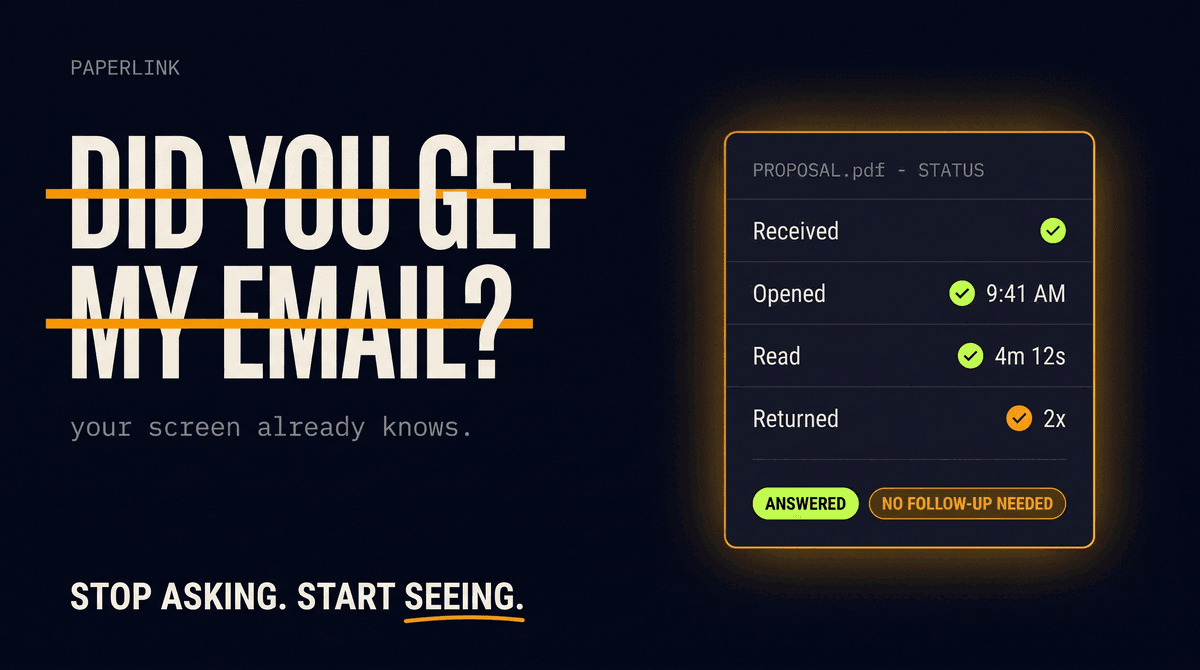
A branded link is more likely to be opened - and you can know the instant it happens with real-time Telegram notifications for document views.
Have ideas for how custom slugs could work better for you? Let us know through the app.