Shared Links Stay Active Until You Turn Them Off
A link you shared six months ago still works today. The investor who passed on your round can still open the pitch deck. The contractor who lost the bid can still download the project specs. The freelancer whose contract ended still has access to the client deliverables.
Most document sharing tools default to permanent access. The link works until you remember to deactivate it - which, for most people, means it works forever.
Link expiration solves this by setting a date after which the link stops working automatically. No manual cleanup. No forgotten access. The document becomes unavailable on your schedule, not when you happen to remember.
How Link Expiration Works in PaperLink
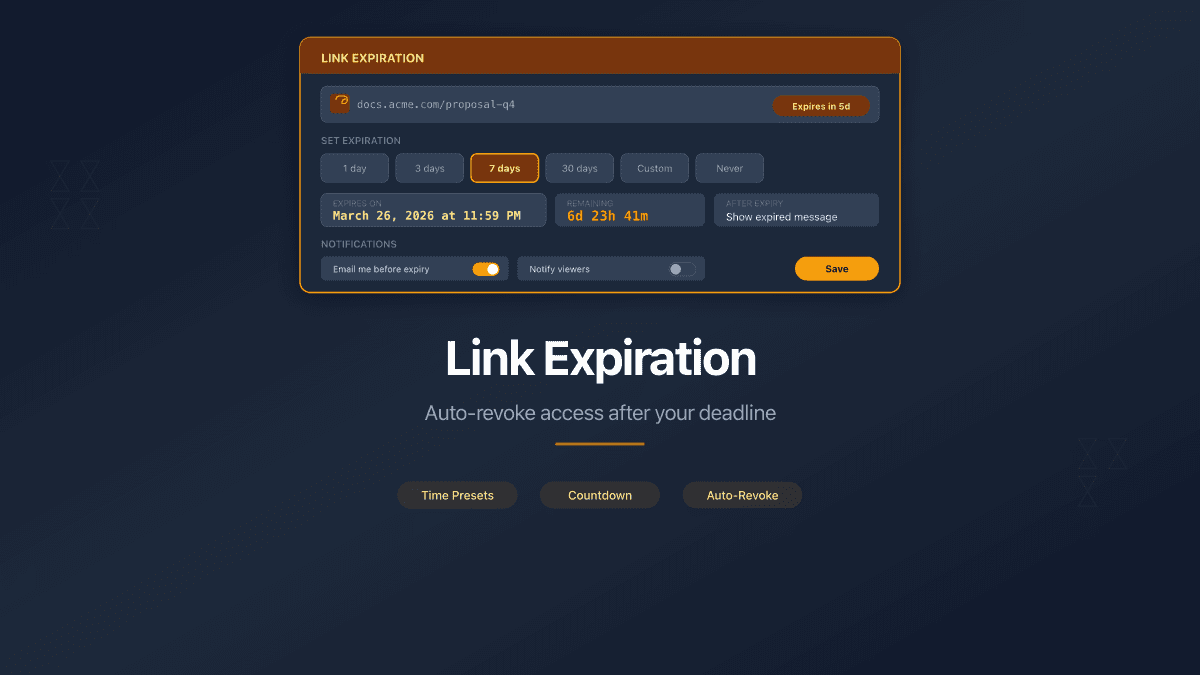
When you create or edit a sharing link, the Expiration Date field lets you pick a calendar date. The link works normally until that date. After midnight UTC on the selected day, the link stops working.
PaperLink checks expiration before any other access control. A link that has expired will not prompt for a password, will not ask for email verification, and will not show an agreement gate. The viewer sees a "Document Unavailable" page - with no indication of whether the link expired, was deactivated, or the document was removed.
You can set, change, or remove the expiration date at any time after creating the link. Removing the expiration makes the link permanent again.
Three details worth noting:
- Minimum date is today. You cannot set an expiration date in the past.
- Expiration is per-link, not per-document. One document can have multiple links with different expiration dates - a 7-day link for one recipient and a 30-day link for another.
- Analytics continue after expiration. All view data collected before the link expired remains accessible in your dashboard.
When Expiration Dates Matter Most
Tender and RFP responses. You share technical specifications with five vendors. The submission deadline is March 15. Set every link to expire on March 16. After the deadline, no vendor can re-access or re-download the specifications.
Fundraising pitch decks. Investor pitch decks contain financial projections that change quarterly. Share your deck with a 30-day expiration so outdated numbers do not circulate after you update the forecast.
Client deliverables under review. An agency sends a design proof for client approval. The proof expires in 14 days. If the client does not respond, the link dies - no stale assets floating in old email threads.
NDA-protected documents. An NDA expires in 90 days. The shared documents should expire on the same schedule. Match the link expiration to the agreement period so access ends when the legal protection does.
Temporary team access. A consultant joins a project for three months. Share project files with links that expire when the engagement ends. No manual cleanup when they leave.
Layered Security: Expiration Combined with Other Controls
Link expiration works alongside every other sharing control in PaperLink. Each control adds a layer - combine them based on how sensitive the document is.
| Control | What It Does | Works With Expiration |
|---|---|---|
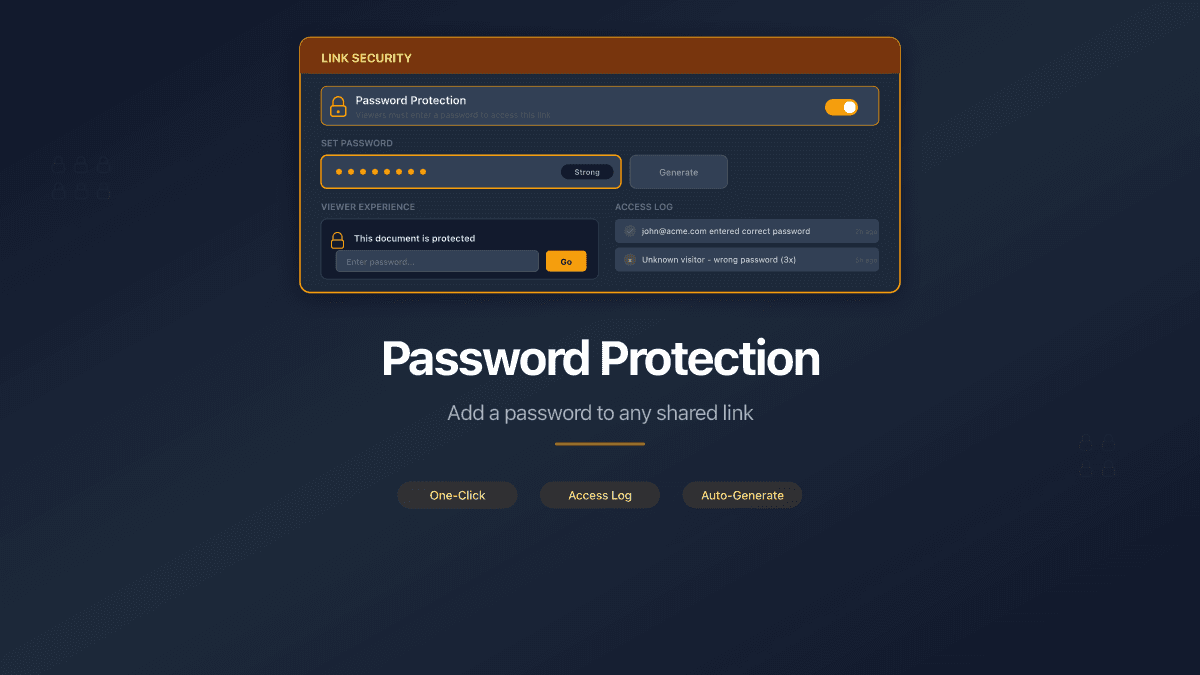
| Password protection | Viewer enters a password before access | Yes - password gate appears only while link is active |
| Email verification | Viewer confirms their email address | Yes - email prompt appears only while link is active |
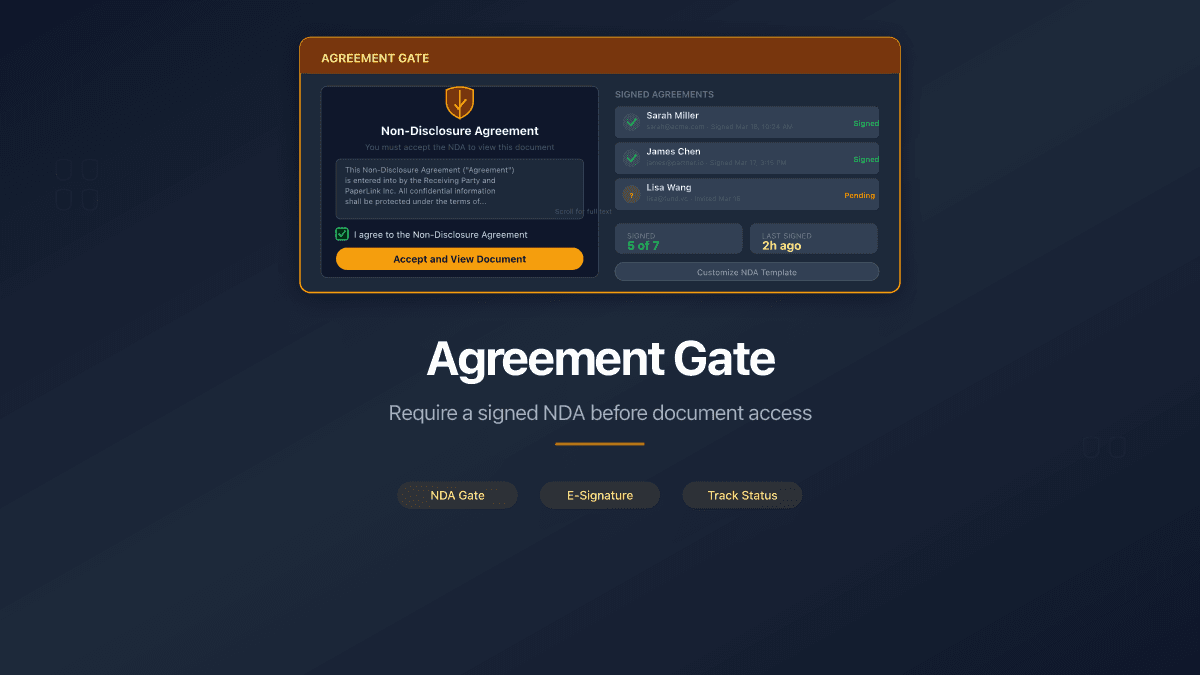
| Agreement gate | Viewer signs an NDA or agreement before access | Yes - agreement gate appears only while link is active |
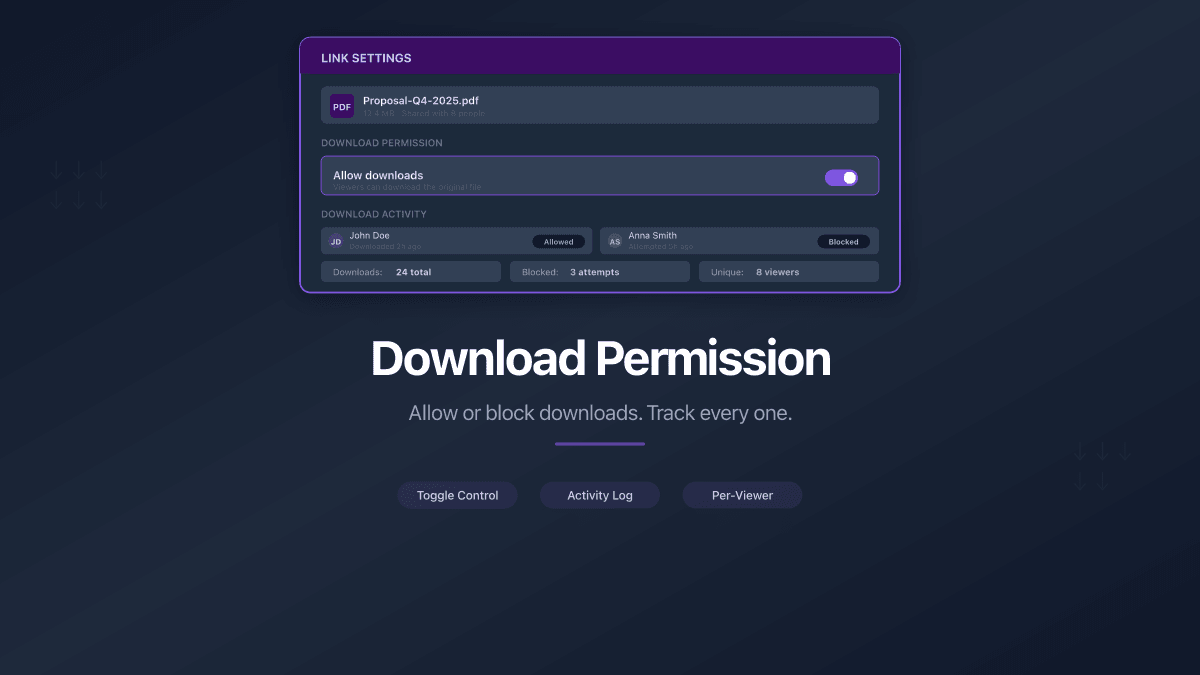
| Download control | Allow or block document downloads | Yes - download permission applies only while link is active |
| Custom URL slugs | Branded, readable link addresses | Yes - slug returns "unavailable" after expiration |
| Page-level analytics | Track who viewed which pages and for how long | Yes - all data collected before expiration is preserved |
A pitch deck shared with investors might use: email verification (know who opened it) + expiration (30 days) + download disabled (prevent redistribution). A legal document might use: password + agreement gate + expiration matching the NDA term.
Expiration is the safety net for all other controls. Even if a password leaks or an email link gets forwarded, the document becomes inaccessible after the expiration date.
What the Viewer Sees
Before expiration, the viewer experience is unchanged. They see the document viewer with whatever access controls you configured - password prompt, email verification, agreement gate, or direct access.
After expiration, the viewer sees a "Document Unavailable" page. The page does not reveal the reason - whether the link expired, the document was removed, or the owner deactivated the link. This is a deliberate security choice: disclosing the reason would leak information about the document's status.
Set It Once, Change It Anytime
Link expiration is not a one-time decision. You can adjust the date or remove it entirely from the link settings at any time.
Common adjustments:
- Extend the deadline. A deal takes longer than expected. Change the expiration from 30 days to 60 days without creating a new link.
- Shorten access. A document review finished early. Move the expiration date up to revoke access sooner.
- Remove expiration. The document becomes a permanent reference. Remove the expiration date and the link works indefinitely.
- Add expiration to an existing link. You created a link without expiration and now want to limit access. Add a date retroactively.
The link URL stays the same through all these changes. Recipients do not need a new link.
Start Sharing with Expiration Dates
Link expiration is available on all PaperLink plans, including the free tier. Set a date, share the link, and stop worrying about stale access.
Create your first expiring link. For a full comparison of sharing controls across platforms, see DocSend vs PaperLink or browse free DocSend alternatives.