View-Only by Default, Downloadable by Choice
When you share a document through PaperLink, your recipient views it in the browser. They read, scroll, review - but the file stays on PaperLink's infrastructure. No download button appears unless you explicitly allow it.
This is the opposite of how email attachments work. Send a file through email, and the recipient owns a copy the moment it lands in their inbox. They can forward it, save it to their desktop, upload it somewhere else. You have no visibility and no control.
PaperLink reverses that dynamic. You decide - per link - whether the viewer can download the original file or only view it online.
One Toggle, Full Control
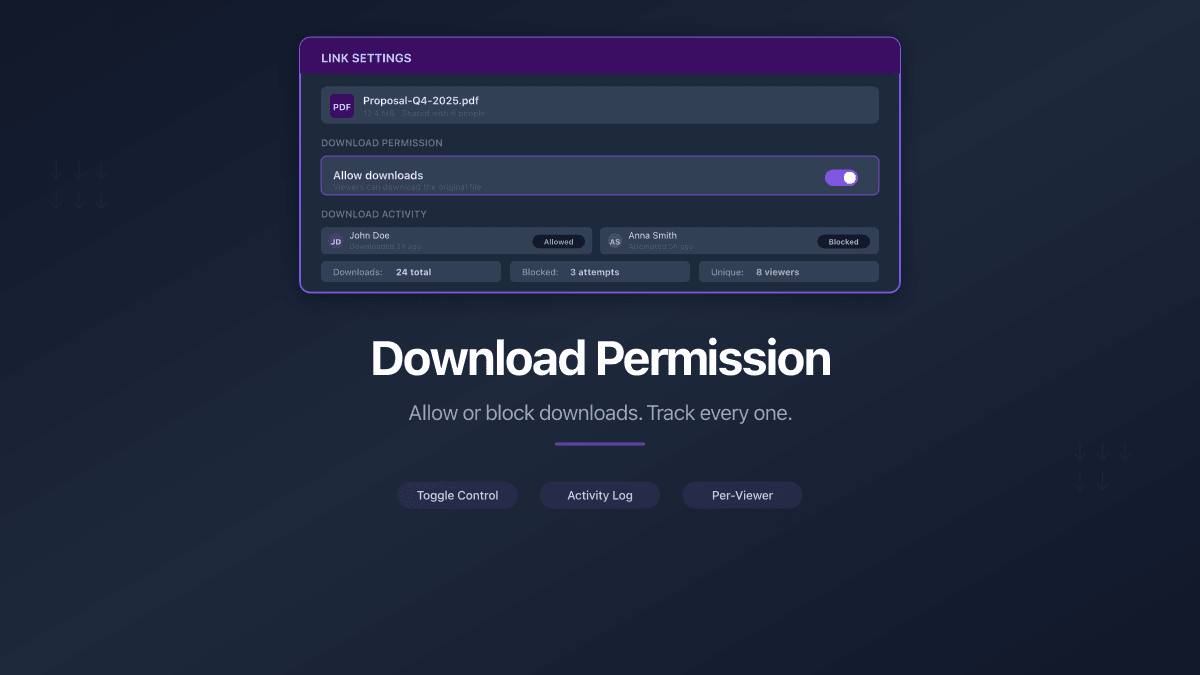
When creating a sharing link, a single checkbox controls download access. Enable it, and the viewer sees a download button in the document viewer. Disable it, and the document is view-only - no download, no print-to-PDF workaround through the viewer.
This control lives at the link level, not the document level. One document can have multiple links with different permissions:
- Investor link - downloads enabled, so they can save the deck for their investment committee
- Prospect link - view-only, because the proposal contains pricing you don't want forwarded to competitors
- Legal review link - downloads enabled with NDA gate, so counsel can annotate offline after signing
You can change the download permission on any link at any time. If you enabled downloads initially and want to revoke access, toggle it off - the download button disappears immediately for all future views.
Track Every Download
Enabling downloads doesn't mean losing visibility. PaperLink tracks every download event with the same precision it tracks page views.
Your analytics dashboard shows:
- Download count - total number of times the file was downloaded through each link
- Who downloaded - if the link required email verification or was sent to a specific recipient, you see exactly who saved the file
- When they downloaded - timestamp for each download event
- Download vs. view ratio - understand whether recipients are reading online or saving for later
For individual links (sent to a specific person), this means full attribution. You know that Maria from Acme Corp downloaded the contract at 3:47 PM on Tuesday. For bulk links (shared publicly), you see aggregate download counts alongside viewer-level analytics.
Download tracking works automatically. There is no setup required - every download through a PaperLink link is logged and attributed to the viewer's session.
Why Download Control Matters
The ability to toggle downloads might seem like a small feature. It is not. It changes how you think about sharing sensitive documents.
Sales proposals. Share a proposal with a prospect as view-only. They can review pricing, scope, and terms - but they cannot forward the document to a competitor for price matching. If the deal progresses and they need an offline copy, create a new link with downloads enabled.
Legal documents. Share a draft contract as view-only during negotiation. Once both parties agree on terms, enable downloads so counsel can print and execute. The same document, different permissions, different stages.
Board materials. Share quarterly financials with board members before the meeting. View-only during preparation (prevents premature distribution). Enable downloads after the board approves the materials for wider circulation.
Due diligence. In data rooms, some documents should be reviewable but not downloadable - preventing the counterparty from building a permanent archive of your proprietary information before the deal closes.
Combined with Other Sharing Controls
Download permission works alongside every other sharing control in PaperLink:
| Control | Works with downloads |
|---|---|
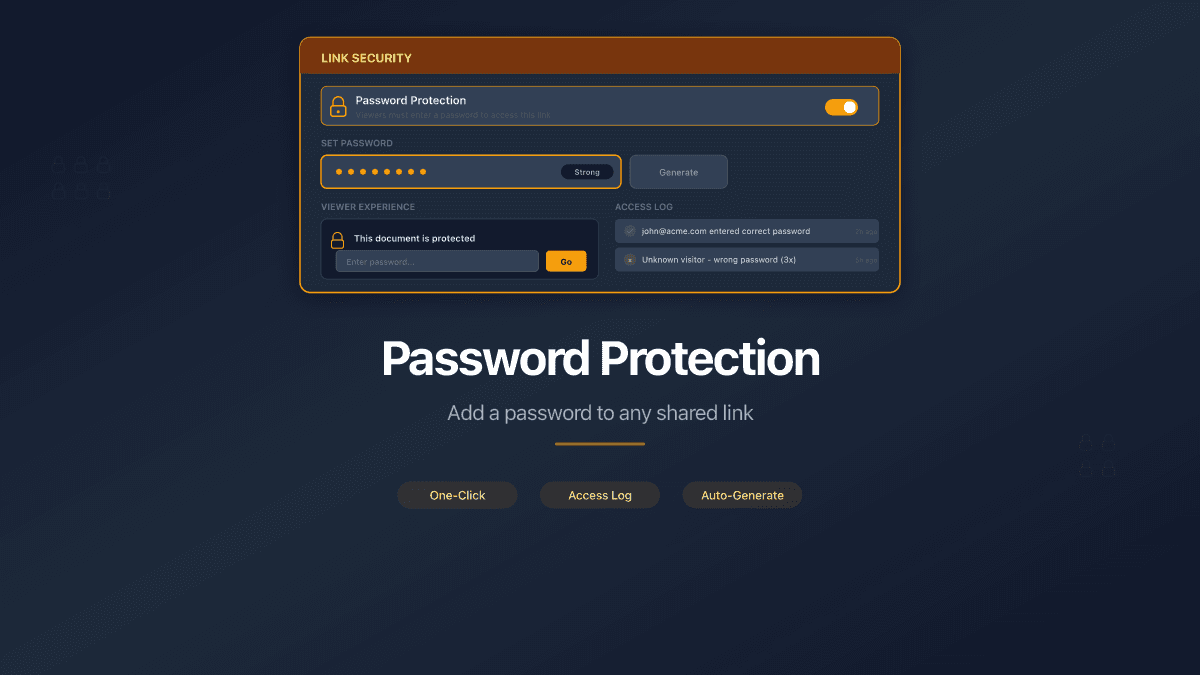
| Password protection | Viewer enters password before viewing or downloading |
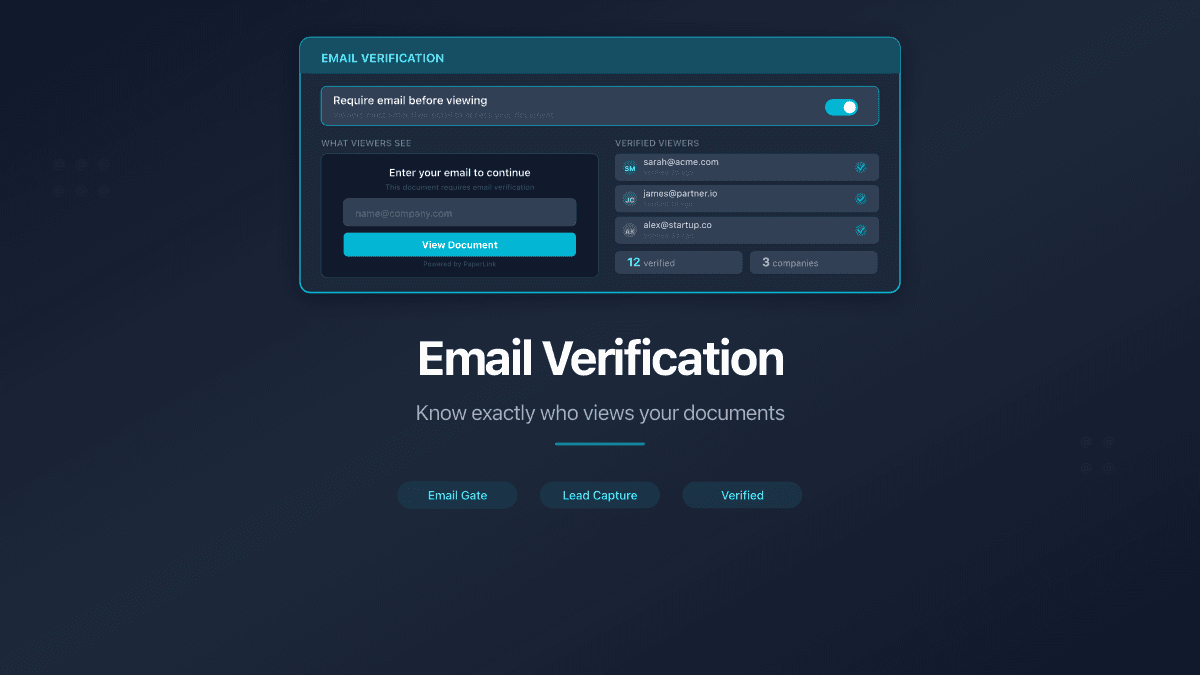
| Email verification | Download attributed to verified email address |
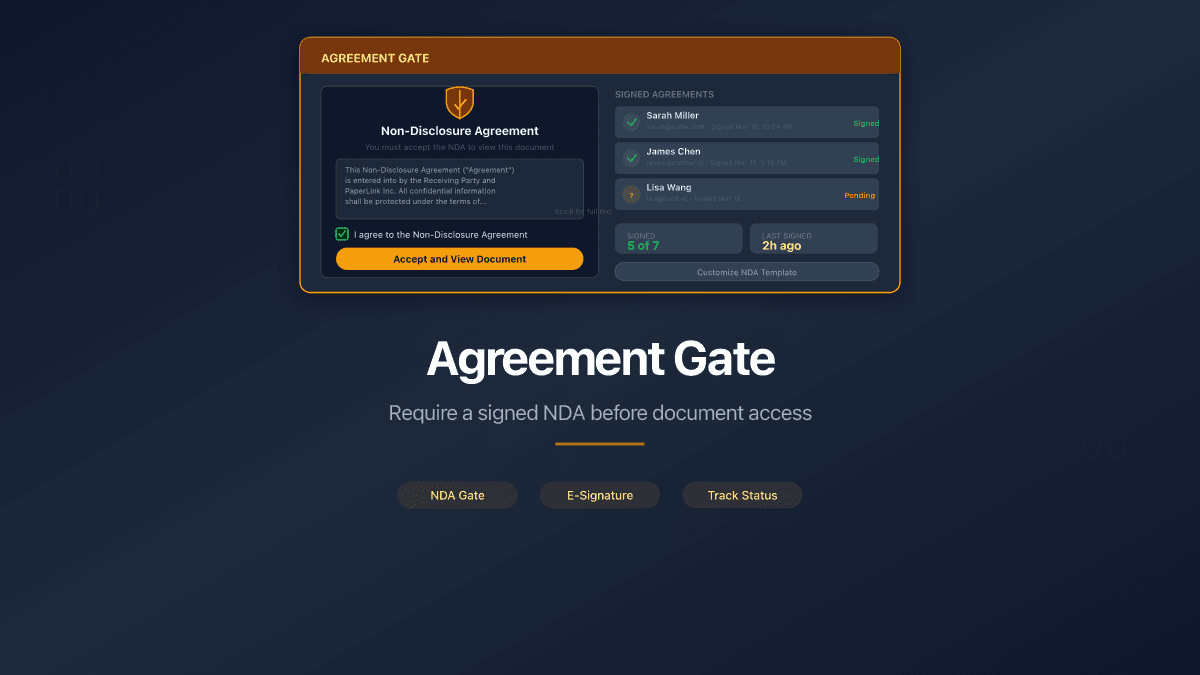
| Agreement gate | Viewer signs agreement before gaining download access |
| Expiration date | Downloads blocked after the link expires |
| Custom URL | Custom slugs work with any permission combination |
| Page analytics | View tracking runs independently of download permission |
These controls stack. A single link can require email verification, enforce an NDA, expire after 30 days, and allow downloads - all configured through the same link creation screen.
View, Don't Distribute
The default in PaperLink is secure: view-only, no downloads, full analytics. When you need to let someone save the file, one toggle makes it available - with complete visibility into who downloaded it and when.
Your documents. Your rules.