Sharing Without Legal Protection Is a Liability
You share a confidential financial model with a potential acquirer. They open the link, review your numbers, and walk away from the deal. Six months later, a competitor launches a suspiciously similar product. You have no record that anyone agreed to confidentiality before viewing your data.
This is the gap between document sharing and document protection. A password controls who can open the file. An NDA controls what they can do with what they learn.
PaperLink bridges that gap. You can require viewers to read and sign a custom agreement before they see a single page of your document. The signature, the signer's identity, their IP address, and the exact timestamp are all captured and stored - with a downloadable PDF proof you can use in court.
How the Agreement Gate Works
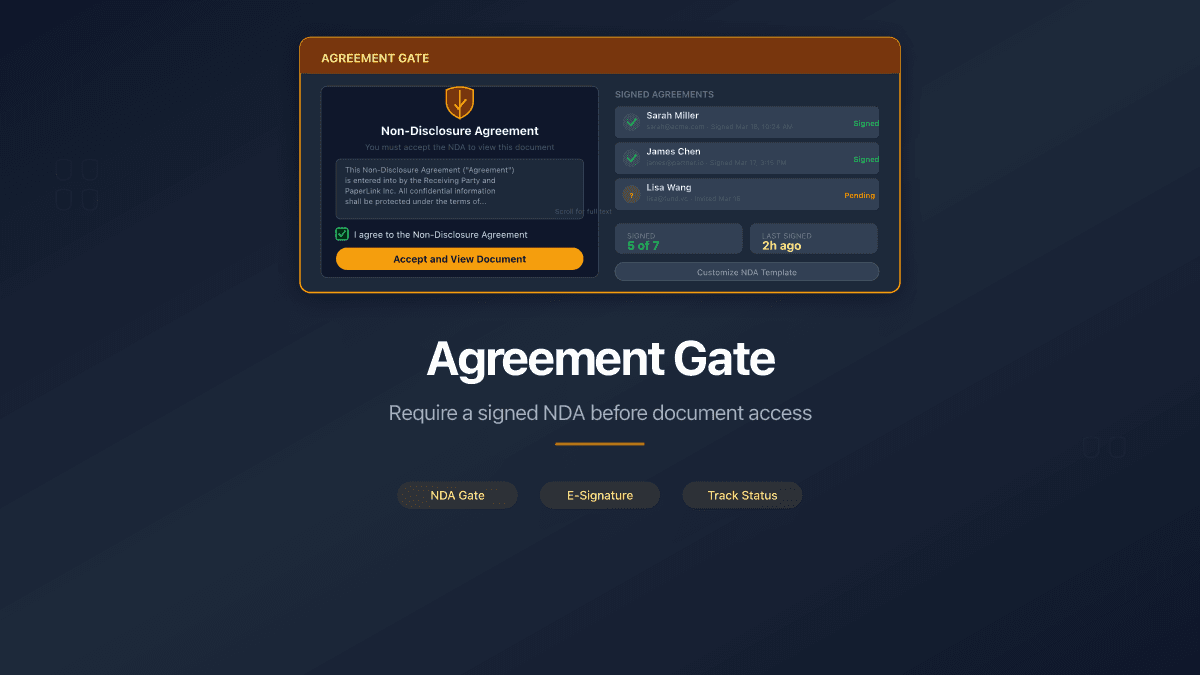
When you create a sharing link, enable the agreement option and write your terms. PaperLink stores your agreement text directly on the link - no external document management, no separate signing service.
The viewer experience is straightforward:
- They open the link
- They see your agreement title and full text on screen
- They enter their name and email address
- They check the "I agree" box
- They click "Sign Agreement"
- The document loads
No access is granted until the agreement is signed. The viewer cannot see the document title, page count, or any preview content before signing. The gate is absolute.
If your link also requires a password or email verification, those checks happen first. The agreement gate is the final step before document access - ensuring the viewer has already authenticated before signing.
Two Verification Modes
PaperLink captures signer identity in two ways, depending on whether the viewer is logged in:
Verified mode. If the viewer is signed into PaperLink (via Google, LinkedIn, or Telegram), their name and email are pulled from their authenticated session. The agreement response is marked as verified - meaning the identity is confirmed by an OAuth provider, not self-reported. No name or email fields appear on the form.
Simple mode. If the viewer is not logged in, they enter their name and email manually. The agreement response is marked as unverified. This works for external recipients who do not have PaperLink accounts - clients, investors, opposing counsel, auditors.
Both modes capture the same audit data. The difference is the confidence level of the identity.
Full Audit Trail for Every Signature
Every signed agreement creates a permanent record with six data points:
- Signer name - from OAuth session (verified) or manual input (simple)
- Signer email - normalized and stored in lowercase
- Verification status - whether the identity was confirmed through OAuth
- IP address - captured at the moment of signing
- Browser and device - user agent string for forensic identification
- Timestamp - exact date and time of signature (UTC)
This is not a checkbox log. It is a legally defensible record of consent - the kind of evidence that holds up when someone claims they never agreed to your terms.
PaperLink generates a downloadable PDF proof of every signed agreement. The proof document includes the full agreement text, signer details, IP address, verification status, and timestamp. Both the document owner and the signer can download it at any time.
Repeat Visitors Skip the Gate
A viewer who has already signed your agreement does not see the gate again. PaperLink checks for existing signatures by email - if the viewer's email matches a previous signature on that link, they go straight to the document.
For logged-in users, this happens automatically. For anonymous viewers, PaperLink stores their email locally in the browser and checks it on return. The signed agreement banner appears at the top of the viewer, confirming when they signed and offering a link to download their proof PDF.
Write Any Agreement You Need
The agreement text field accepts formatted content - bold, italic, lists, paragraphs. You are not limited to a standard NDA template. Write whatever terms your situation requires:
- Mutual NDA for M&A due diligence
- Unilateral confidentiality agreement for investor decks
- Terms of access for data room materials
- Viewing terms for sensitive proposals or pricing documents
- Non-compete acknowledgment before sharing proprietary methodology
The agreement title and text are fully customizable per link. Different links on the same document can have different agreements - one for investors, another for legal counsel, a third for board members.
Combined with Every Other Sharing Control
The agreement gate stacks with all of PaperLink's access controls. Each layer adds protection without conflicting with the others:
| Control | How it works with the agreement gate |
|---|---|
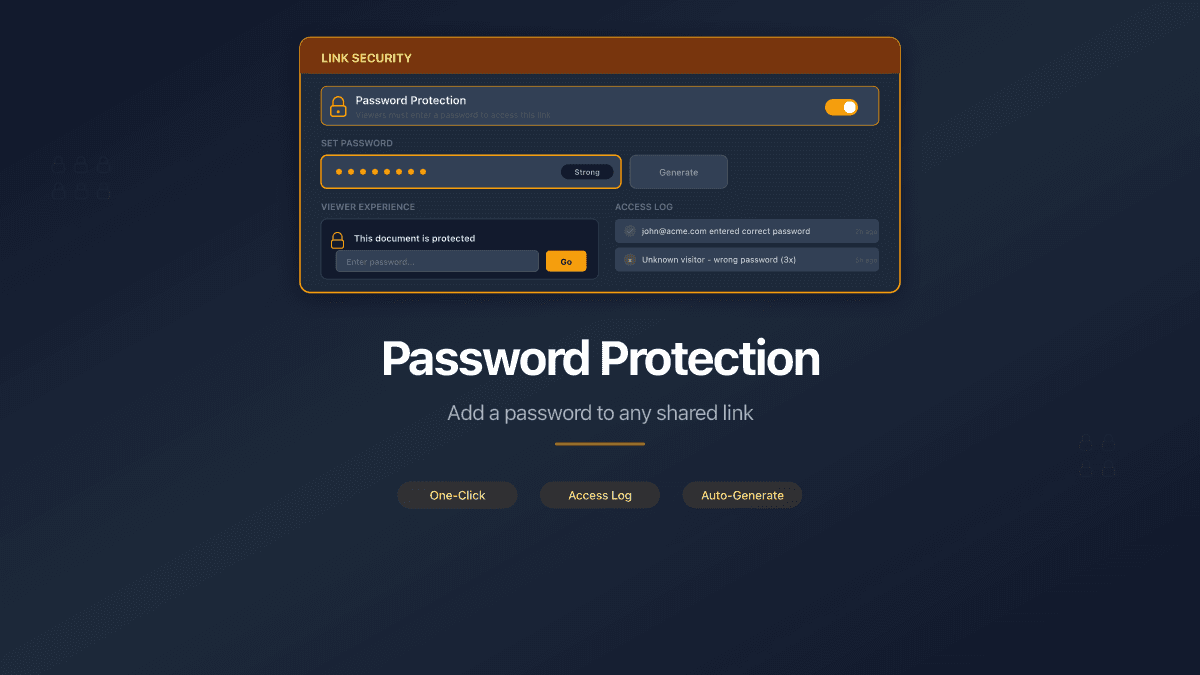
| Password protection | Viewer enters password first, then signs agreement, then views document |
| Email verification | Email captured at verification, then agreement signed - signer identity already confirmed |
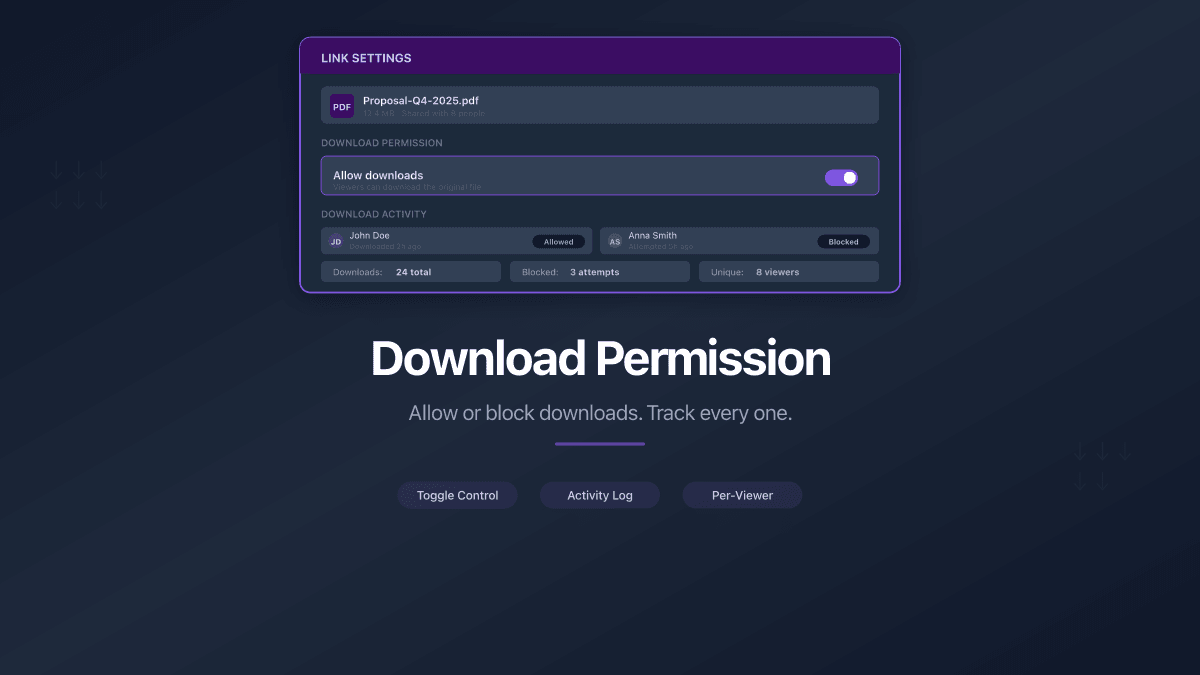
| Download permission | Agreement signed before viewing; download toggle controls whether the file can be saved |
| Custom URL slugs | Professional URL with legal gate behind it |
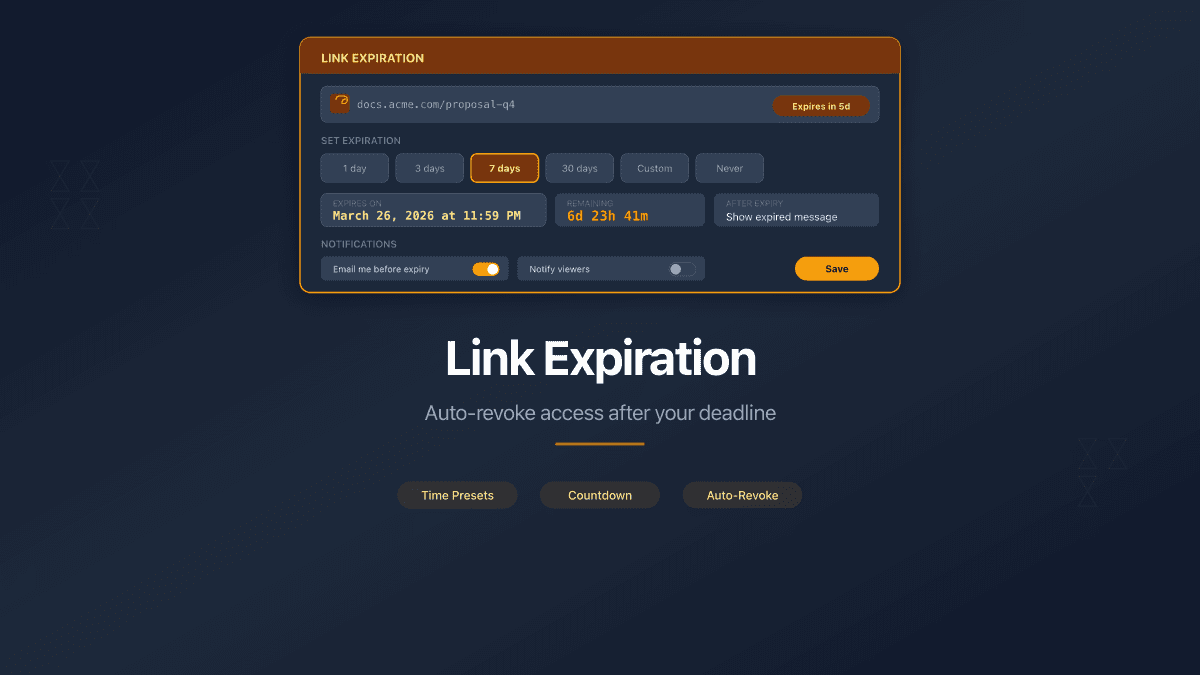
| Expiration date | Agreement gate active until the link expires - no signatures accepted after deadline |
| Page analytics | Full page-by-page tracking runs after agreement signing, attributed to the signer |
A single link can require a password, verify email, enforce an agreement, allow or block downloads, use a custom URL, and expire after a deadline. All configured from one screen.
Who Uses This
Startups sharing pitch decks. Before an investor opens your financial projections, they agree to confidentiality. If the deck leaks, you have a signed record with their name, email, IP, and timestamp.
Law firms in deal negotiations. Share draft contracts, term sheets, or settlement proposals with opposing counsel. The agreement gate ensures every viewer has acknowledged confidentiality before seeing the terms. The PDF proof creates a paper trail.
Companies running due diligence. Data rooms with dozens of sensitive documents - financial statements, customer lists, IP portfolios. Require a custom NDA before granting access to the entire folder. Each viewer's signature is logged independently.
Consultants sharing proprietary frameworks. Your methodology is your competitive advantage. Before a prospect reviews your approach document, they agree not to share or replicate it. Simple mode works here - no login required, just name, email, and consent.
HR teams distributing compensation data. Salary benchmarks, equity plans, and bonus structures shared with department heads. The agreement gate ensures every viewer acknowledges the sensitivity of the data before accessing it.
Not a Checkbox - a Legal Record
Many document sharing tools offer a "click to agree" checkbox. PaperLink goes further. The combination of identity capture (verified or self-reported), IP logging, device fingerprinting, UTC timestamps, and downloadable PDF proof creates a record that meets the evidentiary standards most legal teams require.
PaperLink records every agreement signature with the signer's email, IP address, device information, and a UTC timestamp - creating a forensic audit trail for every shared document.
Your documents carry real value. Protect them with real agreements.
Set up your first agreement-protected link. Need step-by-step instructions? See our help guide on requiring agreements. For a full comparison of PaperLink's sharing controls against DocSend, see DocSend vs PaperLink.