
Upload Documents
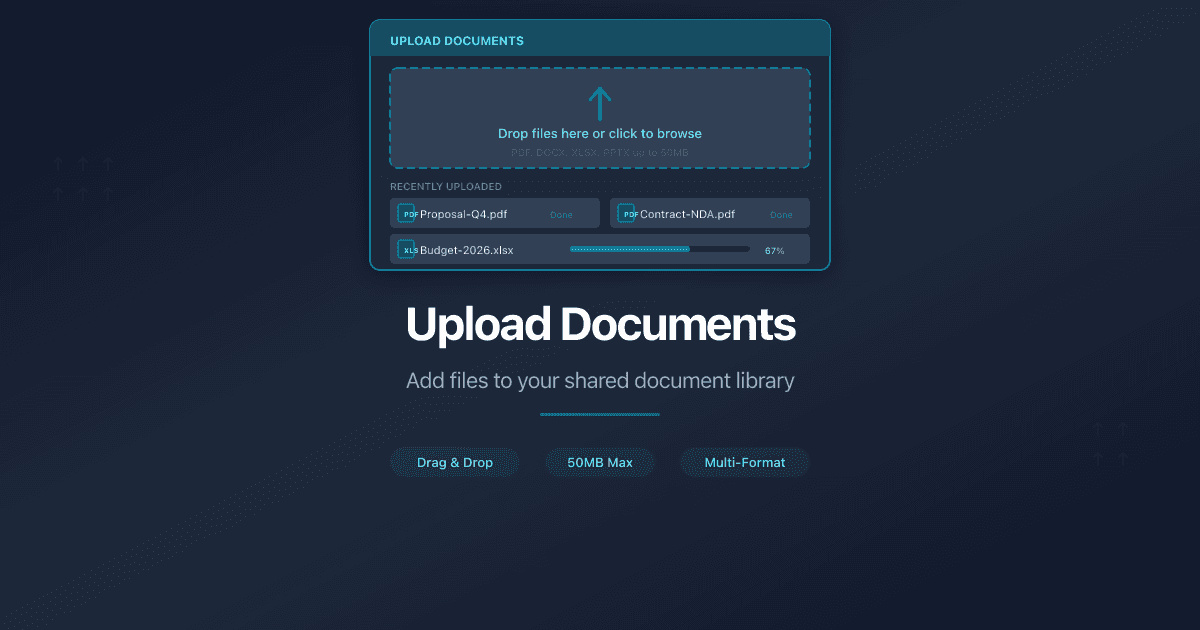
How Do I Upload Documents to PaperLink?
PaperLink lets you upload documents to your Shared Documents library and share them with clients through secure links.
How to Upload
- Go to Shared Documents from the sidebar.
- Click Add Document in the top-right corner.
- Select Upload File.
- Drag and drop your file into the upload zone, or click to browse your computer.
- Wait for the upload to complete.
PaperLink redirects you to the document page where you can preview it and create sharing links.
What Happens After Upload
Once a document is in your library, you can:
- Preview it directly in PaperLink
- Create a sharing link with access controls (password, email verification, expiration)
- Track analytics - see who viewed the document, for how long, and which pages they spent the most time on
- Rename or archive the document from the context menu
Related
- Import from URL or Pasted Text - import a Claude artifact or paste Markdown to create a PDF
- Create a Sharing Link - share your uploaded document with clients
- Organize Files with Folders - group documents into folders and share as data rooms
- Set Up a Data Room - create a secure data room for due diligence or fundraising
- Install the Browser Extension - share documents directly from any browser tab after uploading
War dieser Artikel hilfreich?
Brauchen Sie mehr Hilfe?
Durchsuchen Sie unser Hilfezentrum oder kontaktieren Sie unser Team für persönliche Unterstützung.
Verwandte Artikel
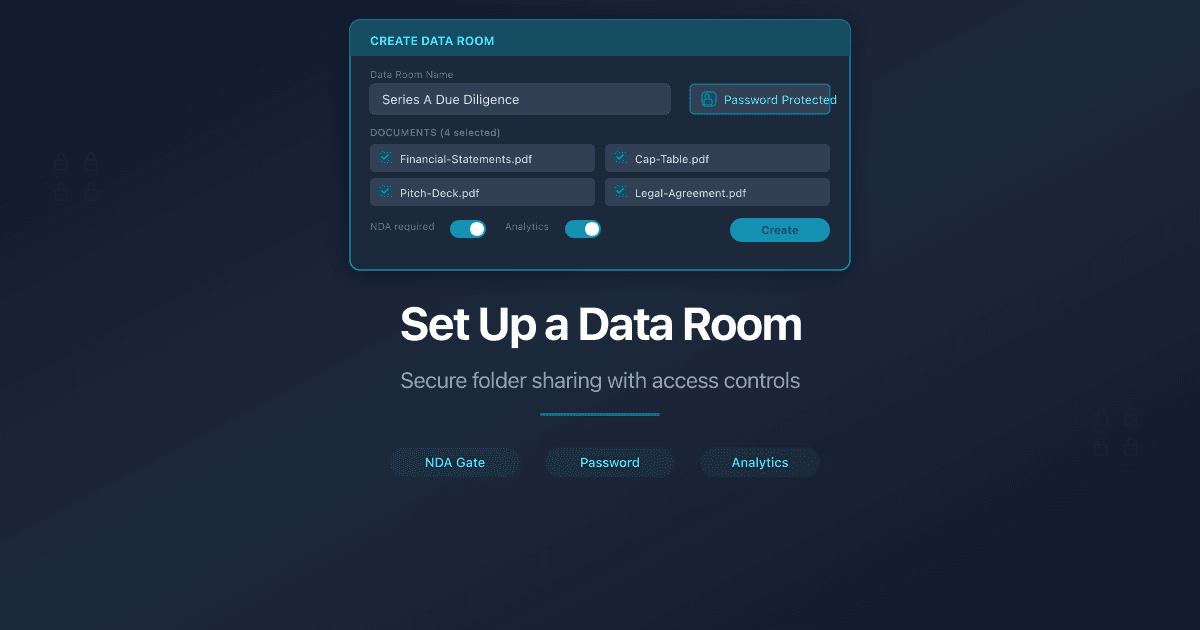
Set Up a Data Room
Create a virtual data room in PaperLink. Organize documents in folders, create a sharing link with password, email verification, and NDA gates.
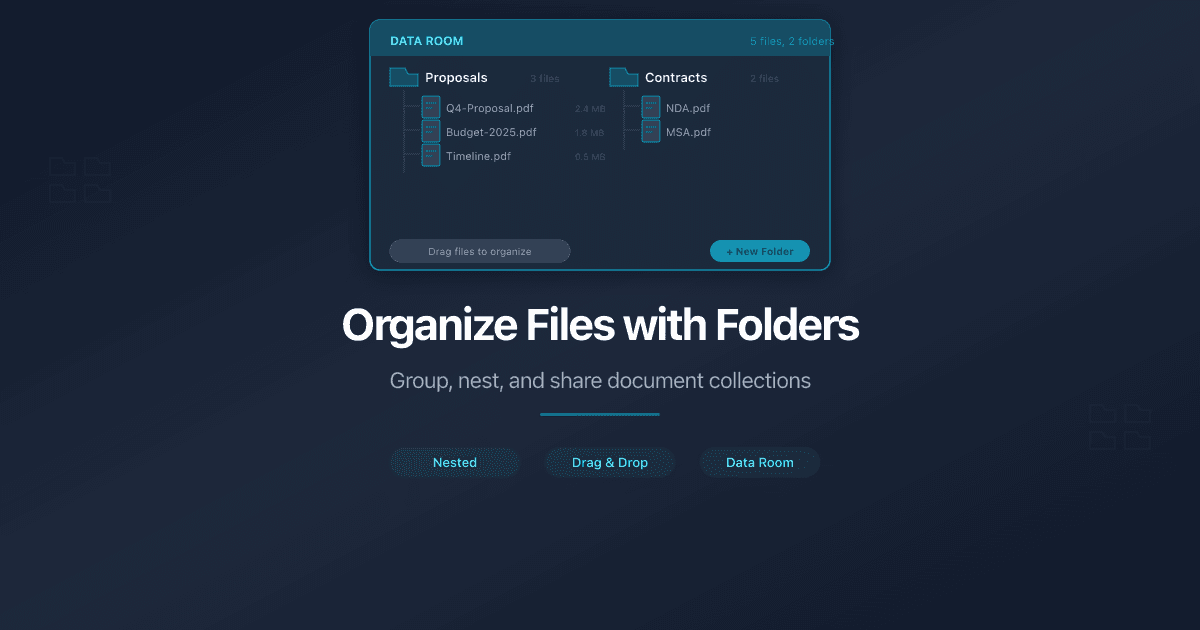
Organize Files with Folders
Create folders to organize your shared documents in PaperLink. Move files, rename folders, share entire folders via link, and nest up to 10 levels deep.

What Is a Virtual Data Room? A Complete Guide for 2026
A virtual data room (VDR) is a secure online repository for sharing confidential documents during business transactions. As of 2026, virtual data rooms are essential for fundraising, M&A due diligence, legal proceedings, and real estate transactions.

Data Room Analytics: What Buyers Look At First in Due Diligence
Virtual data room analytics reveal which buyers are serious, which documents they review first, and when engagement drops. Here's how to read the signals during due diligence.
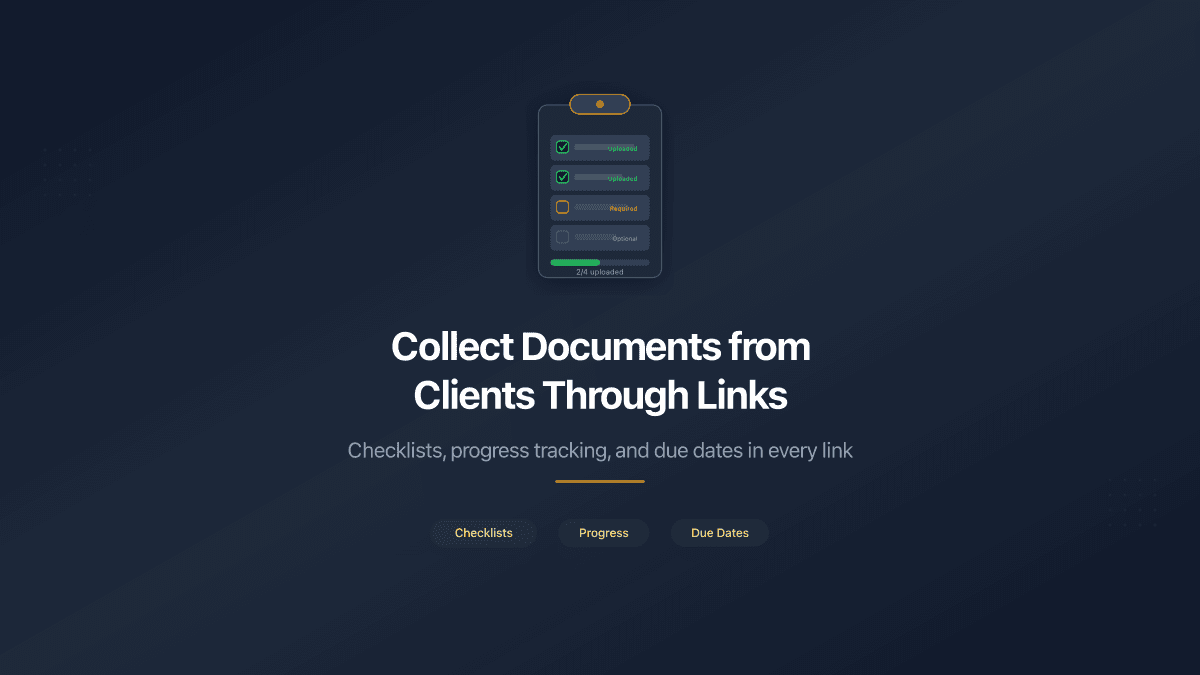
Collect Documents from Clients Through Shared Links
PaperLink Document Requests let you attach a document checklist to any shared folder link. Clients upload required files directly - with progress tracking and due dates.