A notary sends a client a list of ten required documents for a property sale. The client says "got it." Three weeks later, they show up with four documents, two of which are expired. The notary redoes the paperwork. This cycle repeats across every transaction, every week, in every professional services firm that collects documents from clients.
The problem is not laziness. The problem is that nobody knows whether the client actually read the requirements.
Why Document Collection Is Still Broken
Notaries, accountants, lawyers, auditors, HR departments - all spend a significant portion of their time not on the work they are trained for, but on collecting documents from clients.
According to Smokeball's survey of law offices, lawyers spend roughly 40% of their time on administrative and manual tasks. Financial Cents reports that a mid-size accounting firm with 200 tax clients spends an average of 15 to 20 minutes per client on document follow-ups throughout each engagement - adding up to 50 to 65 hours of staff time per year across all clients.
Scale that to a busy notary office processing 150 clients per month and the math shifts dramatically:
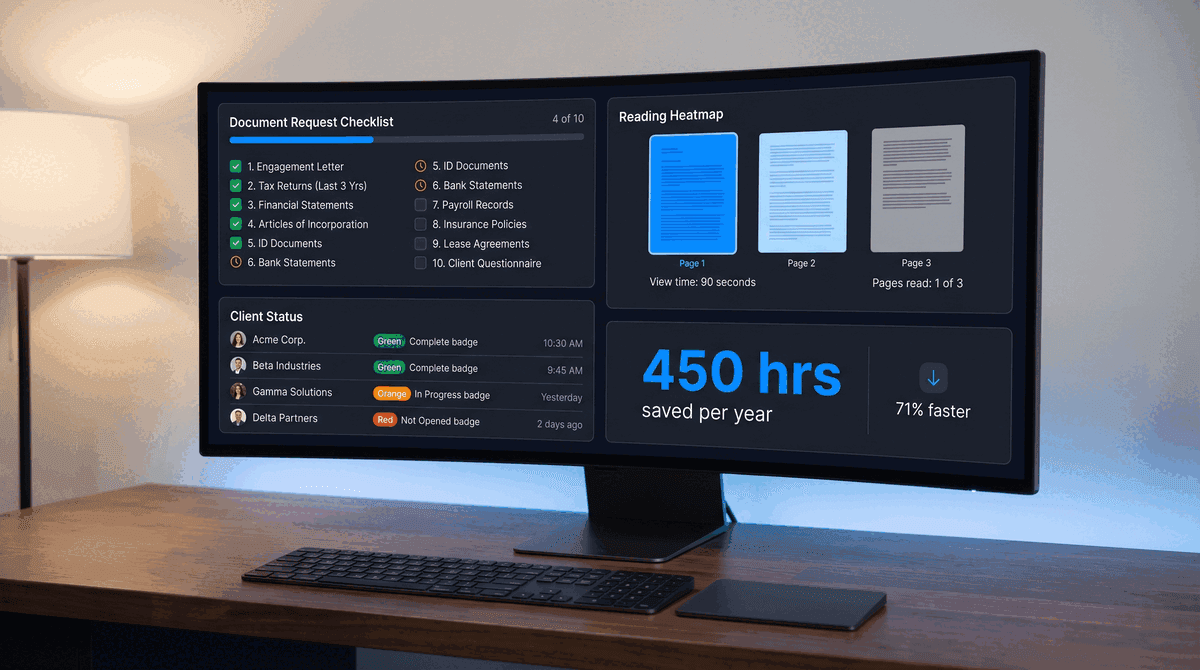
450 to 600 hours per year. That is nearly three working months. A notary office handling 150 clients/month spends this much on document collection alone: 1,800 engagements per year at 15 to 20 minutes each. With automated collection and read analytics, that time drops significantly.
The workflow usually looks like this:
- Professional sends a requirements list via email or messaging app
- Client receives it (maybe reads it, maybe skimms it, maybe ignores it)
- Client sends some documents - often to different channels, sometimes through a lawyer, sometimes through a family member
- Professional checks what arrived, discovers gaps, follows up
- Repeat steps 2 through 4 until the package is complete
Each iteration costs time. For a notary processing a real estate transaction, each round of missing or incorrect documents can delay the closing by days. For an accountant during tax season, one unresponsive client blocks the entire filing queue.
A property sale in many countries requires 7 to 10 separate documents from the seller - ownership certificates, technical passports, tax IDs, registry extracts, spouse consent forms, and more. Each document can be rejected for being expired, incomplete, or the wrong format.
What Document Collection Software Does
Document collection tools replace the email-and-spreadsheet approach with a structured workflow. Instead of sending a list in an email body, you create a request with specific slots for each document. The client gets a link, uploads files to the right slots, and the system tracks progress automatically.
The core features across most platforms include:
- Structured requests - named slots for each required document, with descriptions and format requirements
- Upload portal - clients upload directly without needing an account on most platforms
- Automated reminders - scheduled follow-ups that stop once the client submits
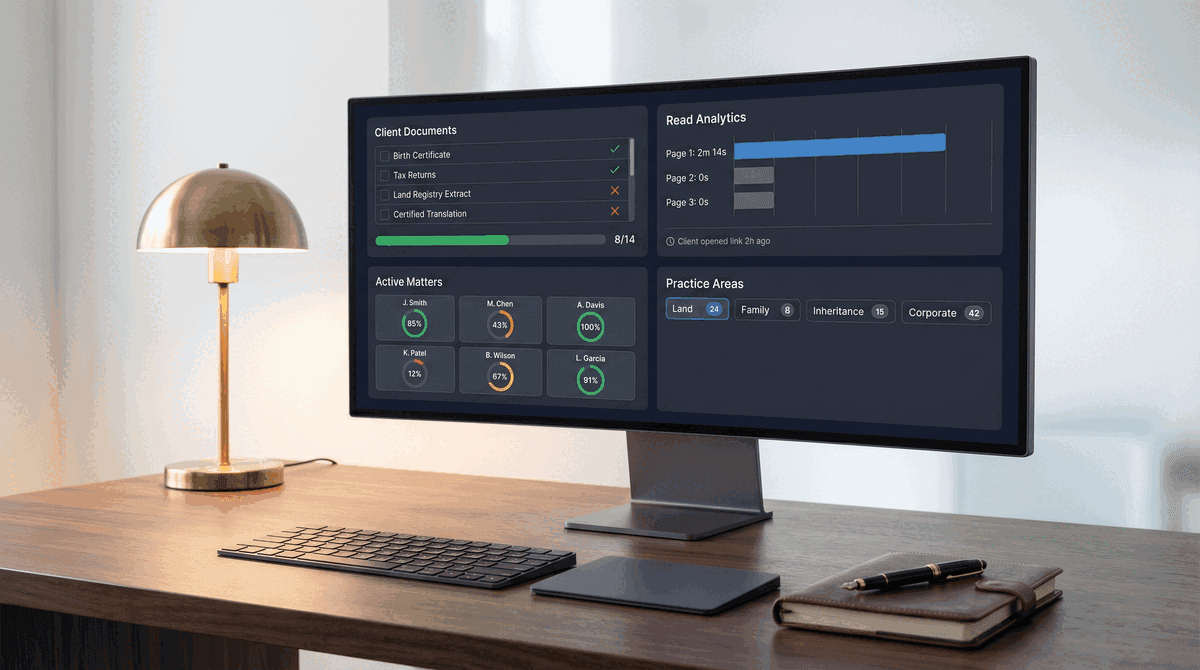
- Status dashboard - see at a glance which clients are complete, pending, or overdue
- Templates - save common request packages (property sale, tax filing, onboarding) and reuse them
Content Snare reports that businesses using their platform see a 71% reduction in time spent gathering information. FileInvite customers have reported a 34% decrease in document turnaround time. These numbers are self-reported by the companies, but the direction is consistent: structured collection is faster than email threads.
The Gap Nobody Talks About: Did Your Client Read the List?
Here is the part that existing document collection tools miss entirely.
Collection platforms tell you whether a client uploaded a file. They do not tell you whether the client read your requirements before they started collecting documents. This distinction matters more than it appears.
When a notary sends a list of ten required documents, the client's behavior in the first five minutes determines how the next three weeks play out. If they read the full list carefully, they start collecting the right documents. If they skim the first three items and close the page, they show up with an incomplete, partially wrong package.
Sales teams figured this out years ago. Proposal tracking tools like PandaDoc, DocSend, and Better Proposals show exactly which pages a recipient viewed, how long they spent on each section, and whether they forwarded the document. Sales teams use this data to time their follow-ups. A proposal opened five times in an hour signals high intent. A proposal untouched for three days signals the need for a gentle nudge.
Professional services firms need the same intelligence, but for a different purpose. A notary does not need to close a deal. They need to know: did the client read page 2, where the unusual documents are listed? An accountant does not need to track forward rates. They need to know: did the client see the note about the new filing requirement this year?
The problem is that document collection tools and document analytics tools exist in separate product categories. Collection platforms (Content Snare, FileInvite, Clustdoc) handle the upload workflow but provide no read tracking. Analytics platforms (DocSend, Digify, FlippingBook) track engagement but offer no file collection workflow.
The practical test: can you send a document requirements list and see, before the deadline, which clients have read page 3 of 3? If your tool cannot answer that question, you are guessing about client readiness.
How Document Read Analytics Change the Workflow
When you combine document collection with read analytics, the workflow shifts from reactive to proactive.
Without read analytics: Professional sends requirements list. Waits for deadline. Discovers on deadline day that client submitted 4 of 10 documents. Follows up. Waits again. Discovers two submitted documents are wrong format. Follows up again. Three to four cycles total.
With read analytics: Professional sends requirements list. Within 24 hours, the dashboard shows the client opened the link, spent 90 seconds on the first page, and never scrolled to pages 2 and 3. The professional calls the next morning with a focused conversation: "I noticed you may not have seen items 7 through 10 on the list - those are the ones that take the longest to obtain." The client gets a head start on the harder documents. One cycle instead of three.
This is not theoretical. PaperLink tracks page-by-page viewing analytics for shared documents, showing exactly which pages a recipient viewed and how long they spent on each. Combined with the document request and upload workflow, it creates a single platform where professionals can both share requirements and collect files - with full visibility into client engagement at every step.
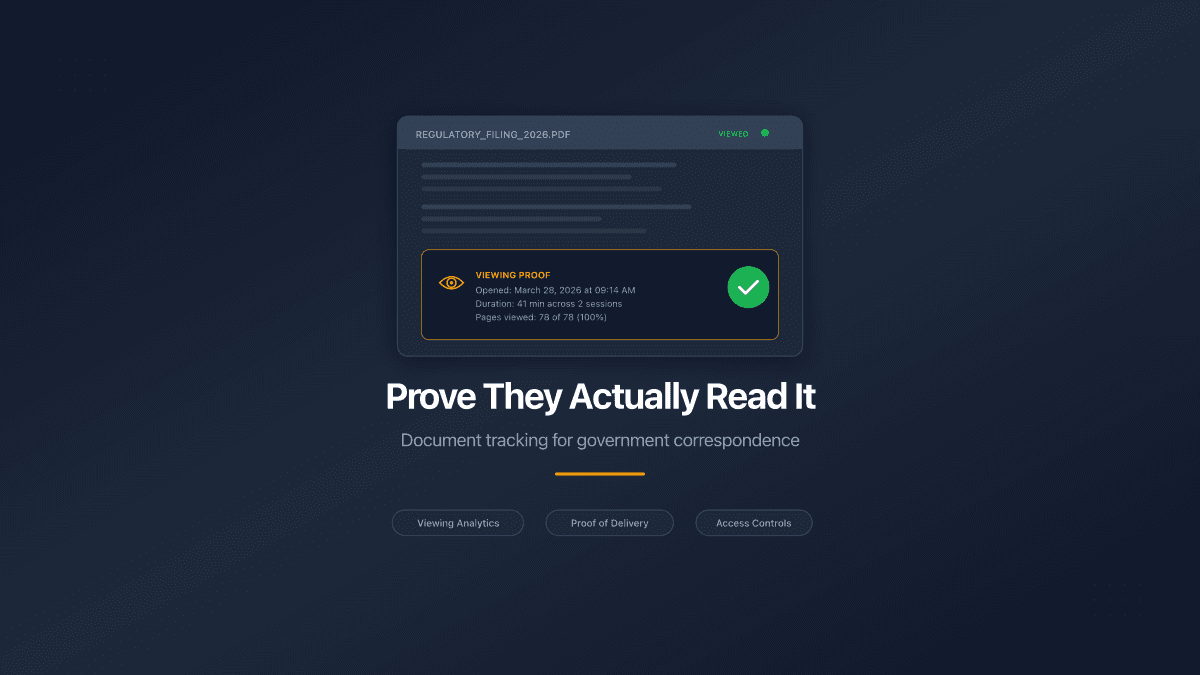
The read analytics data also helps professionals make better decisions about when to start preparing their own work. A notary who sees that a client read the entire requirements list with 100% page completion can begin drafting the contract with confidence. A notary who sees 30 seconds of viewing time knows to hold off until the client actually understands what is needed.
Document Collection Tools Compared
The table below covers the most relevant tools for professional services document collection in 2026. Pricing and features reflect publicly available information as of April 2026.
| Tool | Starting Price | Best For | Structured Requests | Auto Reminders | Read Analytics | Upload Portal |
|---|---|---|---|---|---|---|
| Content Snare | $9/month | Agencies, accountants | Yes | Yes | No | Yes |
| Clustdoc | $27/month | Regulated industries | Yes | Yes | No | Yes |
| FileInvite | Free plan | Mortgage, lending | Yes | Yes | No | Yes |
| Usecollect | $39/month | Professional services | Yes | Yes | No | Yes |
| Pipefile | $19/month | Small firms | Yes | Yes | No | Yes |
| ShareFile | $55/month/user | Enterprise (HIPAA) | Yes | Yes | Basic open tracking | Yes |
| PaperLink | Free plan | Professional services | Yes | Yes | Page-level analytics | Yes |
Content Snare and FileInvite are strong choices if your primary need is collecting files with automated reminders. Clustdoc stands out for regulated industries that need ISO 27001 certification and GDPR compliance built into the platform. ShareFile is the enterprise option for firms that need HIPAA-level security.
PaperLink is the only platform in this category that combines structured document requests with page-level viewing analytics. If knowing whether your client read the requirements matters to your workflow, this is the differentiator to evaluate.
PaperLink does not currently offer built-in e-signatures or payment collection. If your workflow requires collecting signatures alongside documents, evaluate Content Snare's Zapier integrations or PandaDoc's combined signing and collection workflow.
How to Set Up a Document Collection Workflow
Regardless of which tool you choose, the workflow follows the same structure:
1. Create reusable templates per transaction type. A notary handling property sales needs a different checklist than one handling inheritance cases. An accountant needs separate templates for individual tax returns, corporate filings, and quarterly bookkeeping. Build the template once. Reuse it for every client.
2. Include context, not just file names. "Technical passport" means nothing to a first-time property seller. "Technical passport - the document from BTI showing your apartment's floor plan, area, and address. Obtain from your local BTI office. Processing takes 3 to 5 business days" helps the client get it right the first time.
3. Set clear deadlines with buffer. If you need all documents by March 15, set the client deadline for March 8. The buffer accounts for the inevitable "I thought you said the 15th" conversation.
4. Use read analytics to prioritize follow-ups. Clients who opened and read the full requirements list need less hand-holding. Clients who never opened the link need a phone call, not another email reminder.
5. Track the upload pipeline visually. A dashboard showing 8/10 documents received is more useful than scrolling through an email thread to figure out what is missing.
For a deeper look at document request workflows with reject-and-reupload capabilities, see our guide on document requests and the reject and reupload workflow.
Who Benefits Most from Document Collection Software
Notaries and real estate professionals. Property transactions require large document packages from multiple parties. The seller provides ownership documents, the buyer provides financing proof, and sometimes family members or lawyers submit on someone's behalf. A centralized collection point with progress tracking saves days per transaction.
Accountants and tax professionals. Tax season creates a concentrated window where hundreds of clients need to submit documents simultaneously. Automated reminders and status dashboards prevent the bottleneck that builds when firms rely on manual follow-ups. See also: AI-powered accounting workflows.
Law firms and compliance teams. Due diligence, KYC procedures, and regulatory filings all involve collecting sensitive documents from clients or counterparties. Virtual data rooms handle the high-security end of this spectrum, but many legal workflows need something lighter - a simple, secure collection portal with tracking.
HR departments. Employee onboarding requires collecting identification documents, tax forms, signed policies, and professional certifications. A structured request with automated reminders reduces the "we're still waiting for your documents" emails that delay start dates.
Start Collecting Documents with Visibility
Document collection tools solve the mechanical problem of getting files from clients into one place. Read analytics solve the upstream problem of knowing whether clients understand what you need before they start collecting.
Most platforms handle the first problem well. The second problem - visibility into whether your client read and understood your requirements - is where the gap exists. Professional services firms that close this gap spend less time on follow-ups, fewer cycles on corrections, and less frustration on both sides.
Start sharing documents with analytics on PaperLink - free plan available, no credit card required.