A regional director at a 120-store grocery chain in the Midwest sends an updated planogram on Monday morning. By Friday, customers in most of those stores are still looking at ketchup where the mayo should be.
Not because the stores refused to comply. Because nobody opened the email.
Getting information from head office to every store and confirming it was received and acted upon is a persistent challenge in multi-location retail. HQ creates a directive - a new planogram, a pricing change, a safety protocol, a product recall notice - attaches it to an email, hits "send to all," and assumes the job is done. There is no read confirmation, no per-store tracking, no way to know which locations are operating on outdated instructions until a field rep walks in and sees it firsthand.
The problem isn't communication. It's visibility.
The Gap Between "Sent" and "Done"
Every retail operations team knows this gap. A directive leaves HQ in Dallas as an email attachment. It enters a black hole. Somewhere on the other end, a store manager in Phoenix might open it, might forward it to the team, might print it and pin it to the breakroom board. Or might archive it and move on.
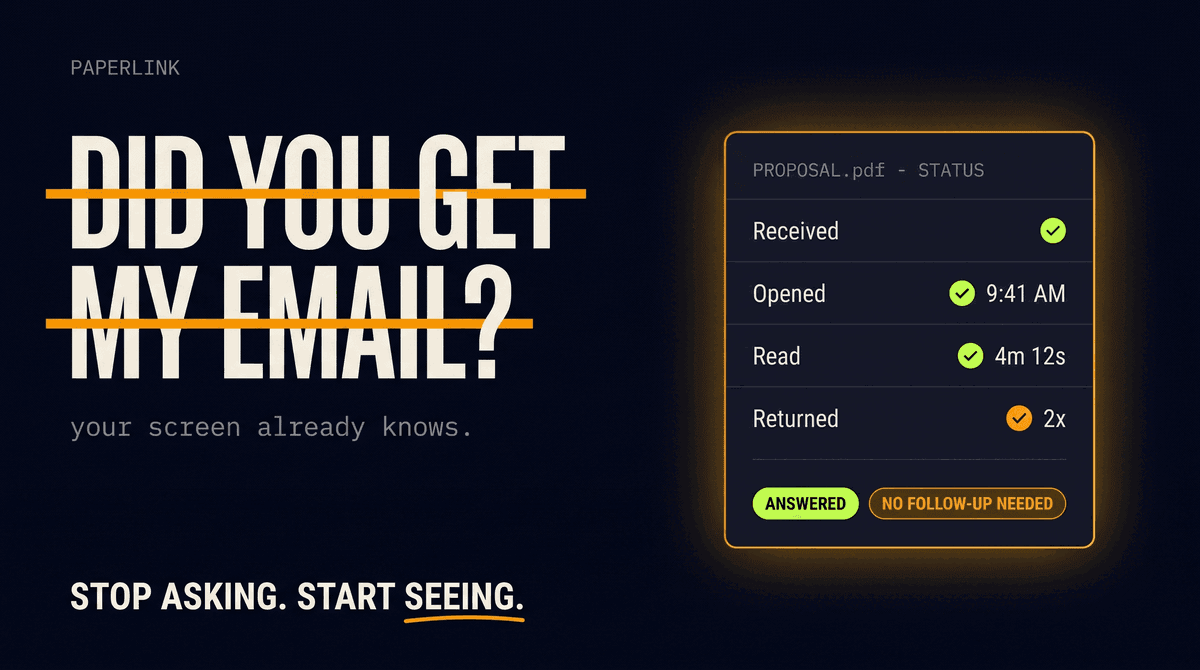
Email gives you one data point: "delivered to inbox." Not "opened." Not "read." Not "the store manager scrolled through the 12-page product placement guide." Just delivered.
For a 5-store chain, this is manageable. You call each manager. For a 120-store network across three time zones, calling isn't an option. And for a franchise operation with 500+ locations across 30 states, the black hole is the default operating mode.
The consequences are concrete:
- Compliance lag. A product recall notice sits unread in a store manager's inbox for 72 hours. The recalled product stays on shelves in Atlanta while the Portland stores cleared it the same day.
- Revenue loss. A promotional display update reaches 40 of 120 stores. The other 80 run the old promotion or none at all.
- Inconsistent customer experience. Some locations reflect the new brand guidelines. Others still show last quarter's layout. The customer notices.
- Wasted field visits. Regional managers drive to stores to verify compliance that could have been confirmed from a dashboard.
Why Email Falls Short for Store Operations
Retail operations teams default to email because it's familiar and free. But email was designed for person-to-person messages, not for distributing operational documents to hundreds of locations with accountability.
No per-recipient tracking. Outlook and Gmail tell you the email was sent. They don't tell you which of the 120 recipients opened the attached PDF, how long they spent on it, or whether they even downloaded it.
Version chaos. When the planogram gets revised - and it always does - you send another email. Now some stores have v1, some have v2, some have both and aren't sure which is current. There's no single source of truth.
Inbox burial. Store managers receive dozens of emails daily from HQ, vendors, and staff. A critical planogram update competes with shift swap requests and lunch orders. Employees spend roughly 2.5 hours daily just searching for information - a directive buried in an inbox thread is a directive nobody acts on.
Sender credibility. If you use a third-party platform to share the document, the notification email comes from noreply@sometool.com. A store manager in Omaha who doesn't recognize the sender does one of three things: ignores it, marks it as spam, or forwards it to IT. None of those outcomes result in a compliant shelf reset.
Where Task Management Tools Stop
Platforms like Connecteam, Zipline, and YOOBIC solve part of this problem. They excel at task assignment, team chat, shift scheduling, and checklists. If your goal is "assign a shelf reset task and confirm it's done with a photo," these tools work well.
But they don't solve the document distribution problem.
When HQ needs to send a 12-page product placement guide, an updated operations manual, a new food safety protocol, or a legal compliance document - the content itself matters. You need to know not just that the task was "completed," but that the store manager actually read the document, spent time on each page, and didn't just check a box.
This is where document sharing with per-recipient analytics fills the gap that task management tools leave open.
| Need | Task Tools | Document Tracking |
|---|---|---|
| "Reset shelf layout by Friday" | Great - assign, track, verify with photo | Not designed for this |
| "Read the new 12-page food safety manual" | Checkbox only - no proof of reading | Per-page time tracking, read confirmation |
| "Review updated franchise agreement" | Not designed for this | Page-level analytics, access controls |
| "Acknowledge new pricing policy" | Checkbox acknowledgement | Time spent on each page, reading depth |
The two approaches complement each other. Task tools handle execution. Document tracking handles comprehension.
What Per-Store Read Tracking Looks Like
The fix isn't a better email client. It's separating the document from the email and tracking each independently.
Upload the directive once. The updated planogram, pricing sheet, or safety protocol lives as a single shared document - not 120 email attachments.
Create individual tracked links. One link per store, each restricted to that store manager's email. Store #47 in Denver can only access their link, not Store #12's.
Send notifications from your corporate address. Each store manager receives an email from operations@acmegrocery.com - not from a SaaS platform they've never heard of. They recognize the sender and open it.
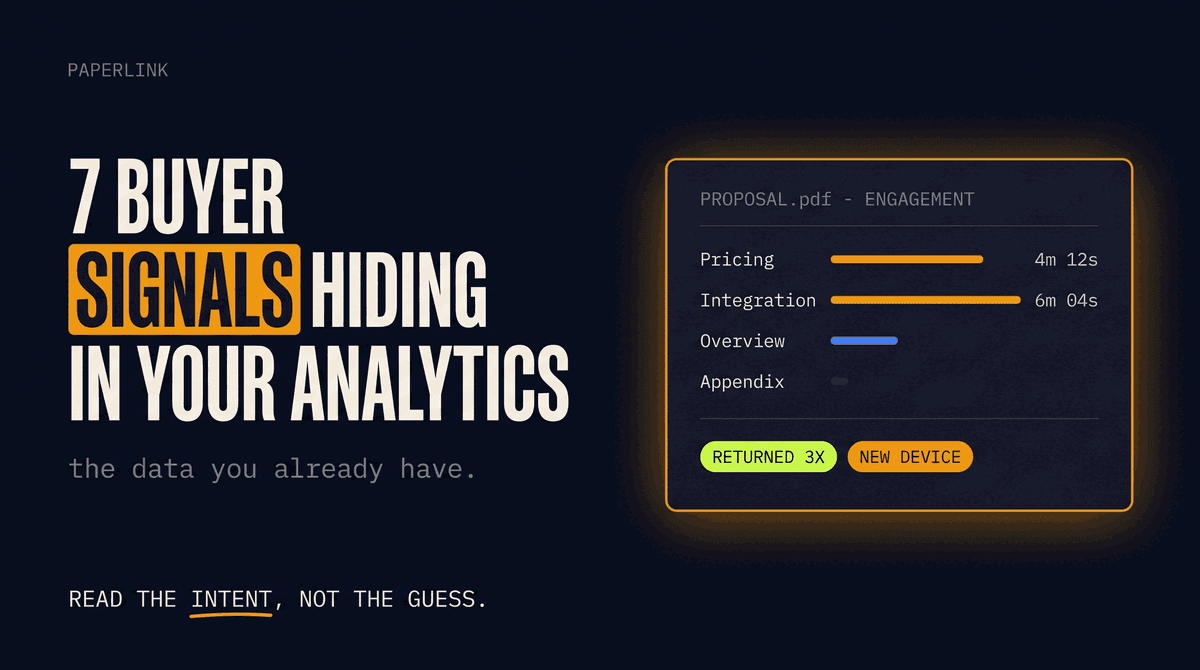
Track who opened it. Within hours, the dashboard shows:
Store #001 (Dallas, TX)        — Opened, 4 min read time
Store #002 (Phoenix, AZ)       — Opened, 2 min read time
Store #003 (Atlanta, GA)       — Delivered, not opened
Store #004 (Portland, OR)      — Opened, 6 min read time
Store #005 (Omaha, NE)         — Bounced (invalid email)
...
Store #120 (Denver, CO)        — Delivered, not opened
Act on the data. 10 stores read the directive. 110 didn't. Now you know exactly which locations need a follow-up call, a resend, or a field visit. No guessing. No driving across the state to check.
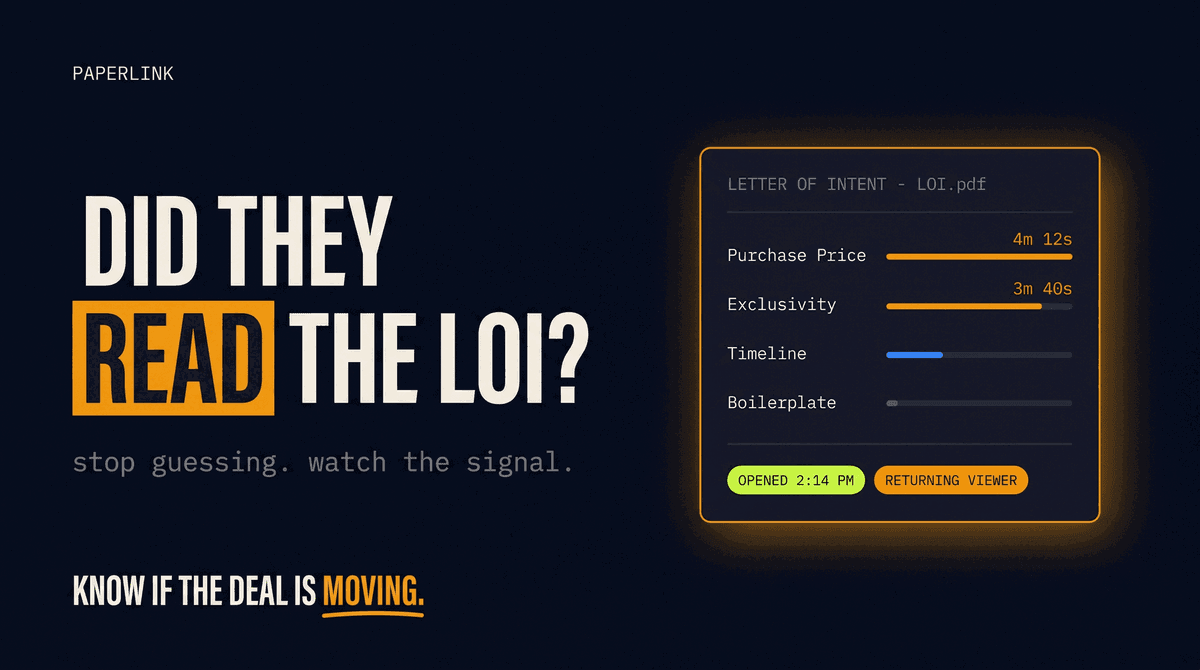
Email open tracking tells you who saw the notification. Link analytics tell you who actually read the document - including time spent per page. Together, they close the entire accountability gap from "sent" to "read."
The Sender Identity Problem
Most document sharing tools send notifications from their own domain. Papermark sends from notifications@papermark.io. DocSend sends from docsend.com. ShareFile is one of the few platforms that supports custom SMTP configuration - letting emails come from your corporate domain.
For multi-location retail, sender identity is operational, not cosmetic. A store manager in rural Tennessee who receives an email from an unfamiliar SaaS address ignores it. An email from operations@acmegrocery.com gets opened because they recognize the sender.
This matters even more for franchise networks. Franchisees are independent operators who receive communications from franchisors, suppliers, distributors, and industry associations daily. An email from a tool they've never heard of gets deleted. An email from the franchisor's operations team gets read.
Real Scenarios Where Tracking Pays Off
Quarterly planogram resets. A grocery chain with 200 locations across the Southeast updates shelf layouts. The operations director shares the document through a tracked link, sends email notifications from the corporate address, and monitors read rates over 48 hours. Stores that haven't opened the document by Wednesday get a phone call. By Friday, compliance is confirmed without a single field visit.
Product recalls. A food safety issue requires removing a specific SKU from shelves within 24 hours. The compliance team uploads the recall notice, sends tracked notifications to all locations, and watches the dashboard in real time. Within 6 hours, they know exactly which stores have seen the notice. The ones that haven't get an escalation call immediately - not days later after a customer complaint.
Promotional rollouts. A fashion retailer launches a seasonal campaign with specific window display guidelines across 180 locations. The visual merchandising team shares the guidelines via tracked link. Two days before launch, the dashboard shows 140 stores have read the document. The remaining 40 get a targeted reminder. Launch day happens with consistent execution instead of the usual patchwork.
Franchise operations manuals. A QSR franchise updates its food preparation standards across 300 franchisees in 28 states. The franchise operations team sends the updated manual with individual tracked links. Every franchisee who reads the document is logged, creating an auditable record for health inspections.
What to Look for in a Document Sharing Tool for Retail
Not every document sharing platform fits multi-location operations. Here's what separates retail-ready tools from generic file sharing:
| Feature | Why It Matters |
|---|---|
| Per-recipient read tracking | Know which specific stores read the document, not just "50 views" |
| Custom SMTP (your corporate email) | Notifications come from your domain, not a SaaS brand |
| Bulk email-restricted links | One link per store, each restricted to that manager's email |
| Page-level analytics | Did they read page 1 only (the summary) or all 12 pages? |
| Password protection | Extra security for sensitive documents like franchise agreements |
| Custom domain for links | docs.acmegrocery.com/planogram-q2 instead of a generic URL |
| No recipient limits | Send to 50 stores or 500 without hitting an artificial cap |
PaperLink supports per-recipient document analytics, custom domains for sharing links, page-level viewing data, and email-restricted access. These features are built for scenarios where knowing who read the document is as important as sharing it. Custom SMTP email notifications are on the 2026 roadmap.
Closing the Gap
The store communication gap in multi-location retail isn't about having fewer tools. Operations teams already use Slack, email, task platforms, and shared drives. The gap is specific: between "we sent the document" and "we know every store read it."
Task management tools close the execution gap. Document tracking closes the comprehension gap. Together with custom SMTP notifications - so emails come from your corporate identity instead of a third-party tool - the entire workflow from creating a directive to verifying every store read it happens in one place.
The next time you update a planogram, issue a recall, or roll out new brand guidelines across 120 locations, you shouldn't have to wonder which stores got the message.