AI Writes Markdown. Your Clients Don't Read It.
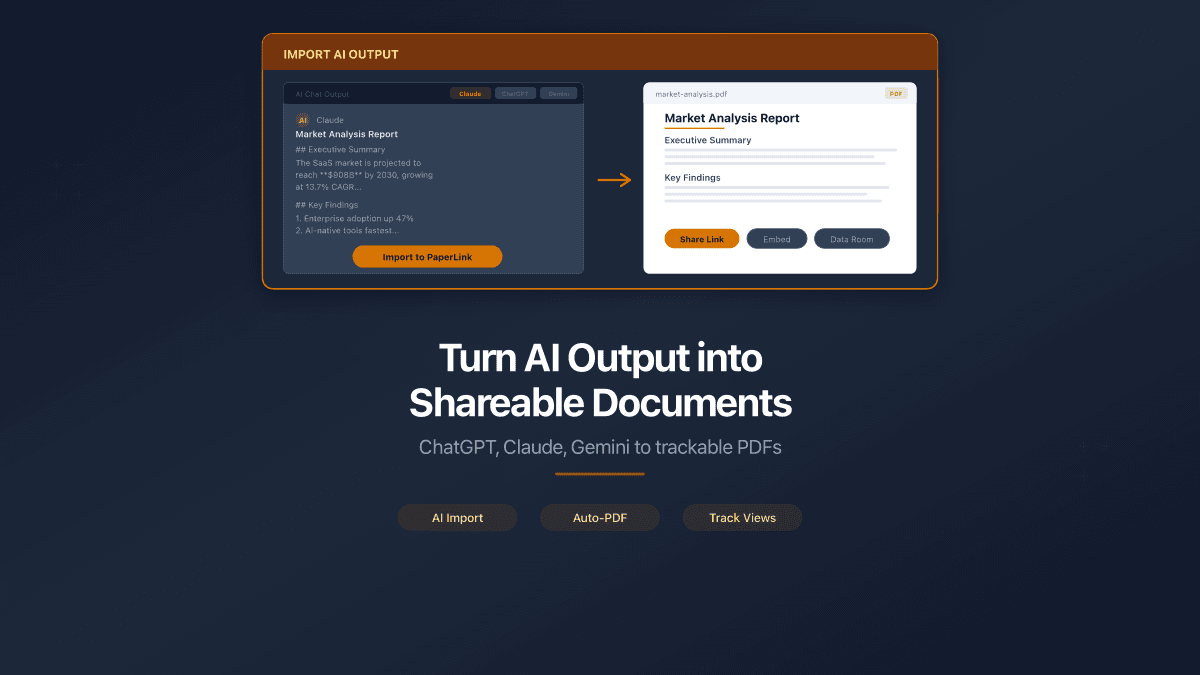
ChatGPT, Claude, Gemini, Copilot - every major AI tool outputs Markdown. Ask for a report, a proposal, a technical spec, and you get a .md file full of headers, bullet points, and code blocks.
The output is good. The format is not shareable.
Send a raw Markdown file to a client, a regulator, or a project stakeholder, and you get one of two reactions: confusion ("what do I open this with?") or silence (they don't open it at all). Markdown is a writing format, not a reading format. The gap between what AI produces and what professionals need to share is real - and growing.
The Markdown Sharing Problem
Markdown was designed for developers. It renders beautifully on GitHub, in code editors, and inside AI chat interfaces. Outside those environments, it breaks down:
| What you have | What your recipient needs |
|---|---|
.md file with ## headings | A formatted document they can read |
| Local file on your machine | A link they can open from any device |
| No access controls | Password protection, NDA gates, expiration |
| No visibility into engagement | Read confirmation, page-by-page analytics |
The typical workaround? Copy the Markdown into Google Docs, fix the formatting manually, export to PDF, upload somewhere, send the link. Four steps, ten minutes, every single time.
Tools like markdowntopdf.com or browser extensions solve the conversion step. But conversion is only half the problem. The other half is sharing - securely, professionally, with tracking.
Upload Markdown, Share a Link
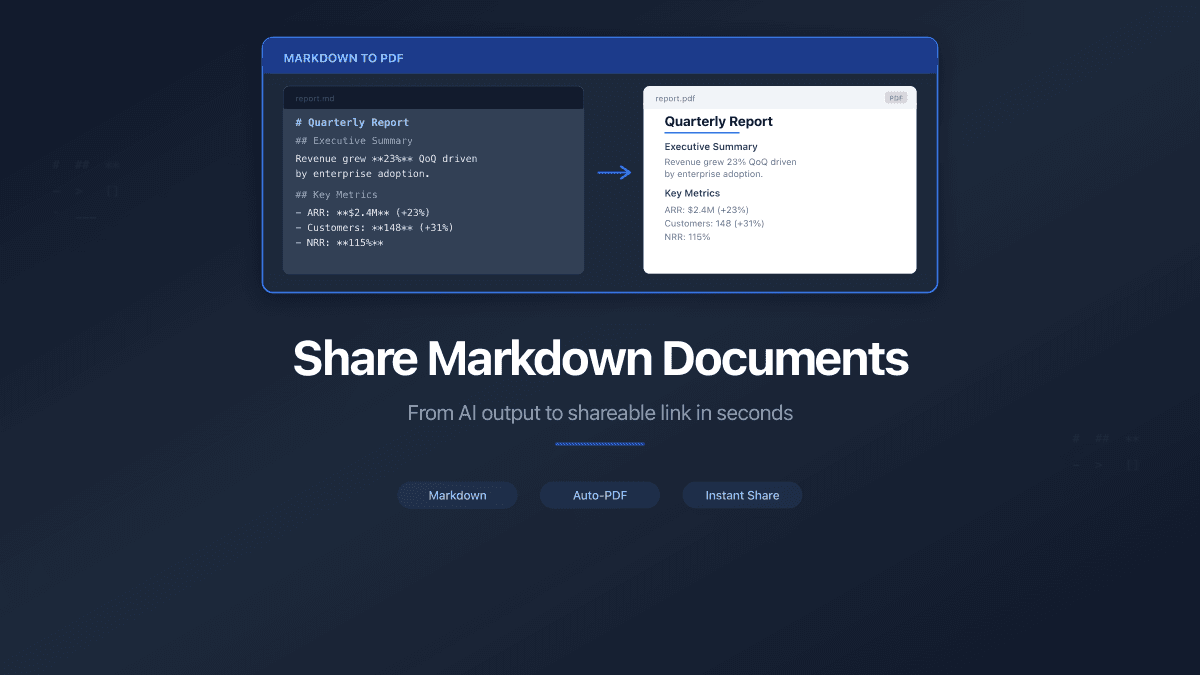
PaperLink now accepts .md files directly. Drop a Markdown file into the upload zone, and PaperLink converts it to a formatted PDF and generates a shareable link - in one step.
No copy-pasting. No manual formatting. No separate conversion tool.
The conversion handles the full Markdown spec: headings, paragraphs, lists, code blocks, blockquotes, tables, images, links, and horizontal rules. What you wrote in Markdown renders as a clean, readable document your recipient sees through their browser.
Drag any .md file into PaperLink the same way you would a PDF. The system detects the file type automatically and routes it through the Markdown converter.
What Your Recipient Sees
Your recipient clicks a link. They see a professionally formatted document - not Markdown syntax, not a raw file download. A rendered document in their browser, with the same viewer experience as any PDF shared through PaperLink.
That means the same sharing controls apply:
- Password protection - require a password before viewing
- NDA/agreement gates - viewers sign before accessing the document
- Expiration dates - links stop working after a deadline
- Custom URLs -
docs.yourcompany.com/proposalinstead of a random ID - Page-by-page analytics - see which sections your recipient read, how long they spent, and whether they finished
The Markdown file you uploaded is the source. The shared link is the professional output.
Who This Is For
Three workflows where this matters most:
Consultants using AI for deliverables. You prompt Claude to write a market analysis or a strategic recommendation. The output is Markdown. Your client expects a polished, branded document they can forward to their board. Upload the .md, share the link.
Development teams sharing specs externally. Technical specifications, architecture docs, API documentation - all naturally written in Markdown. When the audience extends beyond engineers (to product managers, investors, compliance reviewers), Markdown syntax becomes a barrier. Convert and share with one upload.
Agencies producing AI-assisted reports. SEO audits, competitive analyses, content strategies - AI accelerates the writing. But the deliverable needs to look professional. PaperLink bridges the gap between AI draft and client-ready document.
Security Built In
Markdown files can contain embedded HTML, script tags, and links to external resources. PaperLink sanitizes all input during conversion:
- HTML tokens are stripped (no
<script>, no<iframe>, no event handlers) - Link protocols are validated (blocks
javascript:anddata:URIs) - External image fetches are restricted to prevent server-side request forgery
- File size and processing limits prevent abuse
The converted PDF inherits the same encryption and access controls as any document on PaperLink.
PaperLink converts Markdown to PDF server-side. The original .md file is not exposed to viewers - they only see the rendered result through the secure document viewer.
From AI Output to Shared Document in 30 Seconds
The workflow is three steps:
- Export Markdown from your AI tool - copy the output or download the
.mdfile - Upload to PaperLink - drag the file into the upload zone
- Share the link - set permissions, copy the URL, send it
No formatting. No conversion tools. No intermediate steps.
Every AI tool writes Markdown. Now you have a direct path from that Markdown to a professional, trackable, secure shared document.
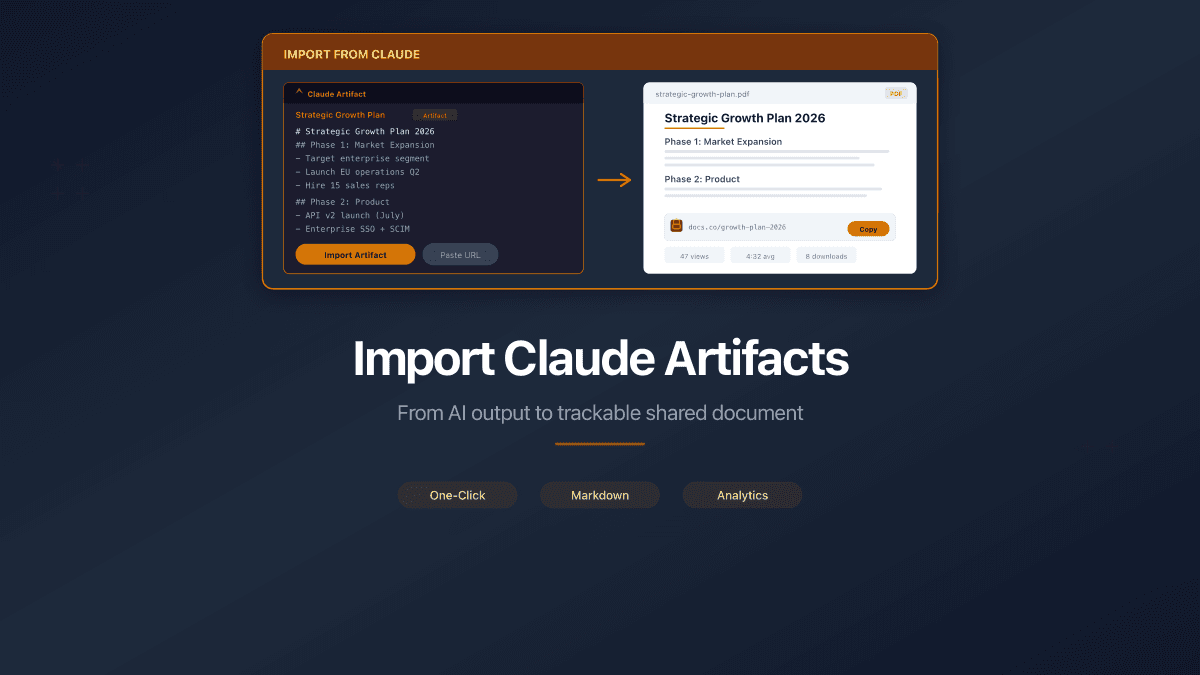
You can also import a Claude artifact directly from its URL or paste text from any AI conversation - PaperLink handles the conversion. See the step-by-step guide for details.
Try it with your next AI-generated report. For a complete guide on sharing AI output from ChatGPT, Claude, and Gemini with analytics and access controls, see Turn AI Output into Shareable Documents. Every shared document gets page-level document tracking so you can see who read it and for how long.