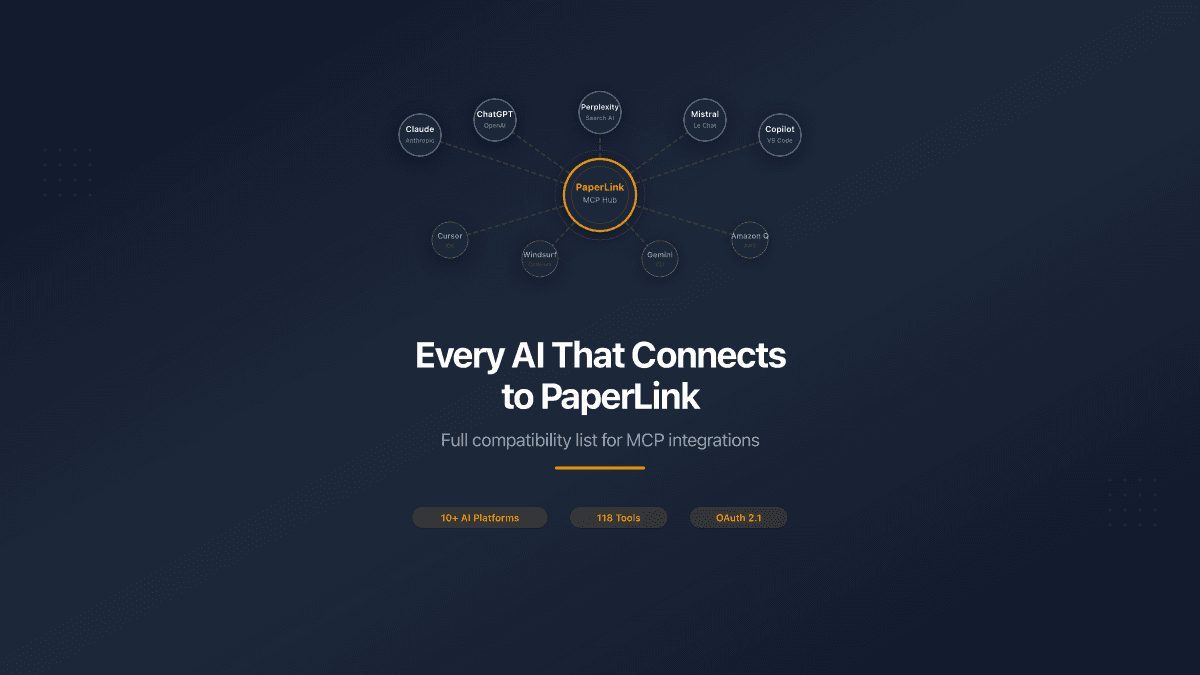
PaperLink's MCP server works with every major AI assistant on the market. One endpoint, one OAuth login, 118 tools - whether you use Claude, ChatGPT, Perplexity, or Mistral. This page is the definitive compatibility reference.
Supported AI Platforms
PaperLink connects through the Model Context Protocol (MCP), the open standard for AI-to-application communication. Any AI client that supports remote MCP servers can connect to PaperLink with zero configuration.
Web-Based AI Assistants
These platforms connect directly from your browser. No terminal, no config files.
| Platform | Status | How to Connect |
|---|---|---|
| Claude.ai | Supported | Settings > MCP Servers > Add Remote Server |
| ChatGPT | Supported | Settings > Connected Apps > Add MCP |
| Perplexity | Supported | Settings > Custom Remote Connectors |
| Mistral Le Chat | Supported | Integrations > Add MCP Server |
| VS Code (Copilot) | Supported | MCP panel > Add Remote Server |
For all web-based platforms, use this server URL:
https://mcp.paperlink.online/api/mcp/mcp
Your browser opens PaperLink's login page. Select a team, choose permissions, click Allow. The connection is live.
Desktop and CLI Tools
These tools run locally and use localhost for OAuth callbacks. Connection works out of the box.
| Platform | Status | How to Connect |
|---|---|---|
| Claude Code | Supported | claude mcp add --transport http paperlink https://mcp.paperlink.online/api/mcp/mcp |
| Cursor | Supported | Settings > MCP > Add Remote Server |
| Windsurf | Supported | MCP Settings > Add Remote Server |
| Gemini CLI | Supported | --mcp-server flag with PaperLink URL |
| Amazon Q Developer | Supported | MCP configuration in settings |
| OpenAI Codex CLI | Supported | MCP server configuration |
For step-by-step setup instructions for Claude Code and Cursor, see How to Connect Your AI Assistant to PaperLink.
Not Yet Supported
| Platform | Reason |
|---|---|
| Claude Desktop | Does not support remote MCP servers (local only). Use Claude Code or Claude.ai instead |
| DeepSeek | No MCP client support |
| Poe | No MCP client support |
| HuggingChat | Self-hosted only, no standard redirect URI |
This list reflects the state of MCP adoption as of April 2026. New AI platforms are adding MCP support regularly. If your preferred tool supports remote MCP servers with OAuth, it will work with PaperLink - the protocol is standardized.
What Your AI Gets Access To
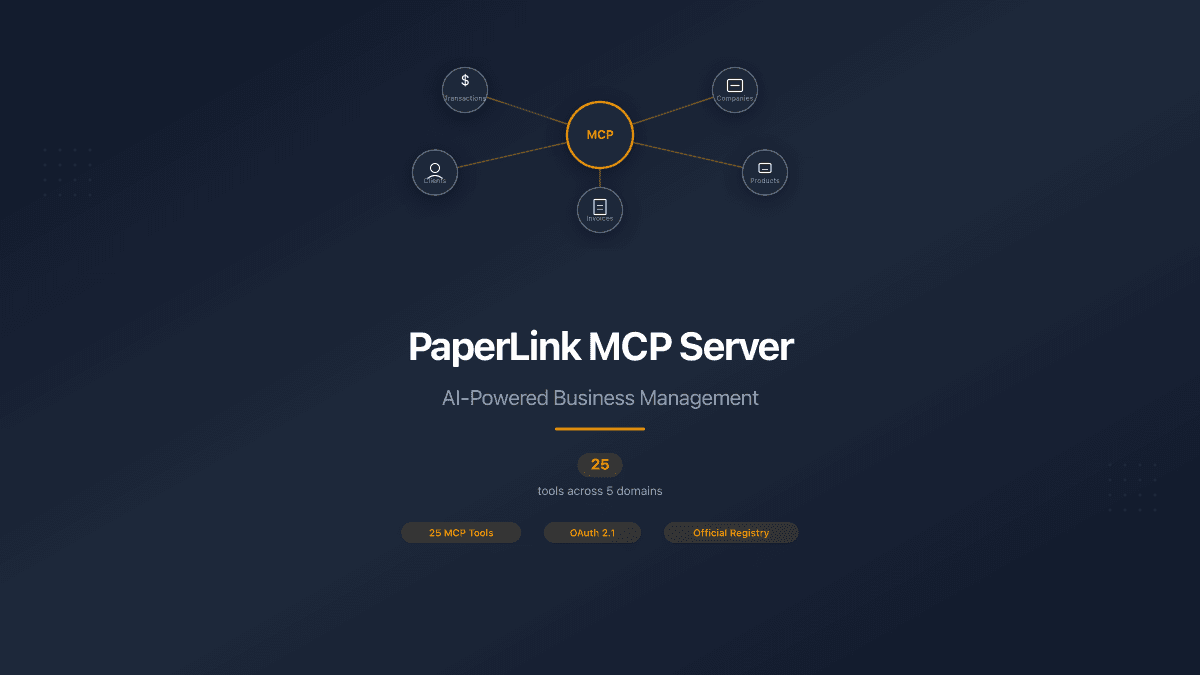
PaperLink exposes 118 tools organized across 13 business domains. When you connect, your AI can manage your entire business through conversation.
| Domain | Tools | What They Do |
|---|---|---|
| Documents | 24 | Create, edit, send, and track invoices and estimates |
| Entities | 21 | Manage companies, clients, and product catalog with pricing |
| Data Room | 14 | Upload files and organize folders for secure due diligence |
| Transactions | 13 | Record income, expenses, and transfers between accounts |
| Sharing Analytics | 8 | View who opened your documents, time spent per page, device and location data |
| Recurring Transactions | 7 | Automate monthly subscriptions, salary, rent |
| Currency | 6 | Real-time exchange rates, multi-currency support |
| Teams | 6 | Manage team settings and members |
| Financial Accounts | 5 | Set up bank accounts, cards, and cash accounts across currencies |
| Categories | 5 | Organize transactions with custom income and expense categories |
| Document Sharing | 4 | Share links with passwords, expiration, and download controls |
| AI Insights | 3 | Get spending analysis and financial recommendations |
| Billing | 2 | Check subscription status and AI credits |
Every tool respects the permissions you chose during OAuth consent. If you only granted read access to invoices, your AI cannot create or modify them.
For the full tool reference with examples, see PaperLink MCP Server.
How Authentication Works
PaperLink uses OAuth 2.1 with PKCE - the same standard your bank uses for third-party app authorization. Here is what happens when you connect:
- Your AI sends a connection request to
mcp.paperlink.online - Your browser opens PaperLink's login page on
app.paperlink.online - You select a team - each connection is scoped to one team's data
- You choose permissions - granular checkboxes for each tool group
- You click Allow - your AI receives a scoped access token
Your password is never shared with the AI platform. Tokens are scoped to the exact permissions you chose and can be revoked at any time from your PaperLink account settings.
Start with read-only permissions to explore. You can reconnect later to grant write access for specific domains.
One Endpoint, Every Platform
Unlike MCP servers that require local installation, JSON config files, or platform-specific setup, PaperLink runs in the cloud. Every AI platform connects to the same URL:
https://mcp.paperlink.online/api/mcp/mcp
This means:
- No npm packages to install. Nothing runs on your machine.
- No config files to edit. Paste one URL, authenticate, done.
- No version management. The server updates automatically. Every platform gets the latest tools.
- No per-platform maintenance. Add a new AI tool tomorrow - it works with the same URL.
The server is listed on the official Anthropic MCP Registry and MCP.so.
Real-World Examples Across Platforms
The same conversation works identically regardless of which AI you use:
In Claude.ai: "Show me which investors opened the Series A pitch deck this week" - PaperLink returns page-by-page viewing analytics with time spent per slide.
In ChatGPT: "Create an invoice for Acme Corp - web development, 40 hours at $150" - PaperLink builds the invoice with your saved company details and tax rates.
In Perplexity: "What were my top 5 expense categories last month?" - PaperLink aggregates your transactions and returns a ranked breakdown.
In Cursor: "Record all expenses from this receipt" - send a photo, and PaperLink creates categorized transactions for each line item.
The tools are the same. The data is the same. Only the AI's conversational style differs.
Getting Started
- Pick your AI platform from the compatibility table above
- Add PaperLink's MCP server URL:
https://mcp.paperlink.online/api/mcp/mcp - Log in, select a team, choose permissions
- Start managing your business through conversation
No credit card required. The free tier includes MCP access with all 118 tools.