
Add a Financial Account
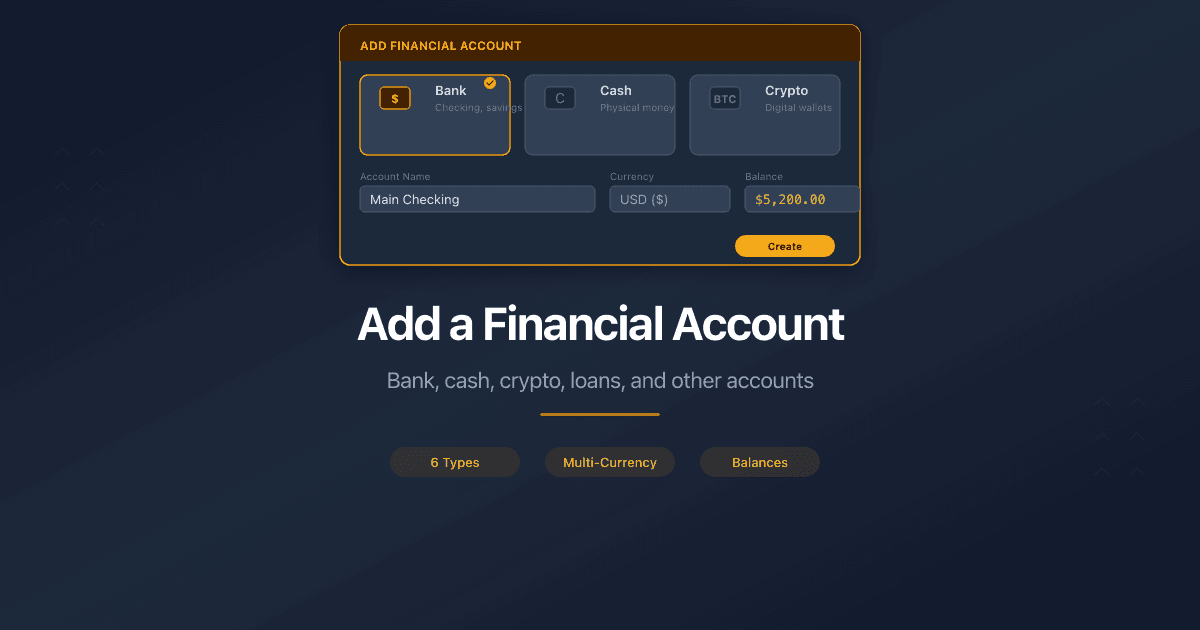
PaperLink personal accounting tracks your money across multiple accounts. The Financial Accounts section in accounting settings lets you add bank accounts, cash wallets, crypto wallets, loans, and other accounts.
How Do I Open Financial Accounts?
- Click Settings in the sidebar.
- Open the Accounting tab.
- The Financial Accounts section is at the top of the page.
How Do I Add an Account?
- Click Add Account.
- Fill in the form fields (see below).
- Click Save.
Form Fields
Account Name (required) - a descriptive name for the account, up to 100 characters. Example: "Chase Checking USD".
Account Type (required) - select one:
| Type | Use for |
|---|---|
| Bank | Checking, savings, and other bank accounts |
| Cash | Physical cash |
| PayPal | PayPal balance |
| E-Wallet | Digital wallets (Apple Pay, Google Pay, Venmo) |
| Crypto | Cryptocurrency wallets |
| Investment | Brokerage, retirement, and investment accounts |
| Loan | Mortgages, car loans, student loans, credit lines |
| Other | Anything that does not fit the types above |
Currency (required) - the currency this account uses. Cannot be changed after creation.
Initial Balance - the starting balance when you begin tracking. Defaults to 0. You can enter negative values for loans and debts.
Include in Balance - toggle on (default) to include this account in your total balance. Toggle off for accounts you want to track separately without affecting the total.
Set as Default - toggle on to make this your default account. Only one account can be the default at a time.
Adding a financial account with a new currency automatically adds that currency to your exchange rate list. See Manage Currency Exchange Rates for details.
How Do I Edit an Account?
Click any account card to open the edit form. You can change the name, type, initial balance, and toggle settings.
The initial balance field is locked if the account has transactions. This prevents balance calculation errors. The currency cannot be changed after creation.
How Do I Archive or Delete an Account?
To archive an account, open it and click Archive Account. Archived accounts stay visible but are disabled. Click Restore Account to reactivate.
To delete an account, open it and click Delete Account. You can only delete accounts that have no transactions linked to them.
How Do Loan Accounts Work?
Loan accounts show a repayment progress bar on the account card. The bar tracks how much of the initial balance (the loan amount) has been repaid through transactions. When the balance reaches zero, the card shows "Loan paid off!".
Related
- Add a Company Financial Account - financial accounts for your business
- Manage Currency Exchange Rates - set up currencies and exchange rates
- Manage Transaction Categories - organize transactions by income and expense categories
- Reset Personal Accounting Data - bulk delete accounts, transactions, and categories
- Use Description Autocomplete - auto-fill account and amount from past transactions
Чи була ця стаття корисною?
Потрібна допомога?
Перегляньте наш довідковий центр або зверніться до нашої команди за персональною допомогою.
Пов'язані статті
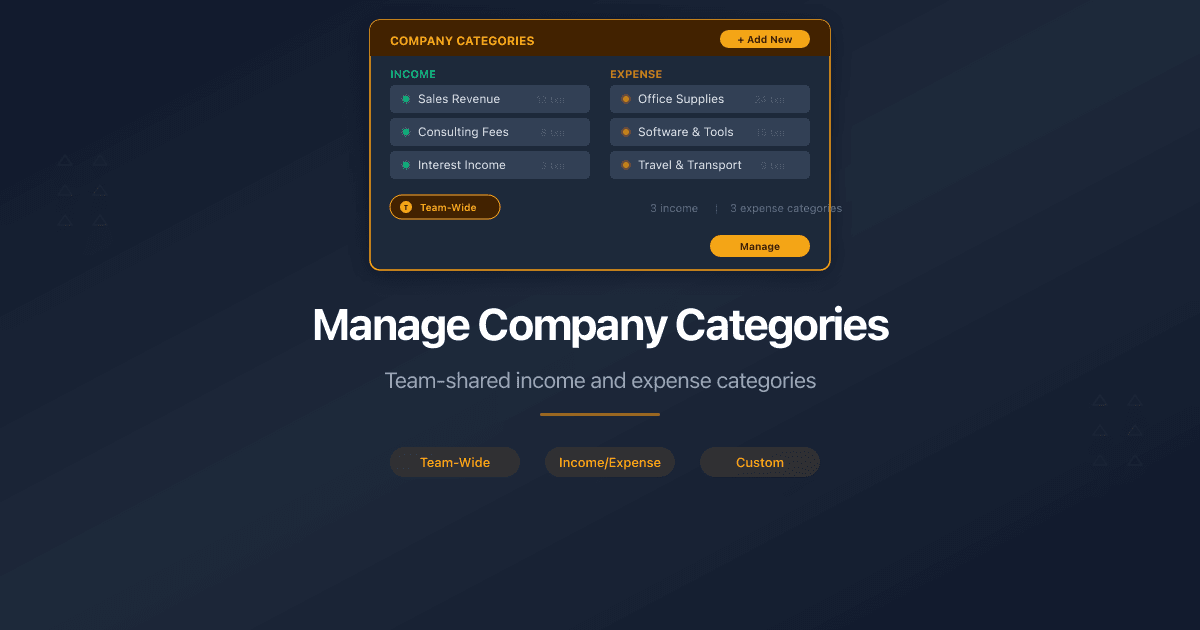
Manage Company Categories
How to manage income and expense categories for company accounting in PaperLink. Default categories, Uncategorized, and team-shared category trees.
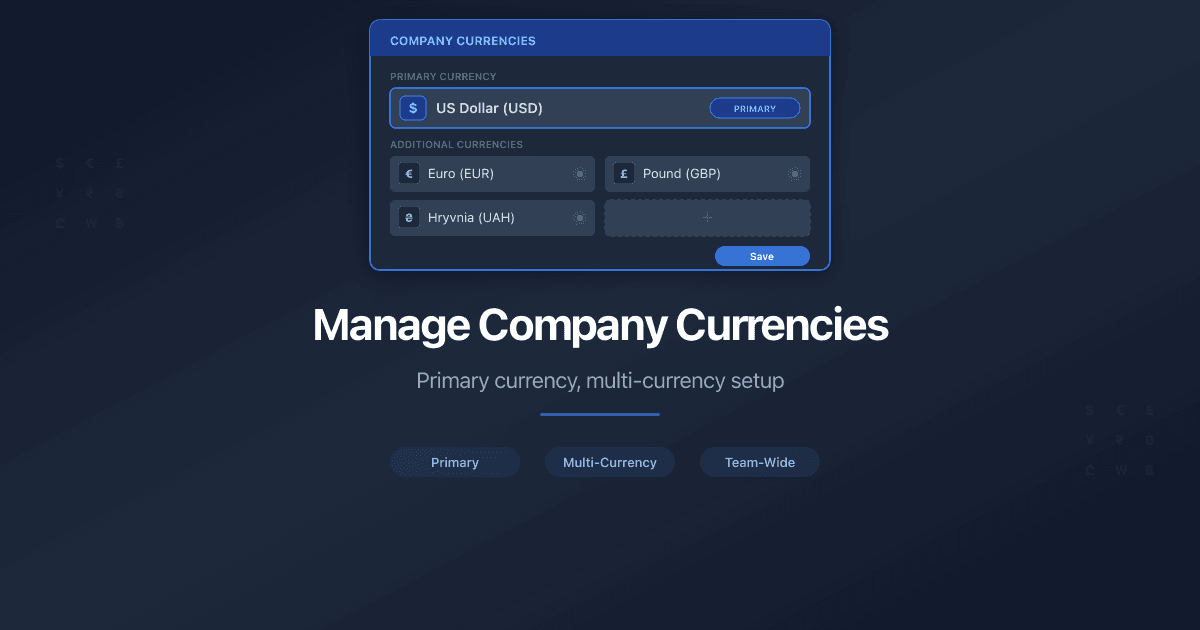
Manage Company Currencies
How to set up currencies for a company in PaperLink. Primary currency, add foreign currencies, auto and manual exchange rates.
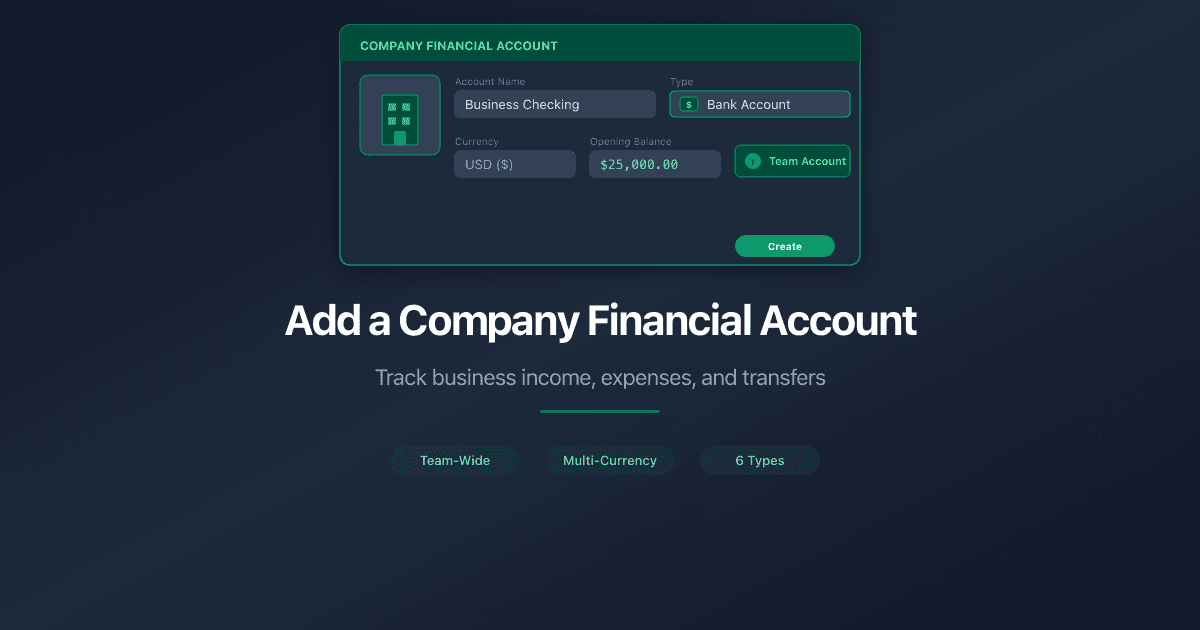
Add a Company Financial Account
How to add a company financial account in PaperLink. Track business income, pay taxes, and transfer funds between company and personal accounts.

Why Your Engagement Letters Need Tracking
Engagement letters start every consulting relationship. Track when clients open them, which pages they read, and whether they reviewed your fee schedule before signing.
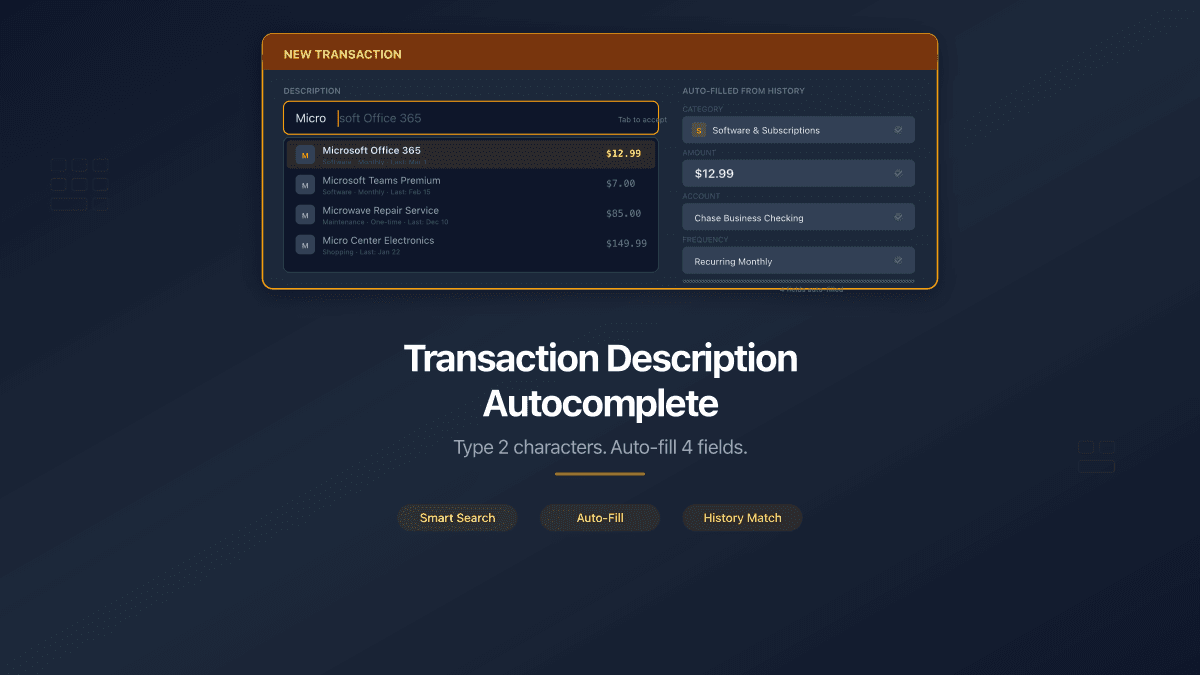
Transaction Description Autocomplete
PaperLink now auto-fills transaction forms from your history. Type 2 characters, pick a suggestion, and the description, account, amount, and category fill in automatically.