Arabic is the fifth most spoken language in the world, with over 400 million native speakers. The MENA region - Saudi Arabia, UAE, Egypt, and beyond - is one of the fastest-growing markets for business software. PaperLink now supports Arabic as its seventh language, with full right-to-left layout across the entire platform.
This is not a machine-translated overlay. Every screen, every form, every PDF mirrors correctly for Arabic-speaking users.
What Full RTL Support Means
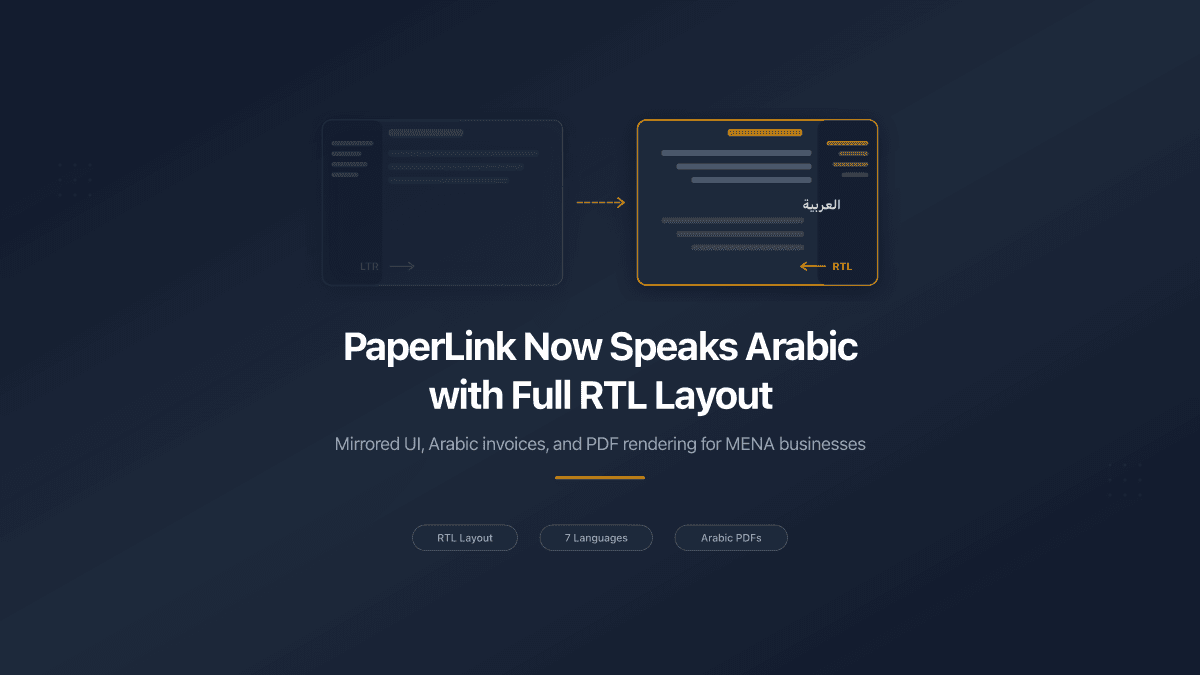
Adding a new language to a SaaS platform usually means translating strings. Arabic requires more. The entire interface must flip - navigation moves to the right, text aligns right, tables read right-to-left, and directional icons reverse. Half-measures create a disorienting experience where the text says one thing and the layout says another.
PaperLink's Arabic support covers three layers:
The web application. Every page in the app - dashboard, invoices, estimates, documents, team settings, accounting - renders in a mirrored RTL layout when Arabic is selected. The sidebar moves to the right side. Form labels align right. Buttons, dropdowns, and toast notifications position correctly. This happens through a single dir="rtl" attribute on the HTML root, combined with CSS logical properties that flip automatically.
The marketing site. The landing page, pricing, features, help center, legal pages, and blog render in Arabic with right-to-left text direction set on the document root, so Arabic content reads in its natural direction. Layout mirroring continues to roll out section by section as we adopt CSS logical properties across the marketing components.
PDF documents. Invoices and estimates generated in Arabic render with RTL text alignment, right-aligned headers, and Arabic font support through Noto Sans Arabic. This is critical - a business document that looks broken undermines trust with the client receiving it.
Seven Languages, One Platform
Arabic joins English, Ukrainian, Spanish, German, French, and Greek. PaperLink determines the display language from the URL path (/ar/dashboard, /en/dashboard) and stores the user's preference in a cookie for subsequent visits.
All translations follow a single-source-of-truth model: English is the canonical version, and every other language mirrors its key structure exactly. This guarantees that no feature label or error message is missing in any language.
Language switching is instant. Click the language selector in Settings or on the auth page, and the entire interface updates - including the text direction for Arabic.
Why MENA Matters for Document Sharing
Businesses in the Gulf states, Egypt, Jordan, and North Africa share proposals, contracts, and financial documents daily. Many use tools built exclusively for English-speaking markets - tools where Arabic text renders left-to-right, PDFs break with Arabic characters, and the UI assumes Latin script.
PaperLink's core features translate directly to MENA business needs:
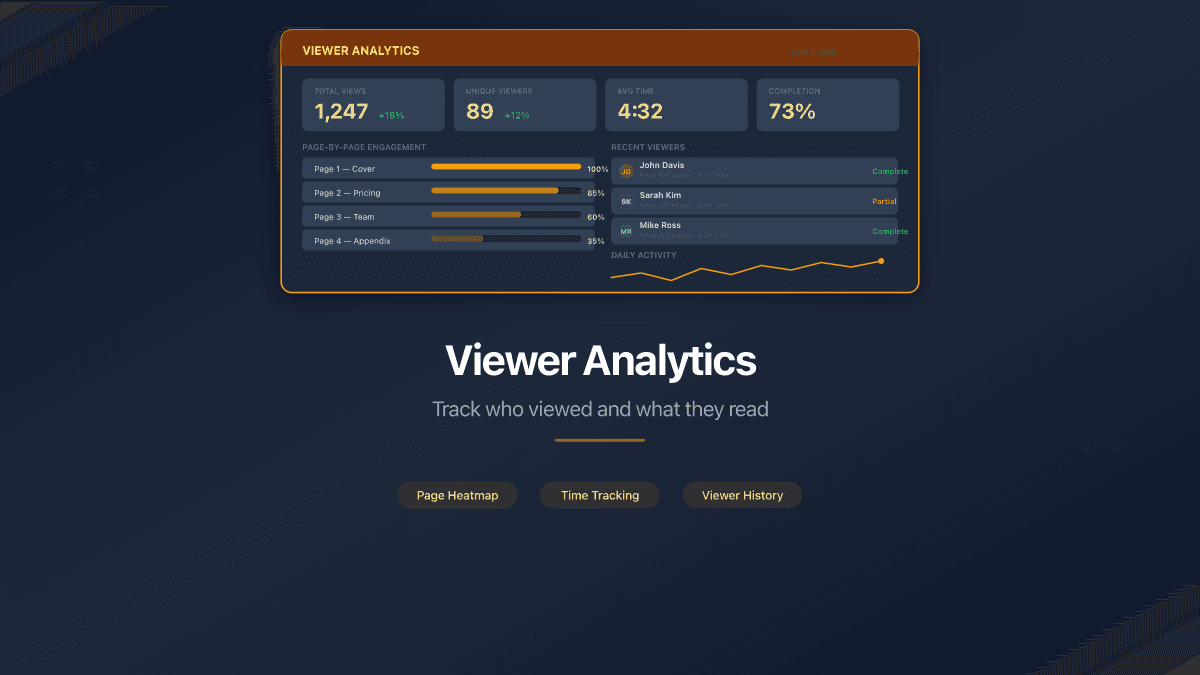
- Page-by-page analytics for pitch decks sent to investors in Riyadh or Dubai
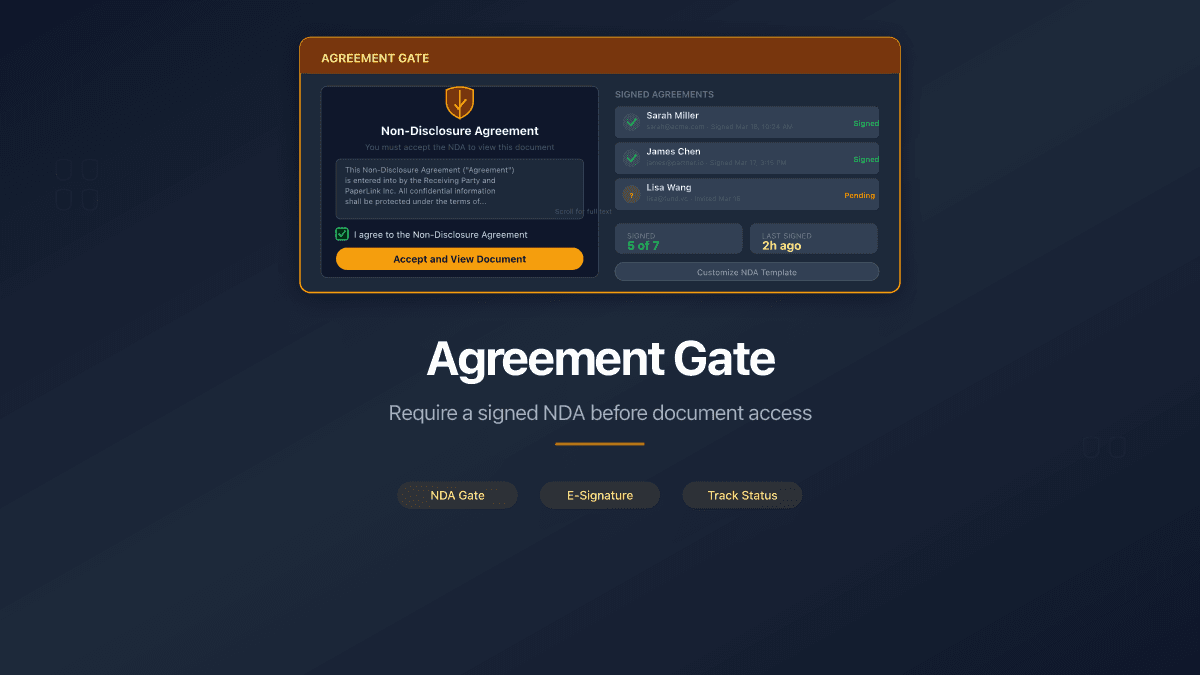
- NDA requirements before viewing sensitive documents - with the agreement text in Arabic
- Password-protected links for due diligence packages shared across borders
- Multi-currency invoicing - SAR, AED, EGP, and 40+ other currencies already supported
- Data rooms for M&A transactions where document access must be audited
These are not theoretical use cases. They are the daily workflow of consultants, law firms, real estate companies, and freelancers across the Arabic-speaking world.
Technical Details
For developers and technical teams evaluating PaperLink's Arabic support, here is what we implemented:
CSS logical properties. Instead of margin-left and padding-right, the codebase uses margin-inline-start and padding-inline-end. These CSS properties automatically flip based on the text direction - no duplicate stylesheets, no RTL-specific overrides for most components.
Tailwind CSS v4 RTL variant. For cases where physical positioning is unavoidable (fixed-position elements, transform animations), the rtl: modifier applies direction-specific styles. The floating help button, toast notifications, and sidebar overlay all use this pattern.
@react-pdf/renderer RTL. PDF generation uses the direction: 'rtl' style property and a dedicated Arabic font (Noto Sans Arabic) registered for server-side rendering. The bidi engine in @react-pdf handles mixed Arabic/Latin text correctly - important for invoices where the client's English company name appears alongside Arabic labels.
No geo-detection. Arabic does not activate automatically based on IP address. Users choose their language manually. This respects user preference and avoids assumptions - many Arabic speakers prefer English interfaces, and many non-Arabic speakers live in MENA countries.
How to Switch to Arabic
- Open Settings in your PaperLink account
- Under Interface Language, select العربية (Arabic)
- The page reloads with a mirrored RTL layout
For the marketing site, click the language selector in the header and choose العربية.
Every feature works identically in Arabic - document sharing, invoicing, estimates, accounting, team management, and data rooms. No features are missing or degraded.
What Comes Next
Arabic is the first right-to-left language in PaperLink. The RTL infrastructure we built - CSS logical properties, font registration, PDF direction support - makes adding Hebrew or other RTL languages straightforward in the future.
We are also working with native Arabic speakers to refine translations across the platform. The initial release covers all UI strings, but domain-specific terminology in accounting categories will continue to improve based on feedback from Arabic-speaking users.
If you work with Arabic-speaking clients or operate in the MENA region, sign up for free and try it today. PaperLink is free to start, with no credit card required.