What Is a Virtual Data Room?
A virtual data room (VDR) is a secure online repository for sharing confidential documents with external parties during business transactions. As of 2026, virtual data rooms are used for fundraising, M&A due diligence, legal proceedings, real estate transactions, and any scenario where multiple stakeholders need controlled access to sensitive files. PaperLink, Intralinks, Firmex, and Datasite are among the leading VDR providers.
How Does a Virtual Data Room Work?
A virtual data room replaces the physical rooms where companies once stored paper documents for buyer review during acquisitions. Instead of flying to an office to read confidential files, authorized parties access documents through a secure web-based viewer.
The typical workflow:
- Create a folder structure organized by category (Financials, Legal, Product, Team)
- Upload documents to each folder
- Set access controls - password protection, email verification, NDA requirements, link expiration
- Share a single link with authorized parties
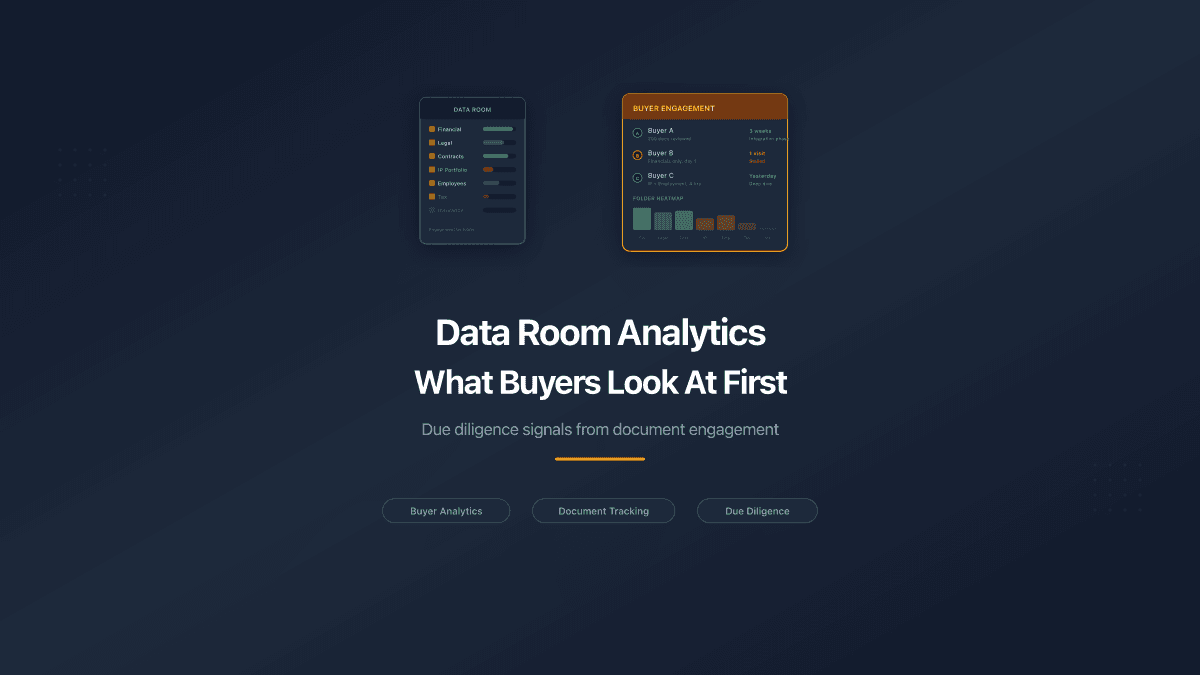
- Monitor engagement - see who viewed which documents, for how long, and whether they downloaded
Unlike generic file sharing (Google Drive, Dropbox), a virtual data room provides granular access controls, page-level analytics, and audit trails specifically designed for high-stakes transactions.
The distinction matters most after a document is shared. Cloud storage can tell you that someone opened a folder; a virtual data room tells you that a specific investor spent twelve minutes on the financial projections, skipped the team bios, and did not download anything. That visibility turns a passive file transfer into an active signal - you learn which parties are seriously engaged and what questions they are likely to raise before they ask them. For transactions where timing and negotiating leverage depend on reading counterparty intent, that difference is the entire point of using a data room instead of a shared drive.
When Do You Need a Virtual Data Room?
Fundraising. Startups share pitch decks, financial models, cap tables, and legal documents with potential investors. A data room lets founders track which investors engage most deeply and prioritize follow-up conversations.
M&A due diligence. Acquiring companies review financial statements, contracts, IP portfolios, employee agreements, and regulatory filings. A VDR provides structured access with audit trails proving who reviewed what.
Legal proceedings. Law firms share case documents, contracts, and compliance materials with opposing counsel, regulators, or clients. Access controls and audit trails are critical for maintaining privilege and proving disclosure.
Real estate transactions. Property deals involve inspection reports, environmental assessments, title documents, lease agreements, and financial projections. A data room organizes these for buyer review with controlled access.
IPO preparation. Companies going public share financial disclosures, legal opinions, and regulatory filings with underwriters and legal counsel through secure data rooms.
Board governance. Board members access meeting materials, financial reports, and strategic plans through a secure portal with version control and access logs.
What Features Should a Virtual Data Room Have?
| Feature | Why It Matters |
|---|---|
| Folder structure | Organizes documents by category for easy navigation |
| Access controls | Password, email verification, NDA, login requirements |
| Page-level analytics | Shows which pages each viewer read and how long they spent |
| Link expiration | Automatically revokes access after a deadline |
| Download control | Prevents or allows file downloads per link |
| Audit trail | Logs every view, download, and agreement signature |
| Custom branding | White-label URLs and custom domains for professional appearance |
| Watermarking | Deters unauthorized distribution of viewed documents |
| Q&A workflow | Structured questions and answers between parties |
| Bulk upload | Upload multiple files and folder structures at once |
Virtual Data Room vs Cloud Storage
| Feature | Virtual Data Room | Cloud Storage (Google Drive, Dropbox) |
|---|---|---|
| Access controls | Password, email, NDA, expiration, download control | Permission levels only (view, edit, comment) |
| Analytics | Page-level engagement per viewer | Basic view counts or no tracking |
| Audit trail | Full log of who viewed what, when, for how long | Limited activity log |
| Document viewer | Browser-based, no download required | Download or Google Docs viewer |
| Custom branding | Custom domains and URLs | No branding options |
| NDA requirement | Built-in agreement gate before access | Not available |
| Cost | $0-$500+/month depending on features | $0-$20/month for storage |
How Much Does a Virtual Data Room Cost?
As of 2026, virtual data room pricing varies widely:
- Free plans - PaperLink and Papermark offer free tiers with basic data room features
- Startup tier ($20-$60/month) - suitable for fundraising and small deals
- Professional tier ($100-$500/month) - advanced security, Q&A, and audit features
- Enterprise tier ($500+/month) - unlimited storage, dedicated support, compliance certifications
Traditional enterprise VDR providers like Intralinks and Datasite charge per-page or per-project fees that can reach thousands of dollars per deal. Modern platforms like PaperLink offer flat monthly pricing with all access controls included on every plan.
How to Set Up a Virtual Data Room
Setting up a virtual data room in PaperLink takes five steps:
- Create a folder in Shared Documents and name it (e.g., "Series A Data Room")
- Add subfolders for each document category - Financials, Legal, Product, Team
- Upload documents to each subfolder
- Create a sharing link with access controls - email verification, password, NDA gate
- Share the link with authorized parties and monitor analytics
For a detailed walkthrough, see Set Up a Data Room.
What Documents Go in a Data Room?
The contents depend on the transaction type. A typical fundraising data room includes:
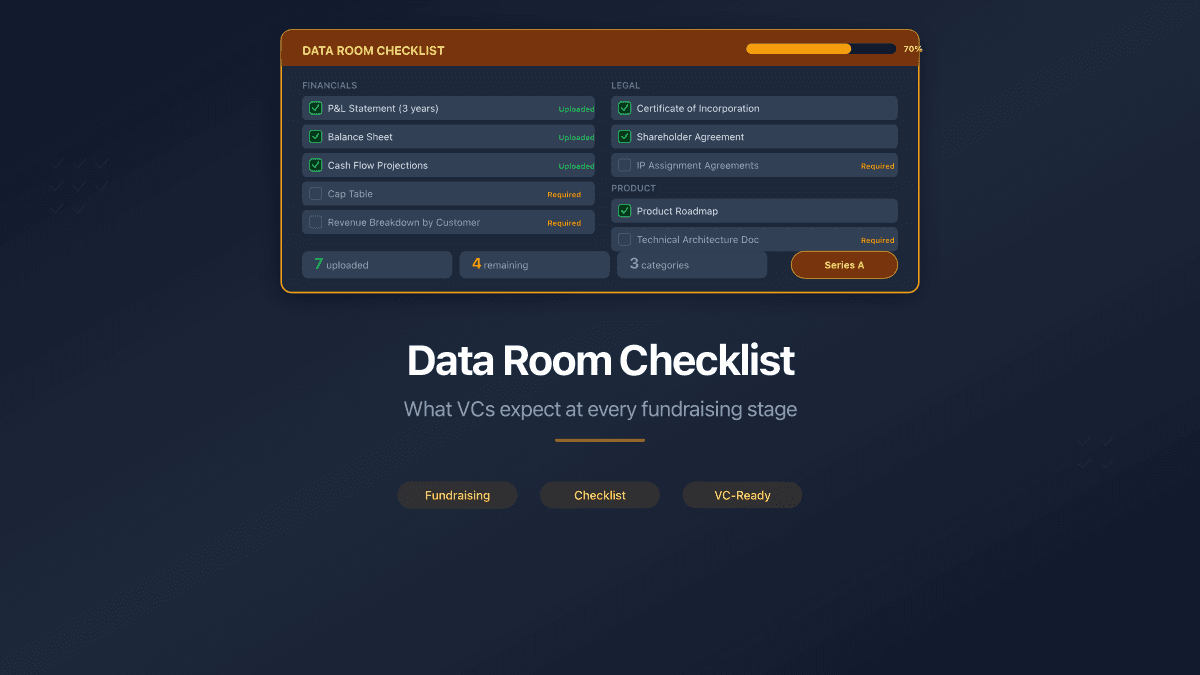
- Financials - income statements, balance sheets, cash flow, financial projections, cap table
- Legal - articles of incorporation, shareholder agreements, IP assignments, key contracts
- Product - product roadmap, technical architecture, user metrics, competitive analysis
- Team - organizational chart, key employee bios, employment agreements
- Market - market size analysis, customer testimonials, case studies
For a complete checklist, see The Data Room Checklist for Startup Fundraising.
How Do You Organize Folders in a Data Room?
Documents should be grouped by category, not dumped into a flat list. A reviewer who opens a data room and sees forty files with no structure has to guess which ones matter. A fundraising data room typically organizes files like this:
/Company Overview
  - Pitch Deck.pdf
  - Executive Summary.pdf
/Financials
  - Revenue Model.pdf
  - P&L 2024-2025.pdf
  - Cash Flow Projections.pdf
/Legal
  - Certificate of Incorporation.pdf
  - Shareholder Agreement.pdf
  - IP Assignment.pdf
/Product
  - Product Roadmap.pdf
  - Metrics Dashboard.pdf
Nested folders with clear naming tell the reviewer exactly where to find what they need. Investors consistently report that a disorganized data room is one of the strongest negative signals during fundraising - a well-structured room signals competence, a messy one signals risk. Most modern platforms support several levels of nesting, so you can add subfolders for granularity (for example, splitting Legal into Corporate, IP, and Contracts) without flattening the hierarchy.
What Is the Data Room Spectrum, From Free to Enterprise?
Not every data room needs enterprise features. The right tool depends on the deal size, the sensitivity of the documents, and the number of counterparties involved.
| Tier | When to use | Examples |
|---|---|---|
| Cloud storage | Internal collaboration, non-sensitive sharing | Google Drive, Dropbox, OneDrive |
| Lightweight VDR | Fundraising, client deliverables, small deals | PaperLink, Papermark, DocSend |
| Enterprise VDR | Large M&A, IPO, cross-border deals, regulatory compliance | Datasite, Intralinks, iDeals |
The jump from cloud storage to a lightweight virtual data room is small in cost and setup time, but large in capability: you gain per-link access controls, page-level analytics, and a full audit trail. The jump from lightweight to enterprise adds AI-powered redaction, granular per-document permissions, multi-language support, and compliance certifications such as SOC 2 and ISO 27001 - at a price that only makes sense for deals measured in hundreds of millions. For a startup raising a seed round, a consulting firm sharing deliverables, or a small law firm managing case documents, a lightweight VDR covers the requirements without the enterprise overhead.
What Are the Most Common Data Room Mistakes?
Even a well-chosen platform fails if the room itself is set up poorly. Five mistakes weaken a data room more than any missing feature:
No folder structure. Dumping every file into a flat list forces the reviewer to guess which documents matter. Organize by category before you share the link.
Missing documents. Reviewers notice gaps. A cap table that is absent or a financial model that stops mid-year raises immediate questions. Prepare the complete set before sending access.
No access controls. Sharing a generic "anyone with the link" URL gives you zero control over redistribution. Use email verification at minimum, so you know exactly who opened your documents.
Permanent links with no expiration. A fundraising data room should stop working when the round closes. Old links with live access are a standing liability - set expiration dates that match your timeline.
One link for everyone. Different parties warrant different levels of trust. Give lead investors download access and a longer window; give casual introductions view-only access with a short expiration. Same folder, separate links, separate analytics.
How Does PaperLink Handle Virtual Data Rooms?
PaperLink implements the virtual data room through its folder system: create a folder, upload documents, generate a sharing link for the folder, and apply access controls. Viewers navigate the folder structure in their browser with breadcrumb navigation - no account to create, no software to install.
Every folder sharing link supports the full set of controls (password, email verification, agreement gate, download control, and link expiration), and different links on the same folder can carry different permissions. The folder analytics dashboard reports total views, unique visitors, average viewing duration, and a per-document breakdown, so you can see which files attracted attention and which were skipped - across all viewers or filtered to one person. Knowing that someone spent fifteen minutes on the financial projections and none on the legal section tells you exactly what questions they will ask next.
Related
- Set Up a Data Room - step-by-step guide to creating a data room in PaperLink
- The Data Room Checklist for Startup Fundraising - what documents VCs expect at every stage
- Secure Document Sharing for Due Diligence - security best practices
- What Is Document Analytics? - complete guide to document tracking