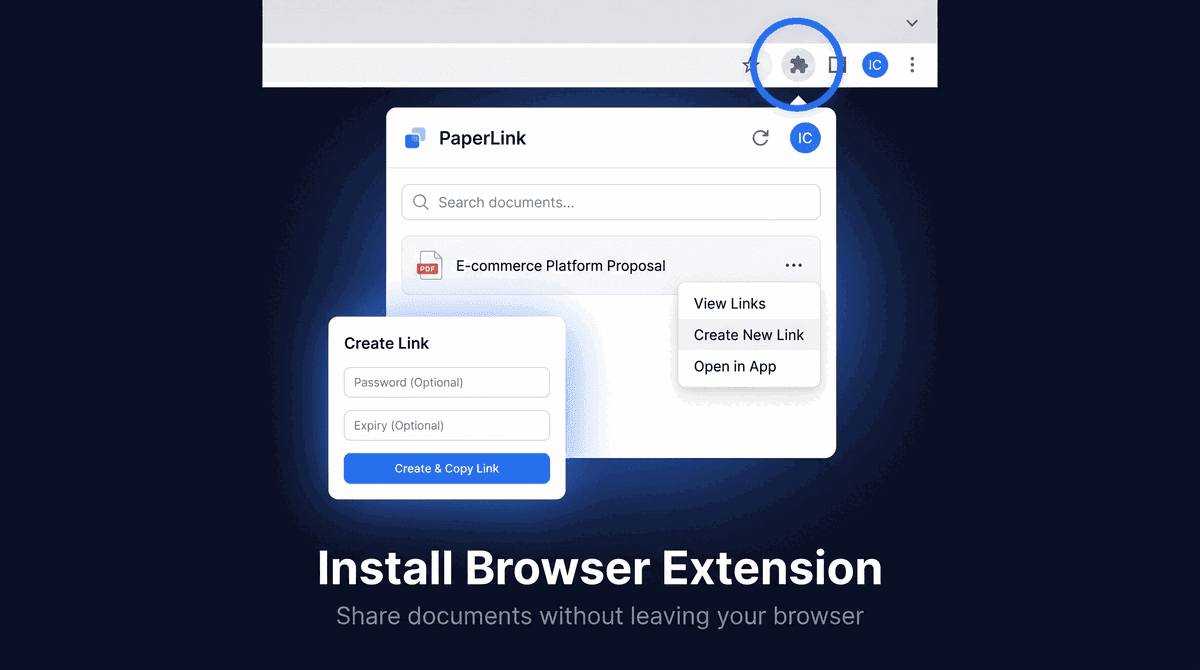
Getting StartedInstall the PaperLink Browser ExtensionInstall the PaperLink Chrome extension to share documents and create shareable links without leaving your browser. Works on Gmail, Notion, LinkedIn, and any webpage.4 min read
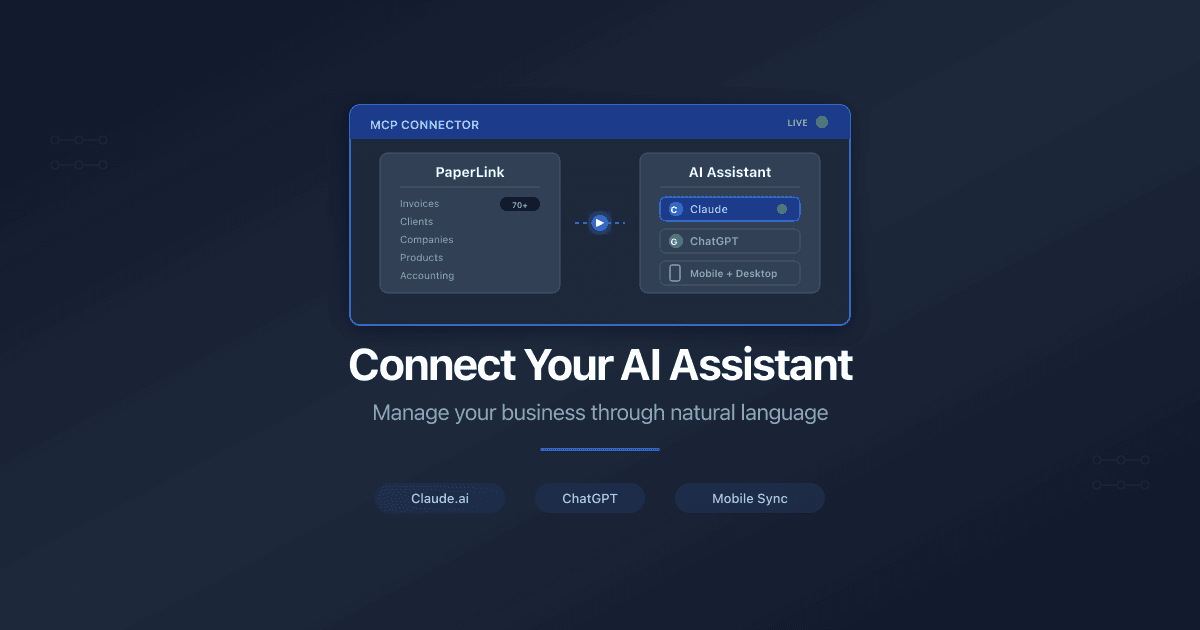
Getting StartedConnect PaperLink to Your AI AssistantConnect PaperLink to Claude or ChatGPT to manage invoices, clients, and documents through natural language.2 min read
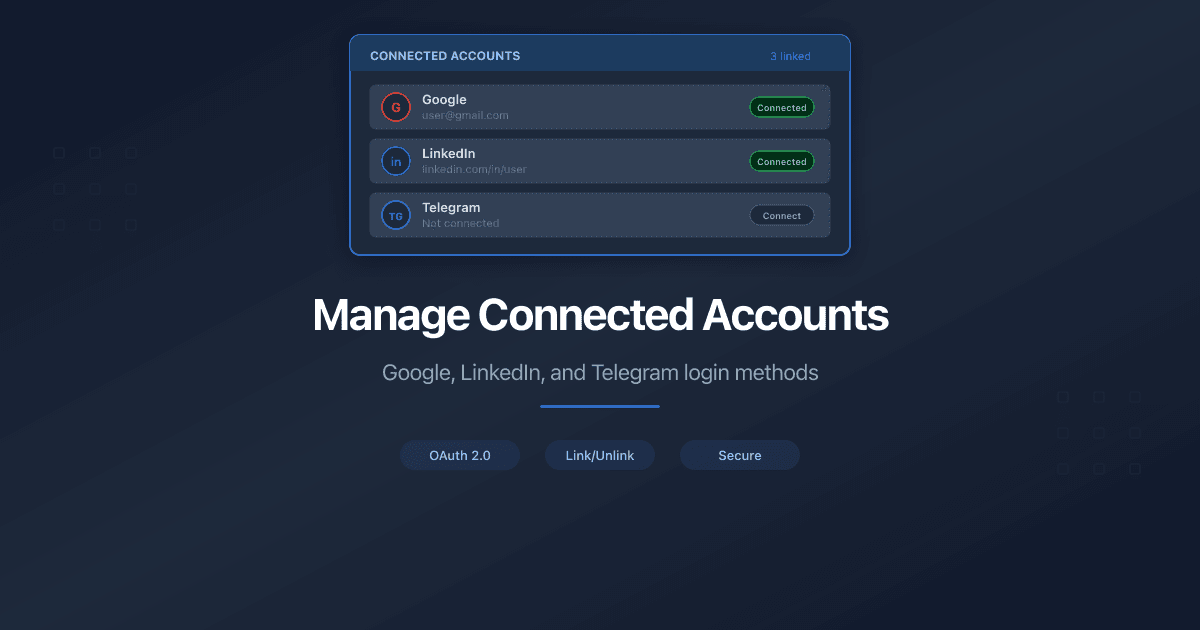
Getting StartedManage Connected AccountsHow to manage your PaperLink login methods. Connect or disconnect Google, LinkedIn, and Telegram from your profile settings.2 min read
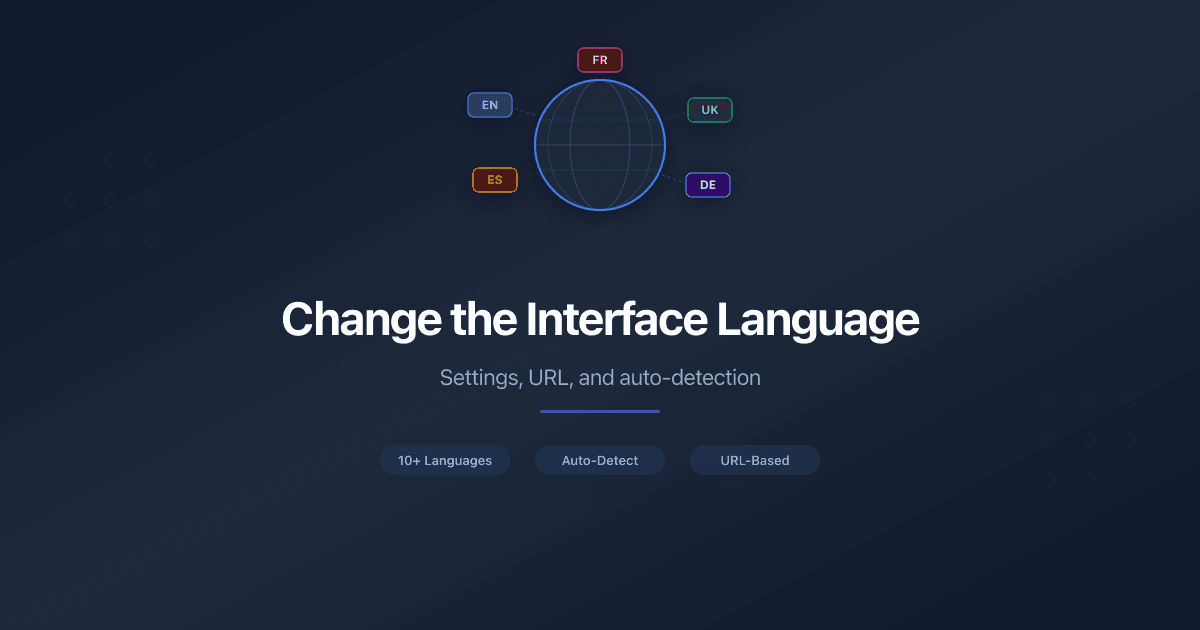
Getting StartedChange the Interface LanguageHow to change the PaperLink interface language through settings or URL. Supported languages, auto-detection, and how preferences are saved.3 min read
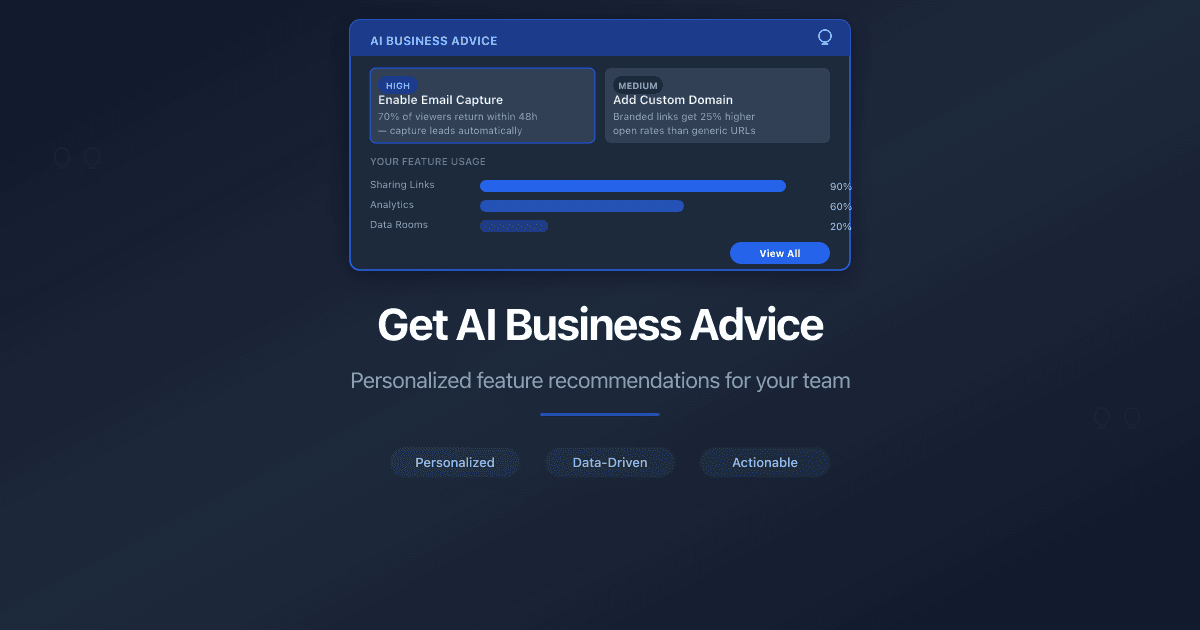
Getting StartedGet AI Business AdviceDescribe your business and get a personalized AI recommendation on where to start in PaperLink - which features to use first and how to set up your workspace.3 min read
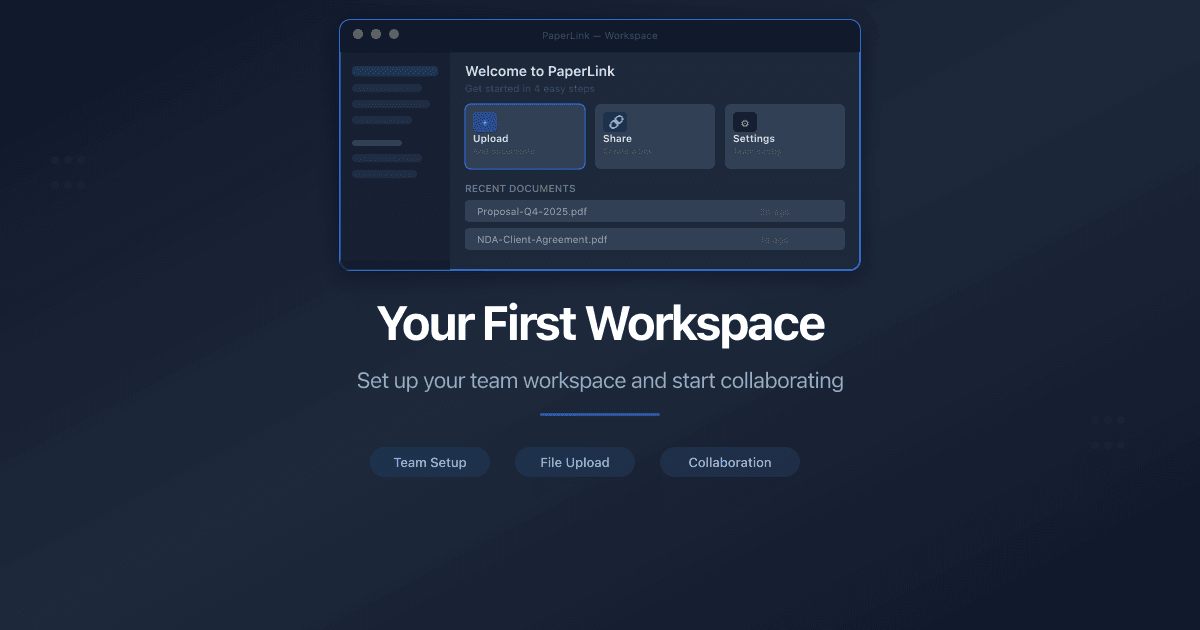
Getting StartedYour First Workspace - What PaperLink Creates for YouAfter your first sign-in, PaperLink sets up a ready-to-use workspace with a team, company, client, product, financial accounts, and expense categories.6 min read
 PaperLink