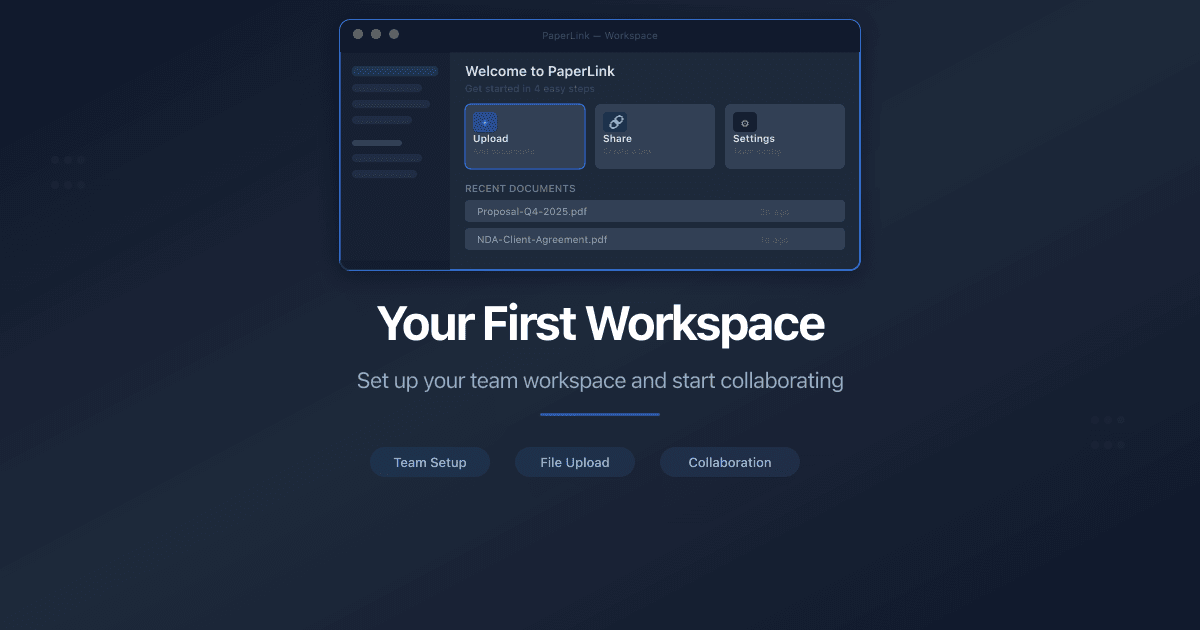
Getting StartedYour First Workspace - What PaperLink Creates for YouAfter your first sign-in, PaperLink sets up a ready-to-use workspace with a team, company, client, product, financial accounts, and expense categories.6 min read
TeamsRename Your Team and Update the LogoHow to change your PaperLink team name and upload a team logo. Name rules, accepted file formats, and who can make changes.1 min read
TeamsInvite a Team MemberHow to invite people to your PaperLink team. Assign roles, control permissions, and collaborate on invoices, documents, and client management.2 min read
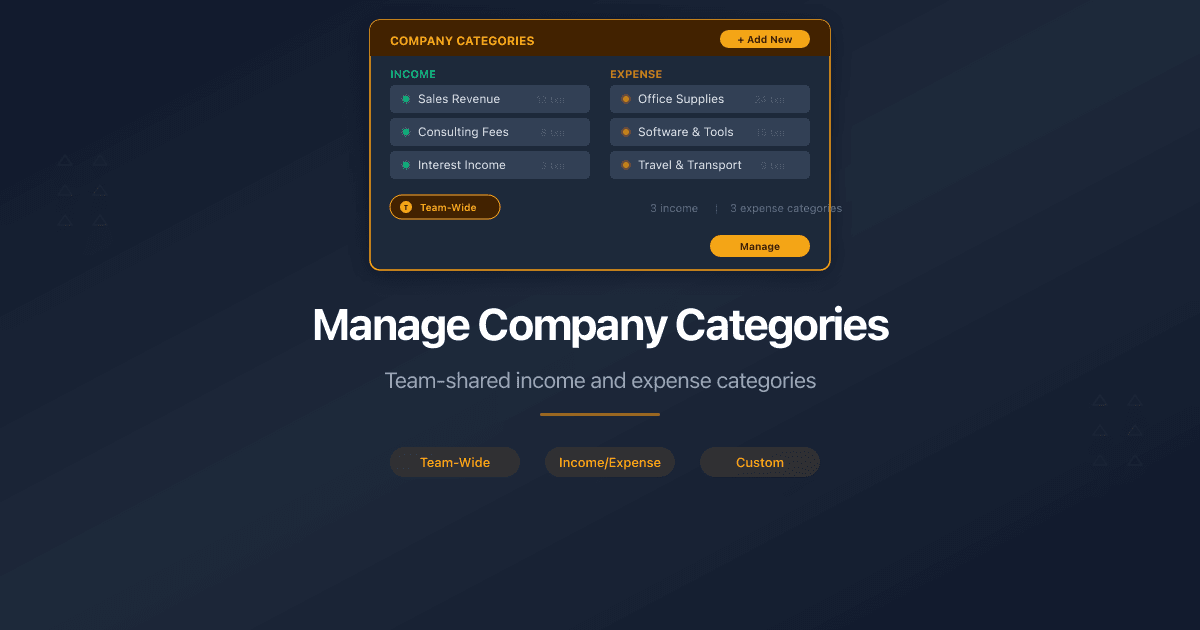
AccountingManage Company CategoriesHow to manage income and expense categories for company accounting in PaperLink. Default categories, Uncategorized, and team-shared category trees.2 min read
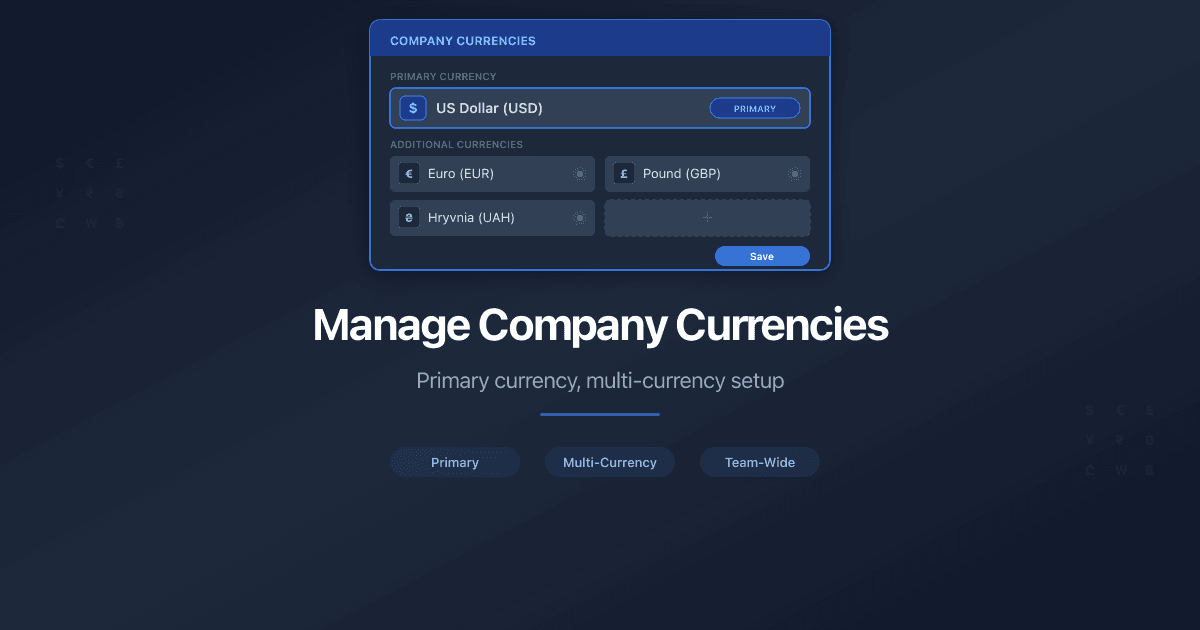
AccountingManage Company CurrenciesHow to set up currencies for a company in PaperLink. Primary currency, add foreign currencies, auto and manual exchange rates.3 min read
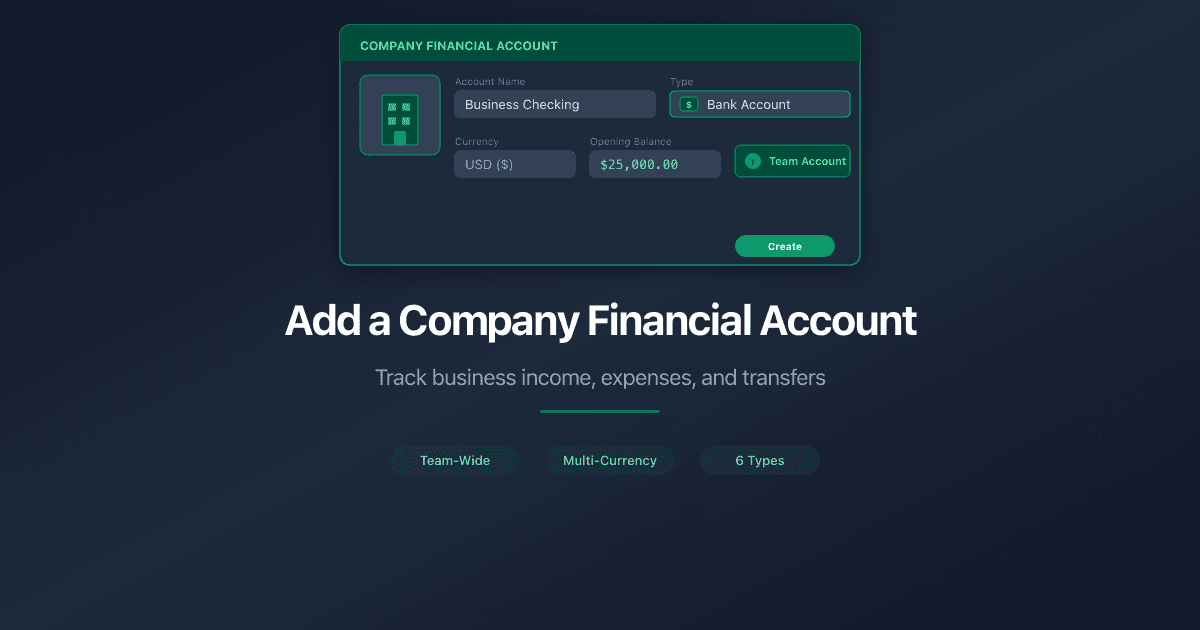
AccountingAdd a Company Financial AccountHow to add a company financial account in PaperLink. Track business income, pay taxes, and transfer funds between company and personal accounts.3 min read
 PaperLink