Your Team Is Already on Telegram
One billion monthly active users. Thirty-eight percent of them in Asia - the same region that accounts for a third of PaperLink's audience. Telegram is where deals get discussed, contracts get forwarded, and document links get shared. It made no sense that signing into PaperLink required a different identity.
Telegram is now a first-class login option, alongside Google and LinkedIn.
How It Works
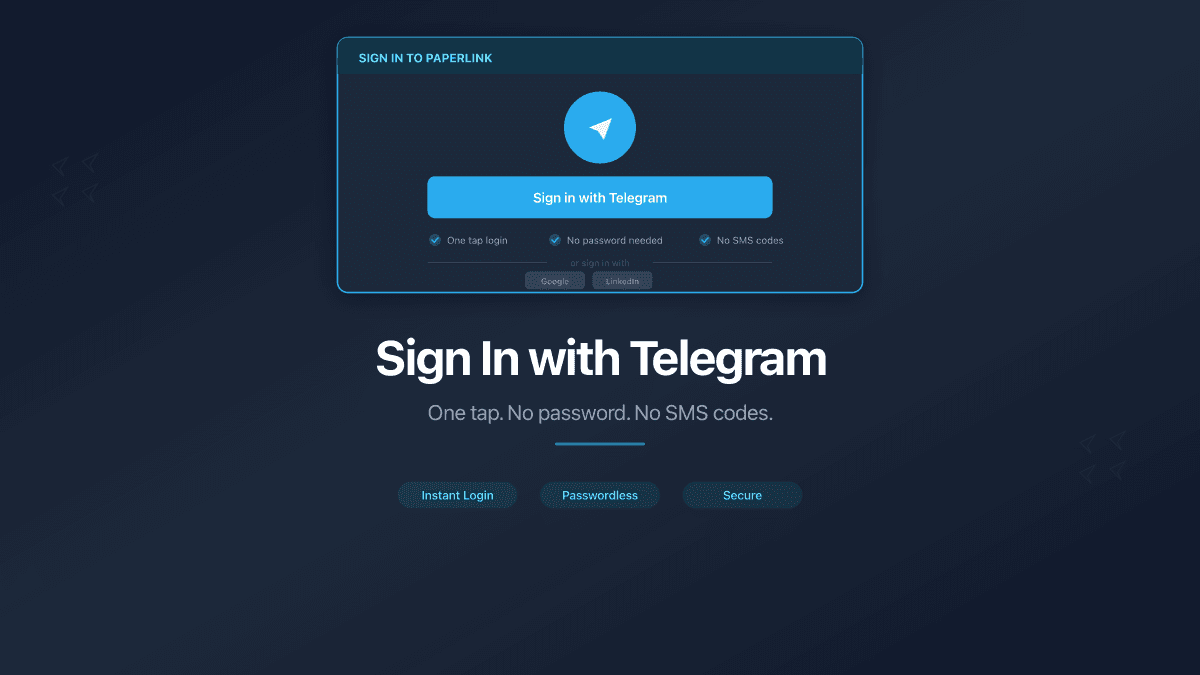
Click "Continue with Telegram" on the sign-in page. PaperLink redirects you to Telegram's authorization page - the same kind of redirect you see with "Sign in with Google." Authorize the app, and you're back in PaperLink with your account ready.
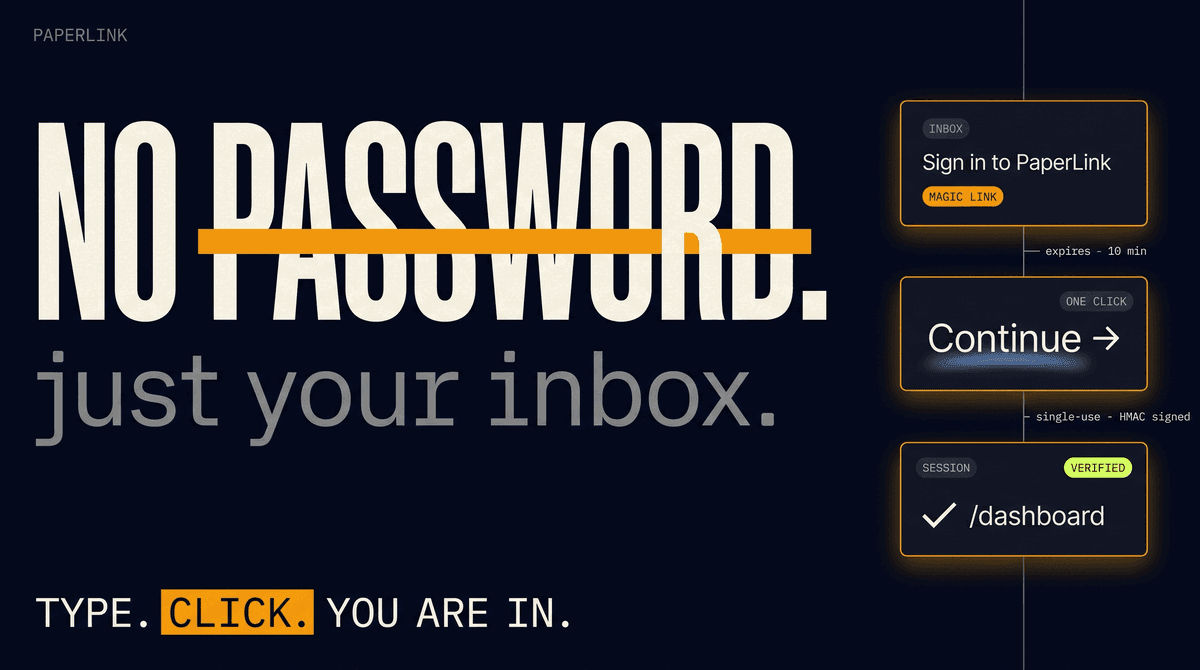
No password to create or forget. Telegram verifies your identity through its own authentication system and shares your name, profile photo, and phone number with PaperLink. Your Telegram credentials never touch our servers.
As of March 2026, Telegram supports standard OpenID Connect (OIDC) with Authorization Code Flow - the same enterprise-grade protocol behind Google and LinkedIn sign-in. This replaces the legacy widget-based login with a modern, secure redirect flow.
What's Included
| Feature | How It Works |
|---|---|
| Sign in | "Continue with Telegram" button on the login page |
| Connected Accounts | Link or unlink Telegram in Profile Settings at any time |
| Multiple providers | Use Google for work, Telegram for mobile - both stay connected |
| Account safety | Cannot disconnect your last remaining login method |
If you signed up with Google or email, you don't need to start over. Go to Profile Settings → Connected Accounts, click Connect next to Telegram, and authorize. Your existing account gains Telegram as an additional login method. Both providers point to the same PaperLink account.
Why Telegram
Three data points drove this decision.
Where our users are. India leads global Telegram adoption with 104 million active users. Indonesia has 27 million. In Malaysia, 65% of internet users aged 16-64 use Telegram. These are PaperLink's fastest-growing markets - legal professionals in Singapore, construction firms in Jakarta, compliance teams across Southeast Asia. Asking them to create yet another password was friction we could remove.
How professionals communicate. Telegram is not a casual messenger in most of Asia and Eastern Europe. It's the channel where business happens. Contracts get discussed in Telegram groups. Document links get shared in Telegram chats. A sign-in option that matches the communication tool feels natural, not novel.
Protocol maturity. As of March 2026, Telegram replaced its legacy widget-based login with full OpenID Connect (OIDC) - the same protocol standard that powers Google and LinkedIn sign-in. Authorization Code Flow with PKCE, RS256-signed JWT tokens, JWKS endpoint for key verification. This is enterprise-grade authentication, not a bot workaround.
Four Ways to Sign In
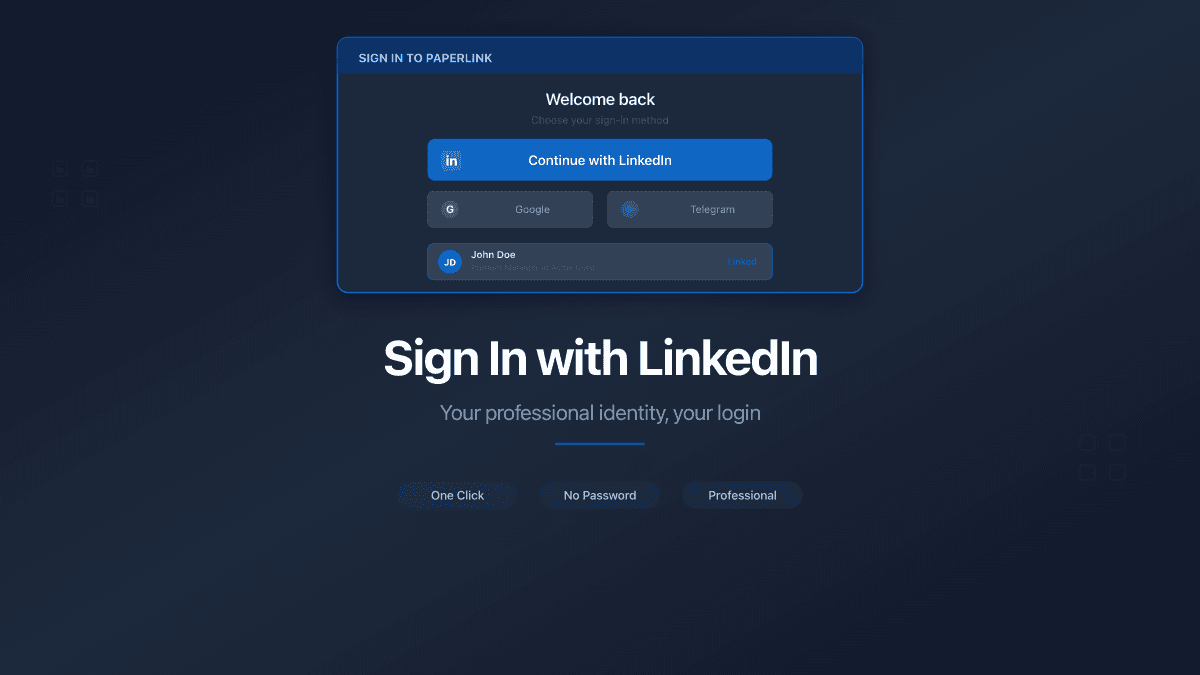
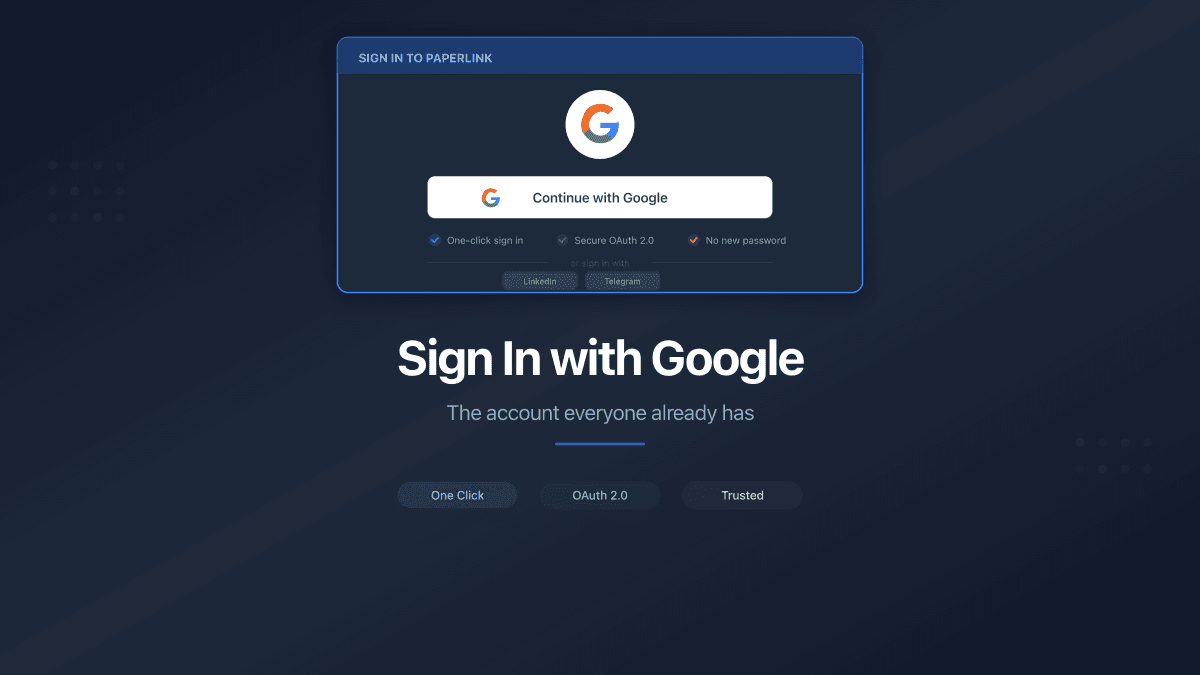
PaperLink now offers three authentication options:
- Google - the default for most business users worldwide
- LinkedIn - professional identity, common in B2B
- Telegram - dominant in APAC, CIS, and mobile-first markets
Every user in every country picks the option that fits their workflow. No lock-in to a single provider.
You can connect multiple providers to the same account. Sign in with Google at the office, switch to Telegram on your phone - same account, same documents, same team.
Try It
Head to app.paperlink.online and click "Continue with Telegram." If you have an existing account, link Telegram in your Profile Settings under Connected Accounts.
Need step-by-step instructions? See Sign In to PaperLink in the Help Center. Already have an account? Learn how to Manage Connected Accounts.