You are in a meeting and someone says "send me the deck." Today that means pulling out a laptop or fighting with a mobile browser to find the right share link. Soon it will mean three taps on your phone.
PaperLink is building a native iOS app. It does a few things, and it does them well: find a document, share the right link, and know the instant someone opens it. Everything else stays on the web, where it belongs.
This is an early look at what is coming and why we are building it the way we are.
What the App Does
The iOS app is a companion to PaperLink, not a copy of it. It focuses on the two moments that actually matter on a phone.
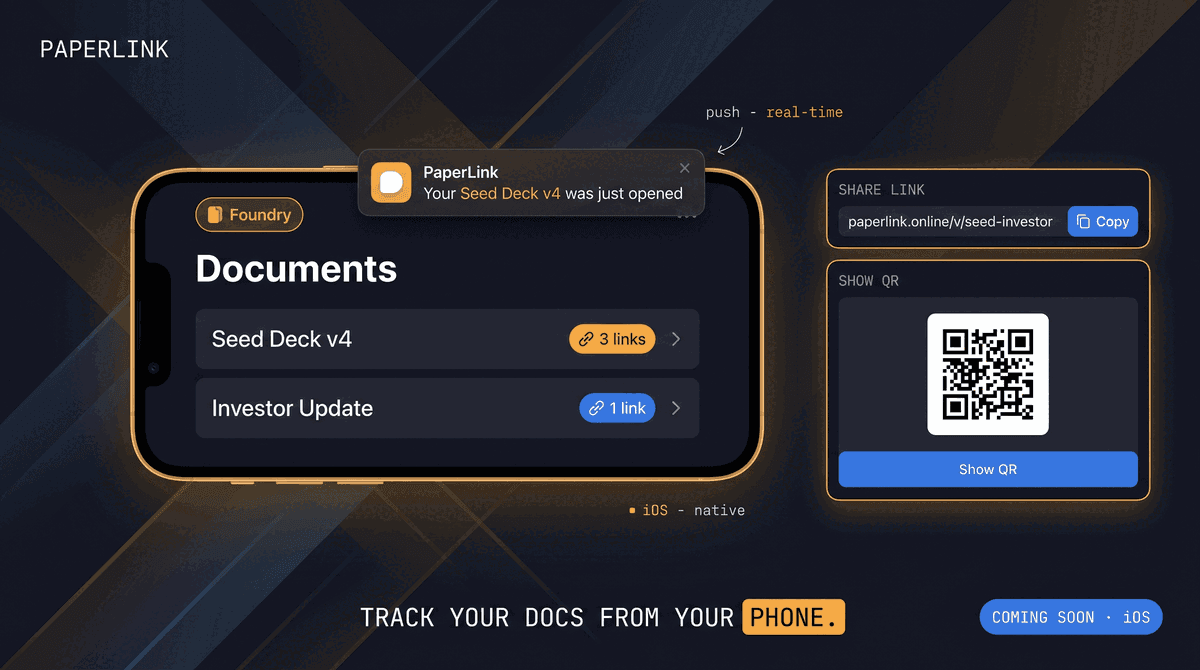
Sharing on the go. Open the app, browse your files and folders, tap a document, and copy its share link or show it as a QR code. A single document can carry several links - an "Investor" link with a password, a "Public Preview" link that allows downloads, an "Accountant" link locked to one email. The app shows the list and lets you pick the right one. You send it without breaking eye contact.
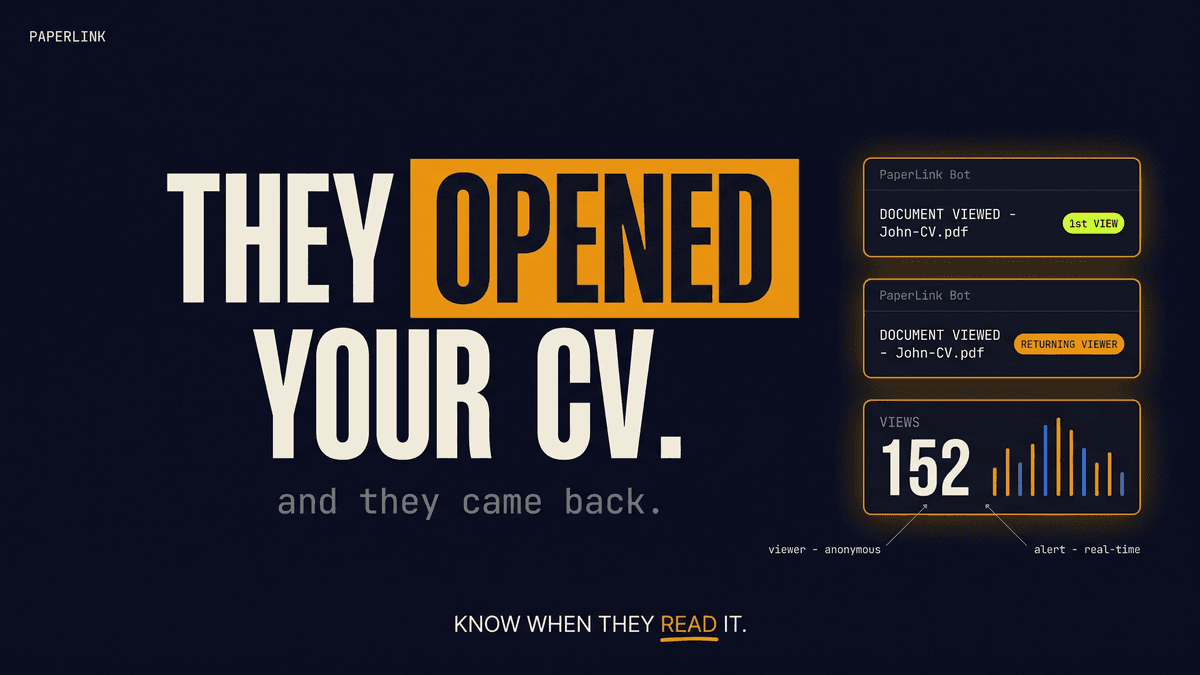
Knowing the moment it lands. When someone opens one of your links, your phone gets a push notification that names the document: "Your Seed Deck v4 was just opened." It is a small signal with real weight - your investor is reading the deck right now, while their attention is hot.
The app also keeps an in-app history of those alerts, so you can catch up later even if you missed the push.
Both files and folders are shareable in PaperLink, and each can have several links with different audiences and settings. The app respects that - it shows you the links you already created on the web and lets you copy or show any of them.
What It Does Not Do (On Purpose)
We made a deliberate choice to keep the app narrow. The following stays on the web:
- Uploading documents - the web handles file upload and processing
- Creating share links - you set up links, passwords, and expiry on the web, then copy them from the phone
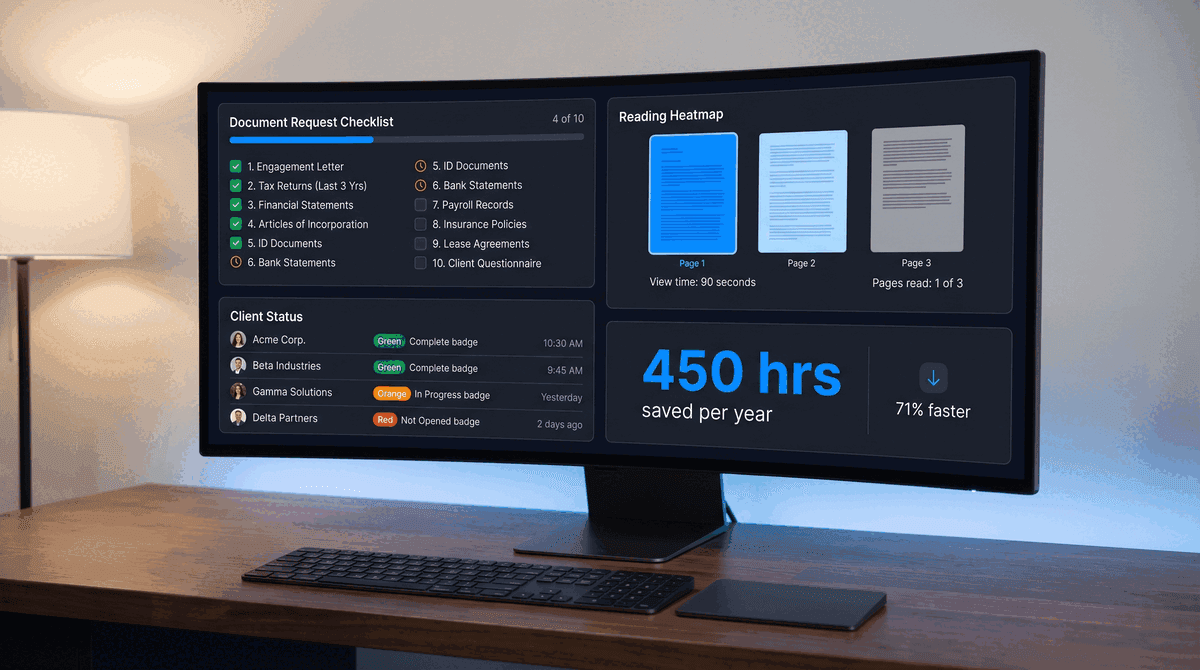
- Detailed analytics - page-by-page viewing, time on page, and visitor breakdowns live in the web dashboard
- Billing and plans - there is no pricing or payment screen in the app at all
When you need one of these, the app hands you off to the website, already signed in. The handoff is intentional, not a dead end. A focused tool that does three things cleanly beats a cramped clone of the full product squeezed onto a small screen.
Why a Native App, Not a Mobile Site
The two closest tools in this space, DocSend and Papermark, track document views on the web and have no dedicated mobile app today. That is the gap we are filling.
Two reasons a native app matters here:
Push notifications. A reliable, instant "your document was just opened" alert is the heart of the product. Web push on iOS is unreliable and limited; a native app delivers the signal the moment the view is recorded.
The share moment. Copying a link, showing a QR code, and firing off the system share sheet to Messages or Mail all feel native and fast on a real app. A mobile web page cannot match that.
If your main job is sharing a pitch deck or proposal in person and following up the second it gets read, the phone is where you live. That is exactly the moment we built the app for.
Built for Multiple Teams
Many PaperLink users belong to more than one team, often with a different role in each. The app handles this with a team switcher: see which team you are acting in, switch to another, and the whole view reloads for that team. Your role in each team shapes what you see, the same way it does on the web.
What's Next
The app ships for iPhone first. We are designing it cross-platform, so Android can follow later, but iOS is the only target for the first release.
We are heads-down on the build now. If you want to know the moment it lands in the App Store, the best move is to keep using PaperLink on the web - your documents, folders, and links will be waiting in the app on day one.
Start tracking your documents with PaperLink
Want a specific feature in the mobile app? Reply to any PaperLink email or send us a note. Early feedback shapes what we build next.