A master service agreement is the contract you sign once and live with for years. It sets the liability caps, the payment terms, the termination rights, and the indemnities that govern every project that follows. The statements of work change. The MSA does not.
That permanence is exactly why it gets skimmed. A counterparty under deadline pressure forwards the MSA to a junior lawyer, gets a quick "looks standard," and signs. Eighteen months later a dispute lands on a clause nobody on their side remembers reading. Courts rarely accept "I did not read it" as a defense, but the argument still costs both sides time, money, and goodwill to fight.
You cannot force the other party to read every clause. You can, however, see whether they opened the document, how long they spent on the sections that matter, and keep a record of that review. Sending the MSA as a tracked link instead of an email attachment makes that visible.
Why a Skimmed MSA Becomes a Dispute
Signing a contract generally binds you to all of its terms, whether or not you read them. As one Ontario court put it, when a contract is clear, courts will not look past the written words (Pallett Valo). The legal risk of a fast signature falls on the party who signed, not on you.
The practical risk is different, and it lands on both sides. A counterparty who signs without reading the indemnification clause is a counterparty who will be surprised by it later. That surprise turns routine enforcement into a fight. The vendor wants a clean working relationship, not a technically-enforceable clause that the client feels ambushed by.
This is the gap document tracking addresses. Not the legal question of whether a signature binds (it does), but the operational question of whether the other side actually engaged with the terms before they committed to them.
Send the MSA as a Tracked Link
Instead of attaching the contract to an email, you upload it and send a link. The counterparty opens the MSA in their browser, and every interaction is recorded.
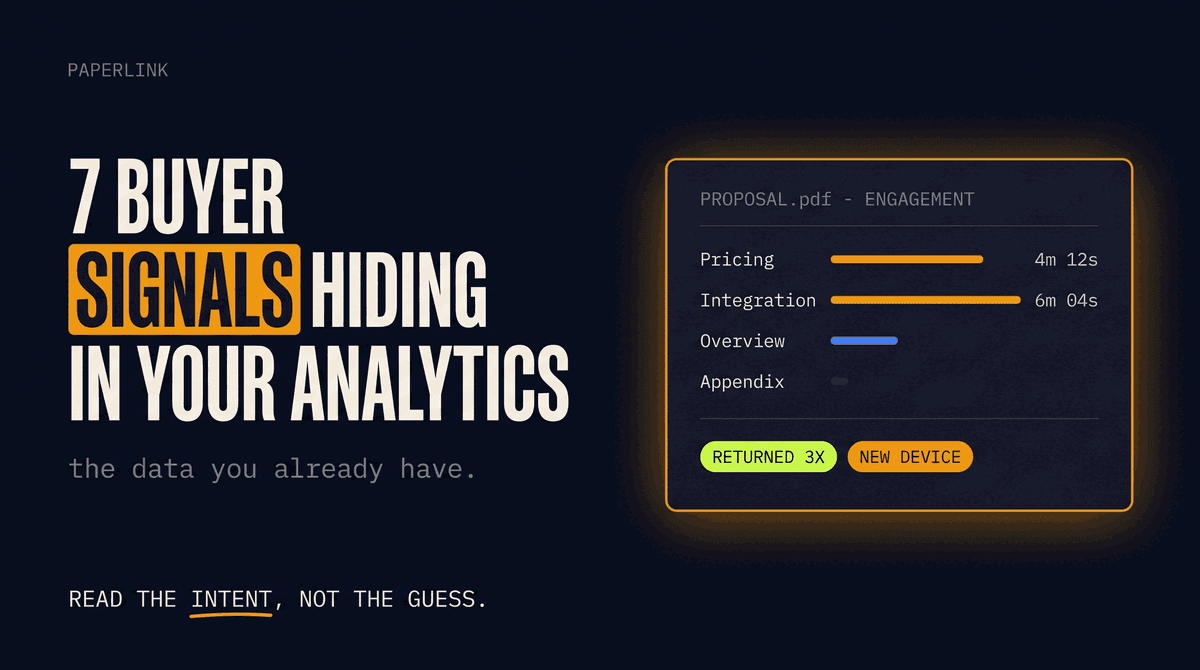
PaperLink tracks page-by-page engagement on shared documents: who opened the link, when, from which device, how long they spent on each page, and whether they returned. For a multi-page MSA, that tells you whether the document was genuinely reviewed or opened and closed in forty seconds.
Three things become visible that an attachment hides:
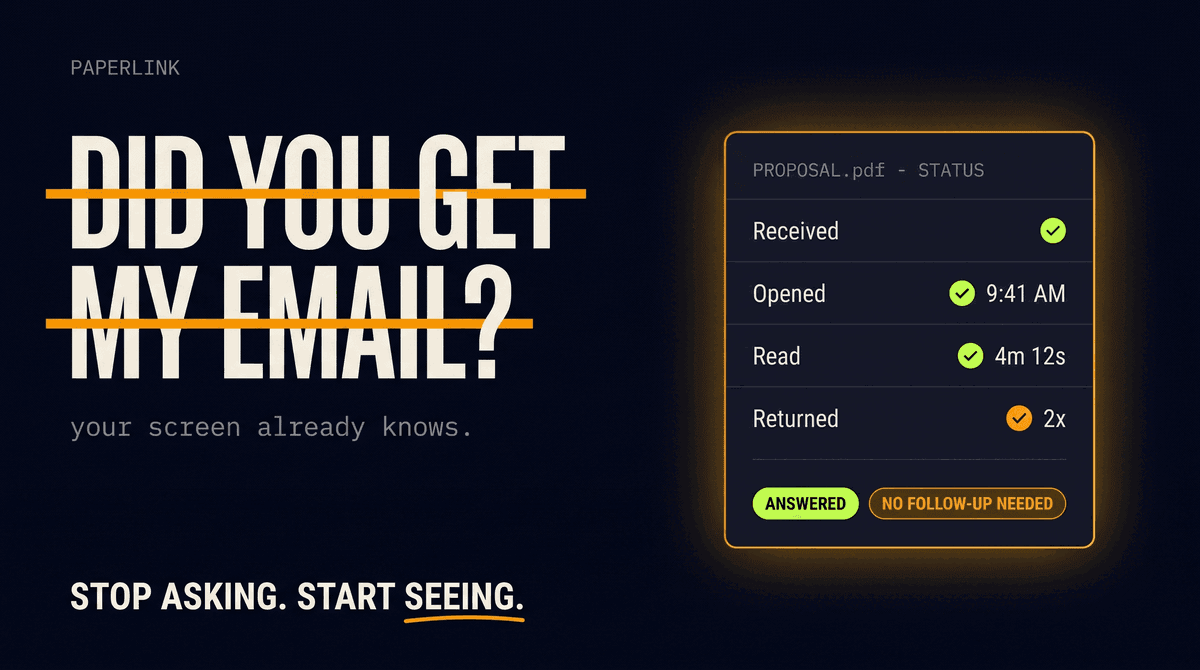
- When the MSA was opened - the timestamp of first access, and every return visit after
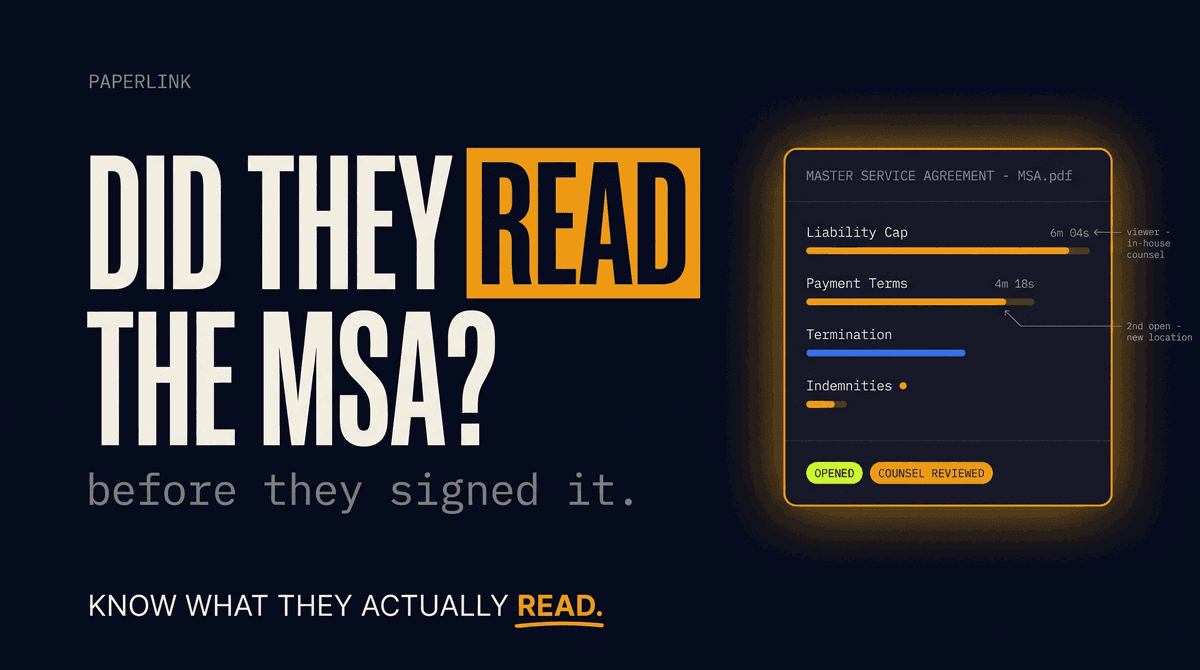
- Which clauses held attention - if the counterparty spent six minutes on the liability cap and the payment schedule and skimmed the rest, you know where their focus and their concerns sit
- Whether it reached the right people - a second viewer from a different location usually means it went to in-house counsel or a finance approver
Page-level analytics turn "they opened it" into "they spent four minutes on clause 9.2." For the full breakdown of what gets tracked, see Track Who Viewed Your Shared Documents.
Build an Audit Trail With an Acknowledgment Gate
For sensitive agreements, you can require the viewer to accept terms before the document loads. PaperLink's agreement gate captures the viewer's name, email, and the timestamp of acceptance, linked to the viewing session.
Be precise about what this is. The acknowledgment gate is a record that a named person accepted a condition and opened the document at a specific time. It is not a qualified electronic signature, and it does not replace the executed MSA. What it gives you is an audit trail: documented evidence of who accessed the agreement and when, which is exactly the kind of contemporaneous record that is hard to produce after the fact.
Do not present view analytics or an acknowledgment gate as proof that the counterparty agreed to the terms. The signature does that. Analytics show engagement and access; the executed contract creates the obligation. Conflating the two oversells what tracking can do.
Controls That Fit a Contract Workflow
An MSA is confidential and version-sensitive. Sending it as a tracked link adds control that a loose PDF cannot.
| Control | Why it matters for an MSA |
|---|---|
| Email verification | The viewer enters their email before access, so the audit trail names a real person, not an anonymous session |
| Block downloads | Keep the draft in the browser viewer, so an outdated version does not circulate as a saved file |
| Link expiration | Tie access to the negotiation window, so the link closes when the draft is superseded |
| Agreement gate | Capture acknowledgment of review before the document opens |
Version control is the quiet benefit here. When you replace the file behind a link, everyone with that link sees the current draft. No more "which version did you sign" because the counterparty was looking at draft three while you negotiated draft five.
Who Uses This
Agencies sending a client MSA. A marketing or development agency sends the same MSA to every new client. Tracking shows which clients read the liability and IP-ownership clauses closely, so the account lead can address concerns before they stall the kickoff.
In-house legal teams. Counsel sending an MSA to a vendor wants a record that the vendor's signatory accessed the final version, not an earlier redline. The audit trail provides it.
B2B service providers. A SaaS company in Singapore sends MSAs to enterprise buyers across time zones. Page analytics reveal whether the buyer's procurement team studied the data-protection and termination sections, signaling where the negotiation will go.
Common Mistakes
Treating an open as informed consent. Someone opened the MSA for thirty seconds. That is not review. The signature still binds them, but if your goal is a counterparty who understands the deal, a fast open is a flag to walk them through the key terms.
Overstating the audit trail. "Our analytics prove you read clause 12" is a claim tracking cannot support. It shows the page was on screen for a duration. Frame it as engagement data, not as evidence of comprehension.
Sending one link to a committee. When a single link is forwarded internally, each new viewer appears as a separate session, but you cannot attribute attention to a named person. For deals with multiple approvers, separate links per stakeholder give you cleaner records.
From Sent to Signed With a Record
A master service agreement governs a relationship for years, and the cost of a misunderstood clause compounds over every statement of work that follows. Sending it as an attachment leaves you blind to whether the other side engaged with the terms. Sending it as a tracked link gives you visibility into when it was opened, which clauses drew attention, and a documented trail of access before signature.
The signature creates the obligation. The analytics tell you whether the counterparty walked into it with their eyes open.
Send your MSA as a tracked link. For the letter of intent that often precedes the MSA, see How to Track a Letter of Intent After You Send It. For tracking contract reading in a law firm context, see Law Firm NDA and Contract Reading Tracking. For the underlying capability, see document tracking - the analytics that record when and how each clause is read.