
Sign In to PaperLink
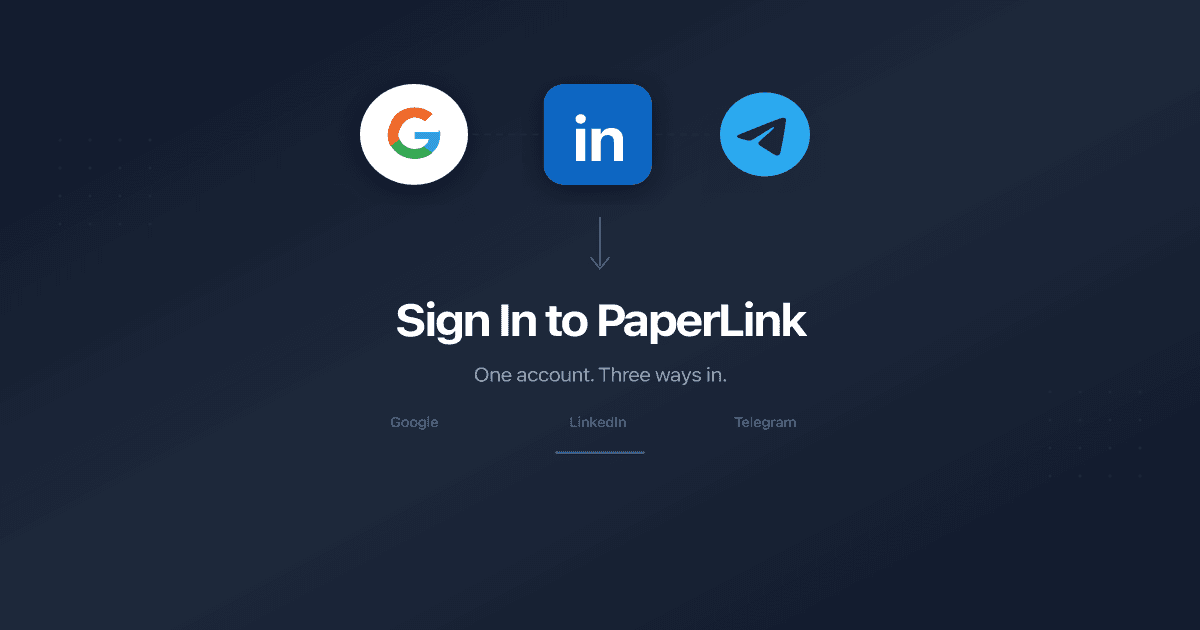
Which Sign-In Methods Are Available?
PaperLink uses social sign-in exclusively - no passwords to create or remember. You authenticate with an account you already have: Google, LinkedIn, or Telegram.
How Do I Sign In?
- Open the PaperLink sign-in page.
- Click one of the three buttons:
- Continue with Google - uses your Google account
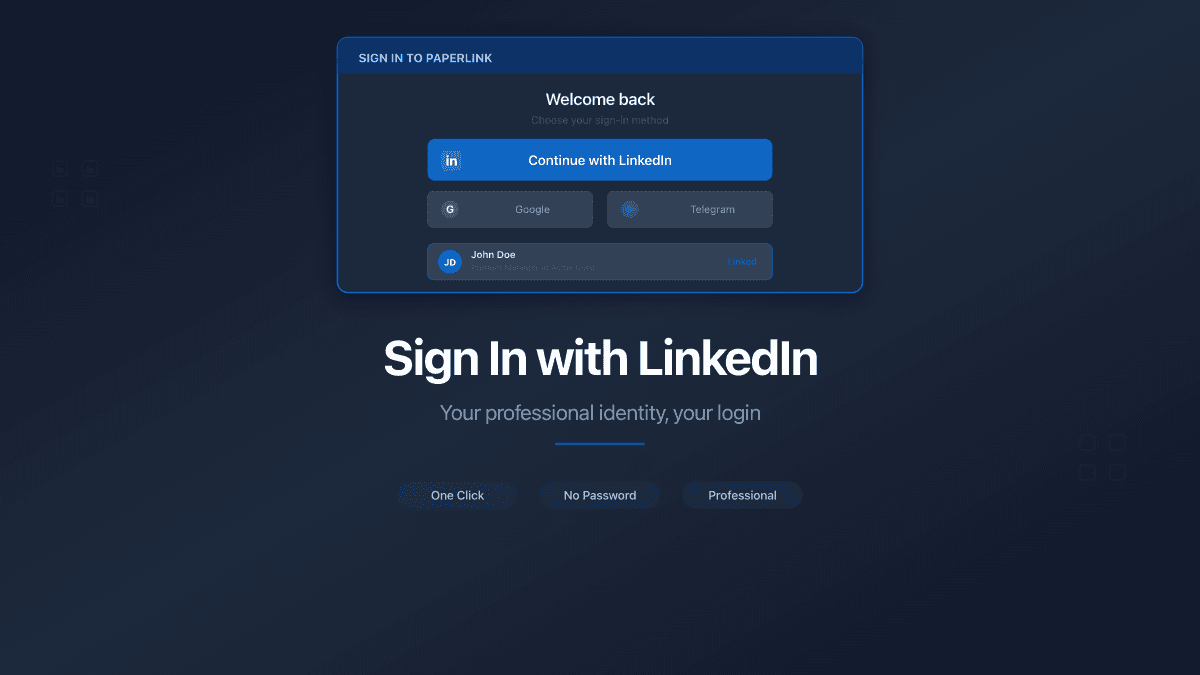
- Continue with LinkedIn - uses your professional LinkedIn profile
- Continue with Telegram - uses your Telegram messenger account
- Authorize PaperLink on the provider's page (Google, LinkedIn, or Telegram).
- You are redirected back to PaperLink, signed in and ready to go.
If you are already signed into Google in your browser, clicking Continue with Google typically takes one click - no extra steps.
What Happens the First Time vs. Returning?
There is no separate registration step. The first time you sign in, PaperLink automatically creates your account using the name, email, and profile photo from your chosen provider. Every subsequent sign-in goes straight to your dashboard.
Your provider password never touches PaperLink's servers. All three methods use OAuth 2.0 / OpenID Connect - PaperLink only receives your name, email, and profile photo.
Which Sign-In Provider Should I Use?
| Provider | Best For |
|---|---|
| Most users - especially if your team uses Gmail or Google Workspace | |
| B2B professionals - your clients and partners already recognize this identity | |
| Telegram | Teams in Asia-Pacific and CIS regions where Telegram is the primary work messenger |
Pick whichever account you use daily. You can only sign in with one provider per email address.
Troubleshooting
I see "Authentication Error" after signing in. Your session may have expired. Click Sign in again on the error page to start a fresh sign-in.
I signed in but landed on the sign-in page again. Clear your browser cookies for paperlink.online and try again. This can happen if a previous session became invalid.
Related
- Your First Workspace - what PaperLink creates for you after sign-in
- Sign In with Google - how Google OAuth works in PaperLink
- Sign In with LinkedIn - professional identity authentication
- Sign In with Telegram - messenger-based sign-in for APAC teams
- Manage Connected Accounts - connect or disconnect Google, LinkedIn, and Telegram
- Change the Interface Language - switch language from the sign-in page or settings
Was this article helpful?
Need more help?
Browse our help center or reach out to our team for personalized assistance.
Related Articles
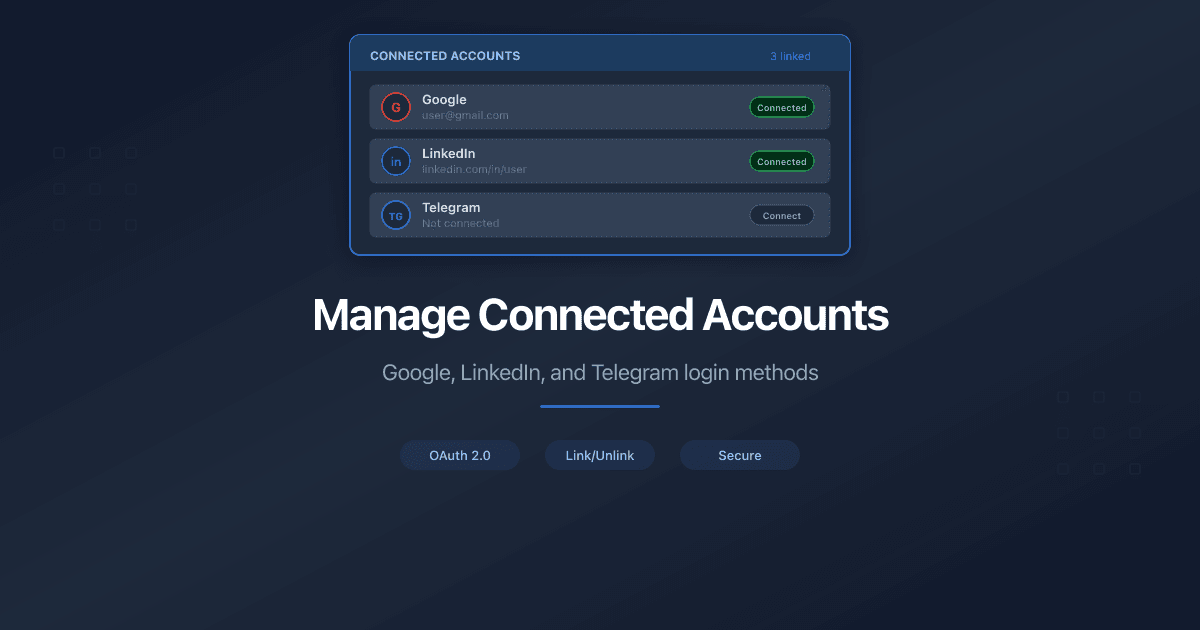
Manage Connected Accounts
How to manage your PaperLink login methods. Connect or disconnect Google, LinkedIn, and Telegram from your profile settings.
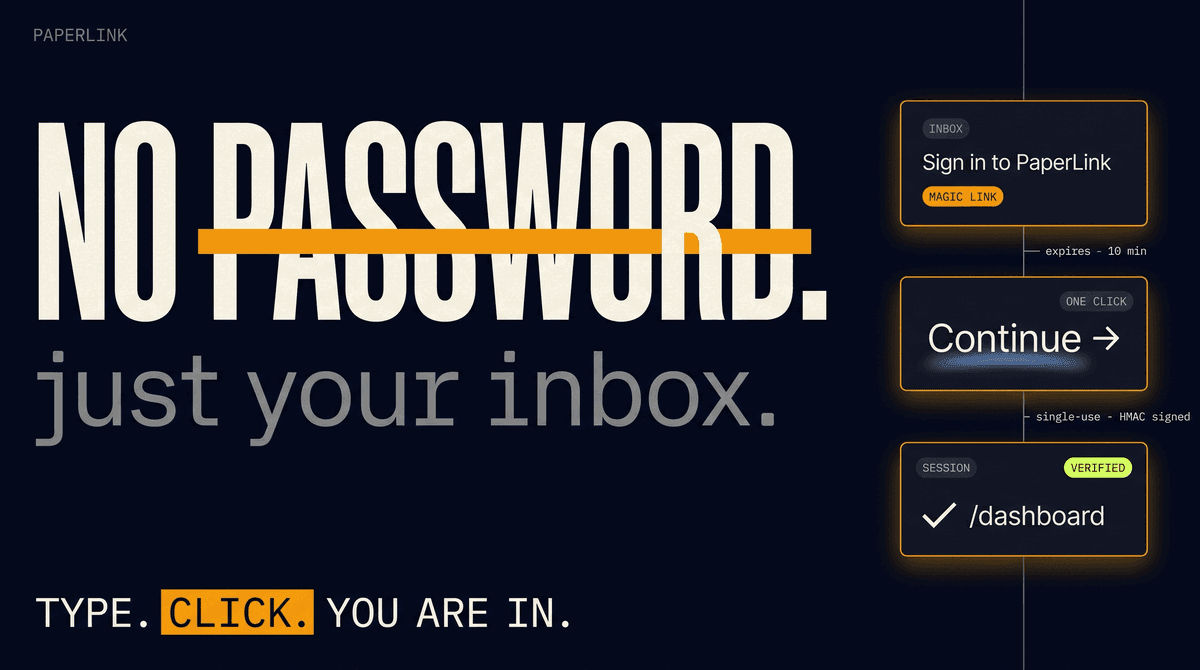
Sign In to PaperLink with Just Your Email
PaperLink now supports passwordless email sign-in. Type your address, click the link in your inbox, and you are in. No password, no Google account required.
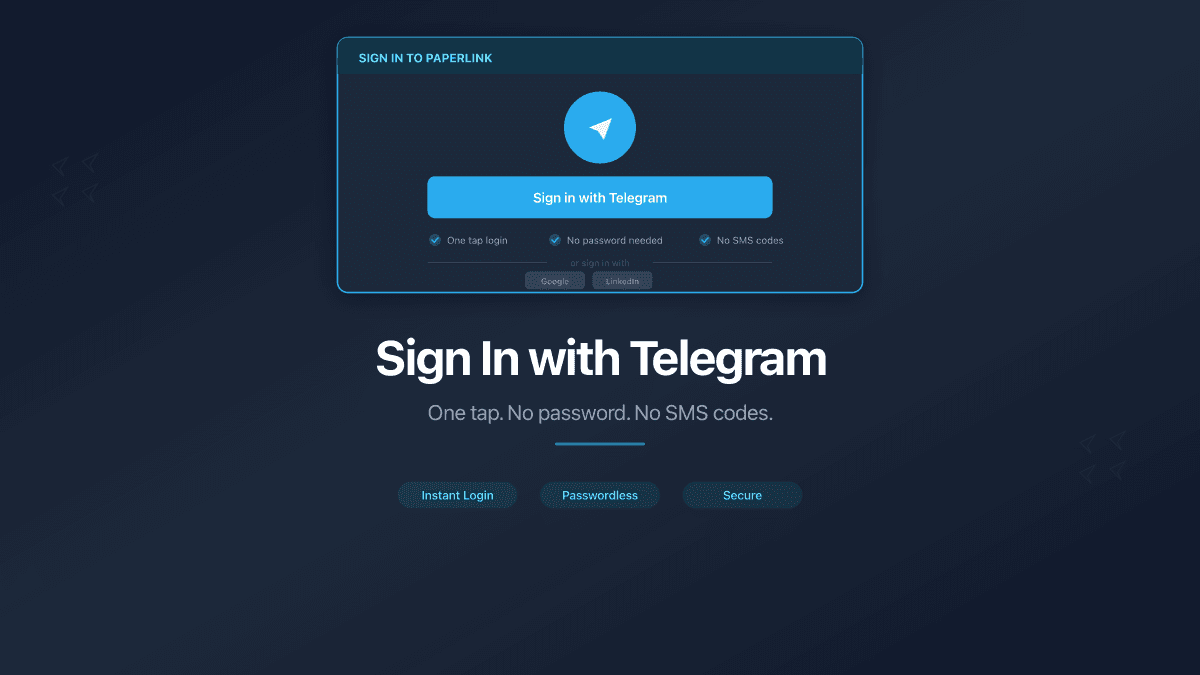
Sign In with Telegram
PaperLink now supports Telegram as a sign-in option. No password needed - authenticate with the messenger 1 billion people already use.
Sign In with LinkedIn
PaperLink now supports Sign in with LinkedIn. Authenticate with your professional identity - the one your clients and partners already recognize.